Money & Paymentsstory7 min
Venmo Says the Payment Is Pending or Completed, but the Recipient Did Not Get It
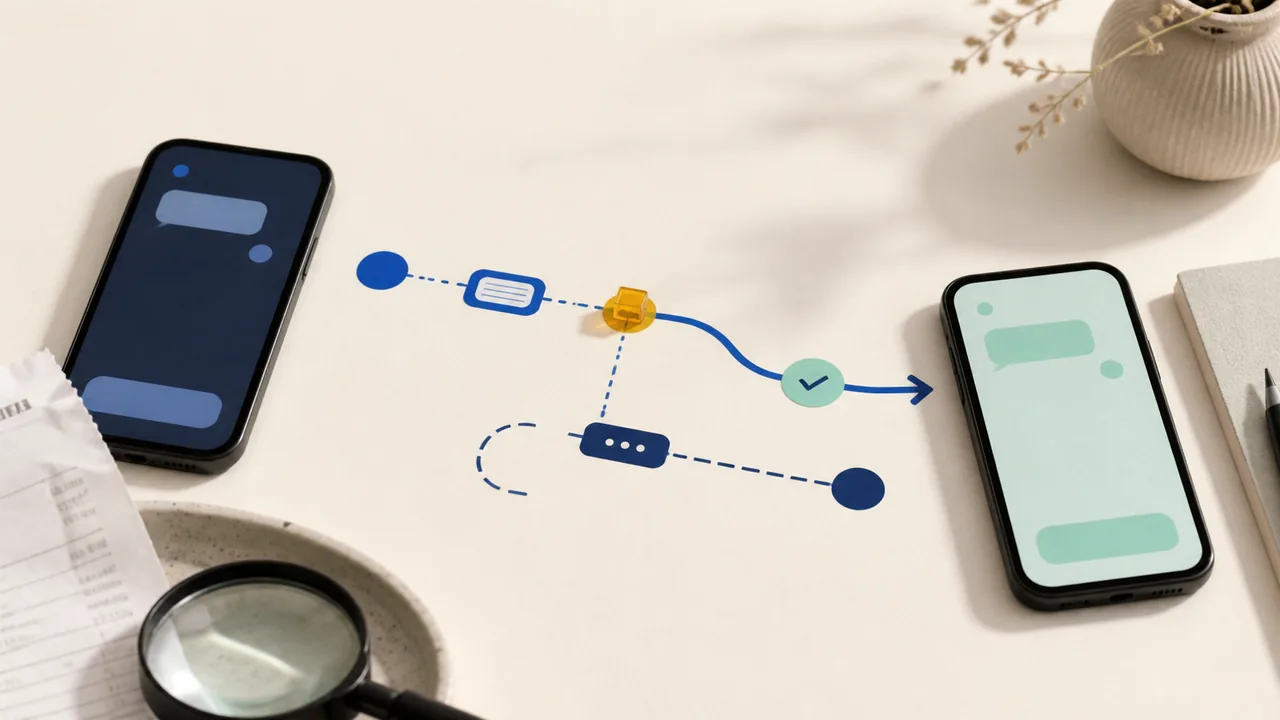
Check the payment status, destination, and separate bank-transfer record before sending a replacement Venmo payment.
Payment problems, online safety, browser privacy, AI tools, and everyday tech choices.
Check the payment status, destination, and separate bank-transfer record before sending a replacement Venmo payment.

CFPB redress checks began mailing June 8, 2026 in rolling batches to identified recipients. That program is separate from the closed-claim $15 million class action and the $45 million state settlement.

Match the notice to the CFPB redress program, the closed-claim $15 million class action, or the $45 million state settlement before depositing a check, opening a link, paying a fee, or sharing information.

Use Cash App's in-app support, official help pages, and published phone numbers. Avoid search-ad numbers, remote-access requests, and anyone asking for your PIN.

The setting unloads eligible background tabs to free memory, then reloads them when you return. The useful part is knowing which tabs it leaves alone and when to add an exception.

Secure DNS can encrypt domain lookups, but it is not a VPN. Here is what DNS over HTTPS protects in Chrome and Firefox, and what it still leaves visible.

Modern browsers can put third-party cookies into separate site-specific jars, reducing cross-site tracking while preserving many embedded features.

Profiles create durable separation for accounts, history, extensions and settings. Private windows are temporary sessions, not a reliable work-personal boundary.

A five-star rating cannot tell you whether an extension can read every page you visit. The permission screen can—and it deserves a minute before installation.

The browser can try HTTPS first and warn before loading an insecure connection. That protects the trip to a site, but it does not prove the site itself is honest.

Incognito and private windows reduce what remains in the ordinary browser history after you close them. Websites, networks and account providers can still observe the session.

A site can combine many ordinary device and browser signals into a probabilistic identifier. The best defense is built-in normalization, not making your setup uniquely strange.

A website notification can appear outside the tab and imitate a system warning. Remove the site's permission instead of clicking the alert or installing its suggested fix.

Camera, microphone, location, clipboard and notification grants accumulate quietly. A short quarterly review removes access from sites that no longer need it.

Sync can move bookmarks, history, open tabs, settings and passwords across devices. Choose the categories deliberately and secure the account that unlocks them.

Many shared URLs contain campaign and click identifiers after the useful address. Strip known tracking parameters carefully, then verify the cleaned link still opens the same page.

Browsers can fetch pages before you click when they predict where you are going. The result can feel faster, but it may use data and contact a destination you never open.

Security fixes do not help a browser that has been waiting weeks for a restart. Check the real version, restart when required and retire unsupported systems.

Choose between a training opt-out, temporary chat, history deletion, and memory controls without assuming one switch erases everything.

A file can remain in Library after its chat is deleted. Choose the right upload location, remove unnecessary data, set training controls first, and clean up every stored copy.

Local inference can avoid sending prompts to a host. The app, plugins and device security still define privacy.

Treat every page, email, file and image as untrusted input. Limit the agent's tools, validate its outputs and confirm the raw details before high-impact actions.

A real link can still fail to support the sentence beside it. Open, match and contextualize every consequential claim.

Capacity measures what can fit, not whether every detail receives equal attention.

A meeting bot can capture voices and decisions. Tell participants and provide a non-recorded path.

Generated code can contain insecure defaults and invented packages. Review the diff before running it.

Preserve the original, verify the exact claim and source, check provenance, and use a detector only when its medium and evaluation conditions fit the file.

C2PA credentials attach signed creation and editing history. They do not judge whether a scene is true.

A summary can omit a condition or flatten disagreement. Check consequential points in the source.

Map the job, separate read from write, require approval for consequential actions, and know which control actually removes access.

Exporting is only a snapshot. Verify the archive, remove separate copies, cancel the right subscription, and use the correct personal-account deletion path.
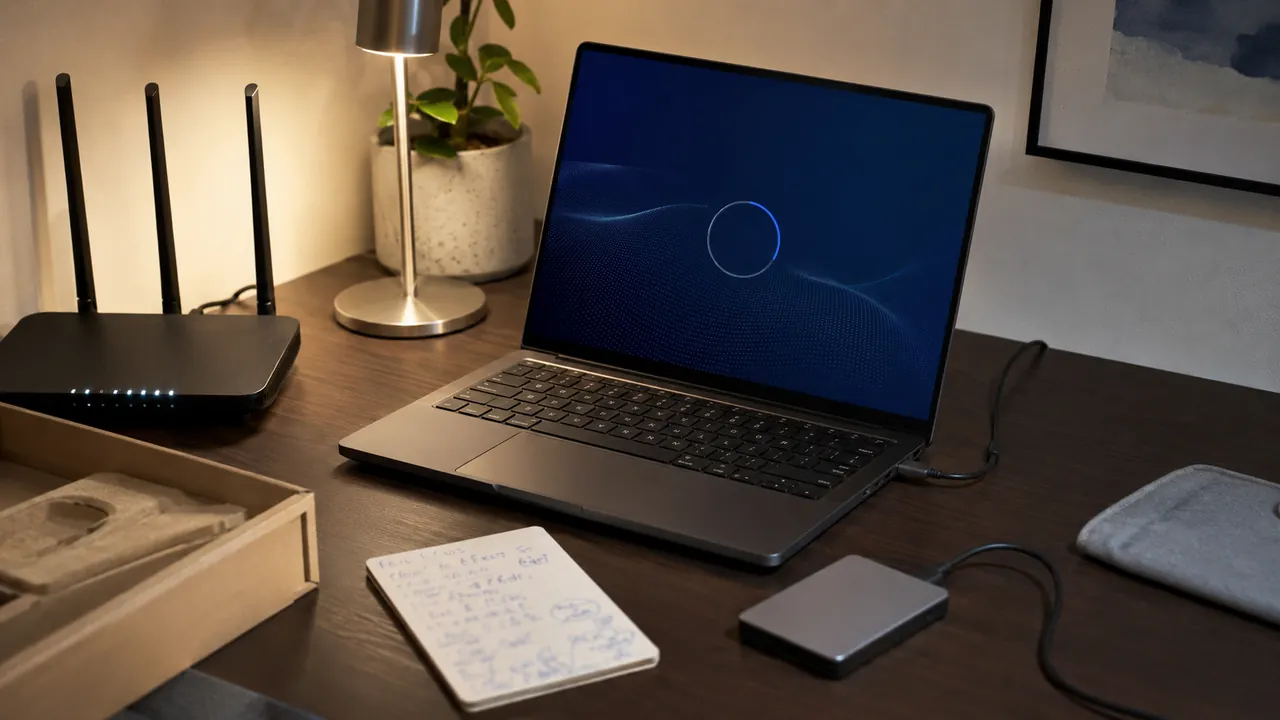
A calm first-hour checklist that gets updates, recovery, privacy, and backups right before daily use begins.

A small backup system works only if it runs automatically and can be restored without guesswork.

Use a device-first diagnostic order instead of rebooting the entire house at random.

Pick one transfer path, verify the destination, then remove the old copy only after a checksum or spot check.
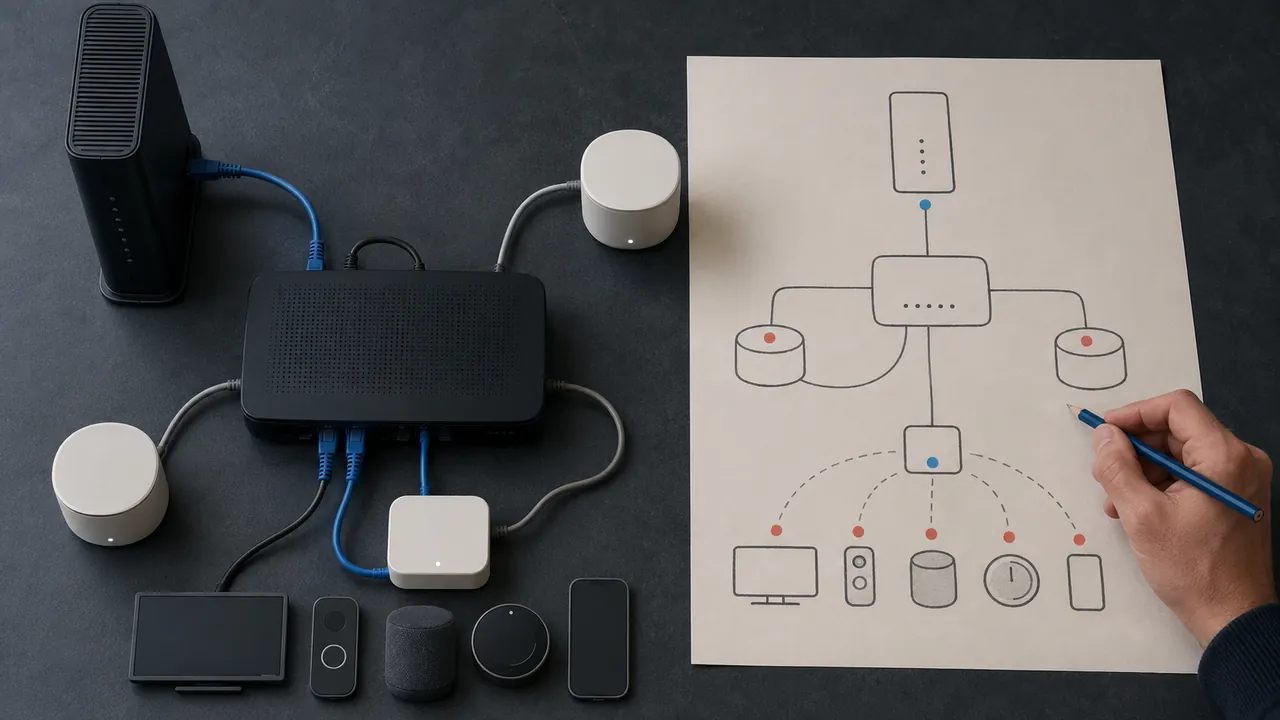
A one-page map of modem, router, mesh nodes, and important devices turns outages into answerable questions.
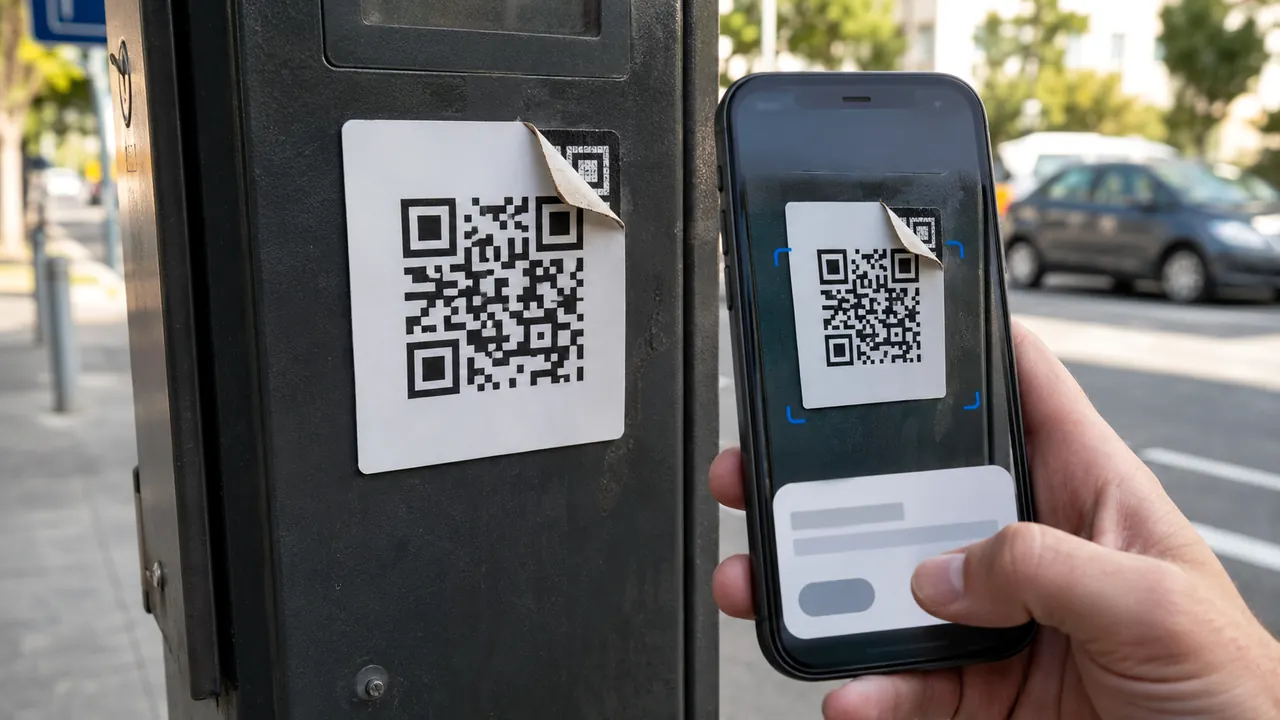
Treat a QR code as a concealed link: preview it, inspect its context, and use a known route for payments or logins.

A durable file name carries date, subject, and version without depending on one app’s search index.
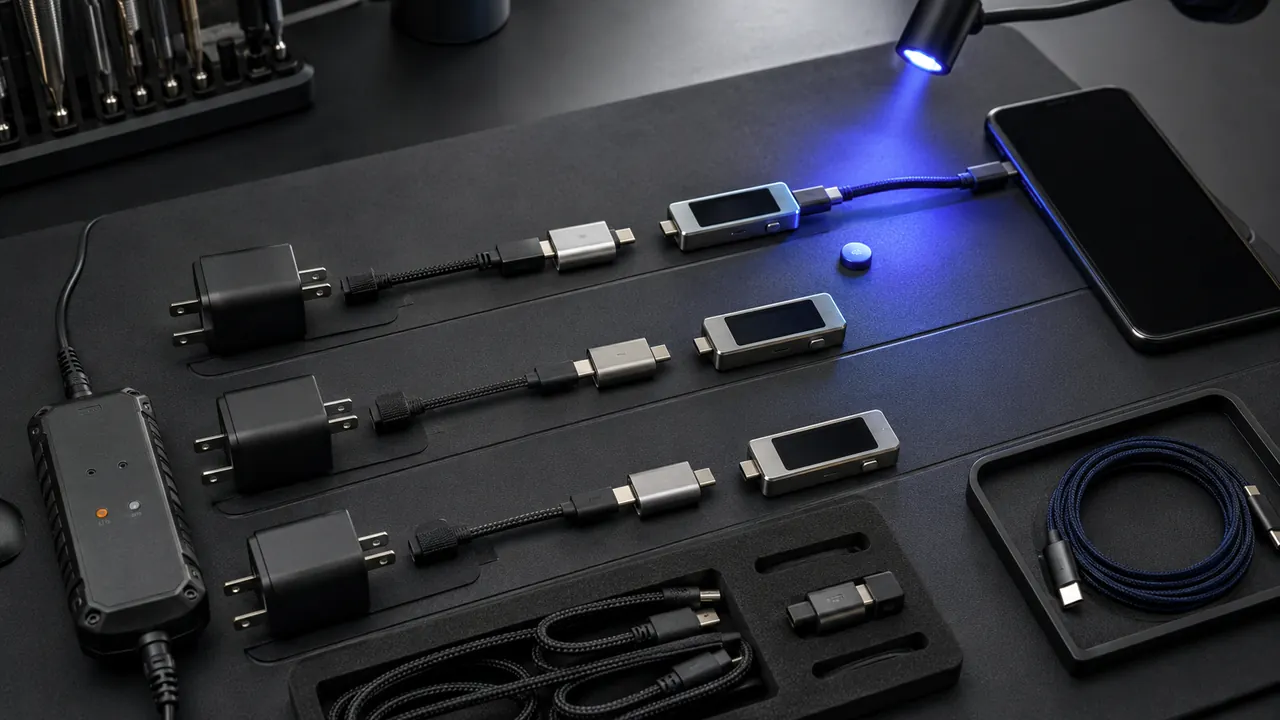
Swap one known-good link at a time and separate power, data, display, and charging-speed failures.

Back up and verify your data, remove account and carrier ties, use the current manufacturer erase flow, then confirm both the device and handoff.

Start with the print queue and connection path; reinstalling drivers is a late step, not the opening move.

Text size, contrast, captions, voice control, and reduced motion can make everyday devices easier before they become essential.

A two-minute local test catches the permissions, device-selection, lighting, and Bluetooth problems meetings expose too late.

Protect the vault first, prove recovery, then migrate important accounts in small batches with generated unique passwords and exact-domain checks.
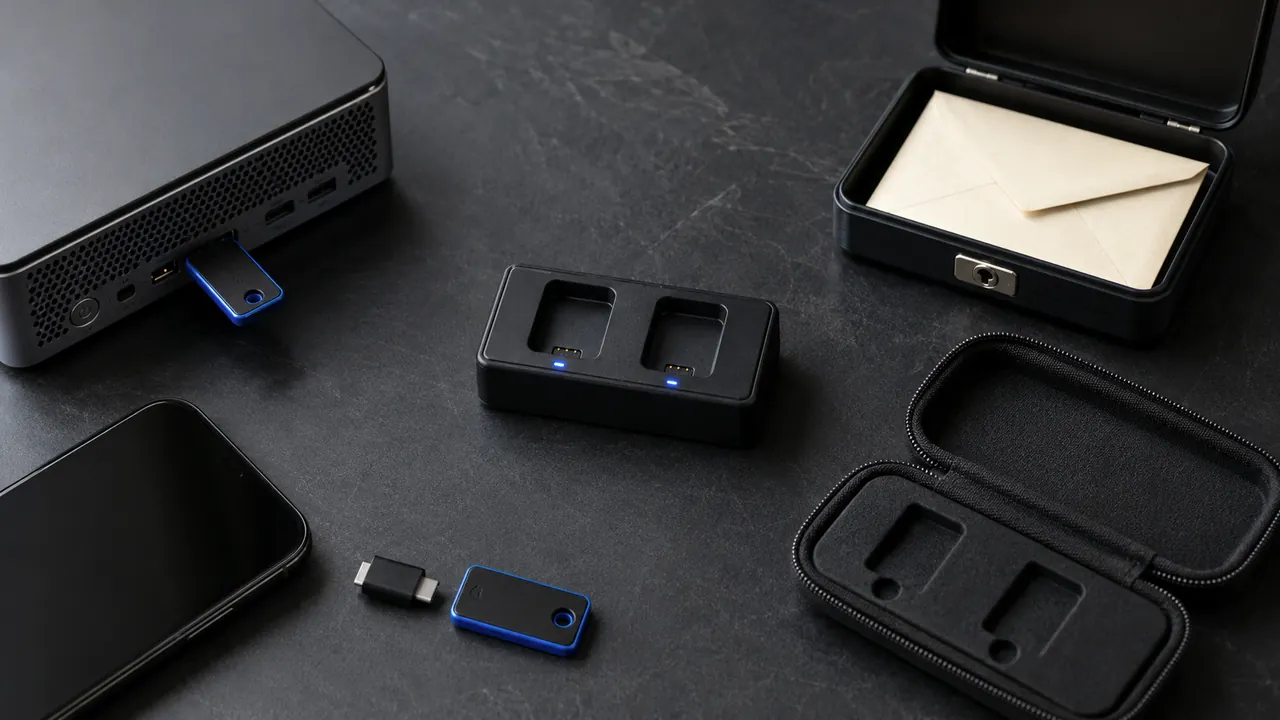
Choose a compatible key, understand whether it is a second factor or passkey, register a spare, and test recovery before retiring another sign-in method.

Use a passkey or security key where it fits, keep a tested recovery path, and treat codes and push prompts as useful fallbacks—not equal protection.

Know whether you have single-use backup codes or a persistent recovery key, then store and test it outside the account it must recover.

Use a recovery address you can access regularly, keep its own sign-in secure, and review every recovery change while your normal access still works.

Ignore the number in a warning, ad, or unsolicited message; open the app or type the official site yourself.

Open the account yourself, compare the device, time, browser, and activity, then use the provider's “not me” or security route if the event is not yours.

Use the right recovery branch, remove hidden mailbox access, then protect the accounts that depend on this address for password resets.

First rule out an outage. Then ask the carrier whether your SIM, device, or phone number changed, protect email and money accounts without SMS, and preserve the incident record.

Remove old OAuth grants and sign-in connections that no longer have a clear job.

Turn on high-signal account and money alerts, verify them through the provider, and report unauthorized bank activity without delay.

Use family roles, delegates, shared vaults, or separate logins; document ownership and recovery before access changes.
Confirm the recipient through a separate channel, protect the account, and understand that a completed person-to-person payment may be hard to reverse.

Set transactions and friends lists to private, then use Venmo’s official workflow instead of sending a second payment to a stranger.

Use Friends and Family only for a real personal transfer. If you are buying an item or service, choose Goods and Services and check whether the purchase is eligible for protection.

Open the Zelle payment in your bank or credit-union app, save its status and recipient details, then follow the branch for pending, completed, scam-induced, or unauthorized activity.

Check the original card statement, separate a pending charge from a posted one, and ask the merchant for the refund trace number before opening the wrong dispute.
Open the Apple Cash transaction, save the recipient and funding details, then follow the pending, completed, unrecognized, or scam path without sending more money.

Open the Chime transaction, identify whether it is a card purchase, Pay Anyone payment, or bank transfer, then follow its pending, declined, completed, or unauthorized path.

Save the confirmation, identify the transfer rail and status, then tell the bank exactly whether this was unauthorized, scam-induced, or misdirected.

A safe install starts before you click Download: verify the publisher, the address, the file and the permissions the installer requests.

Update quickly when security is at stake, but use backups, release notes and a small delay window to protect important work.
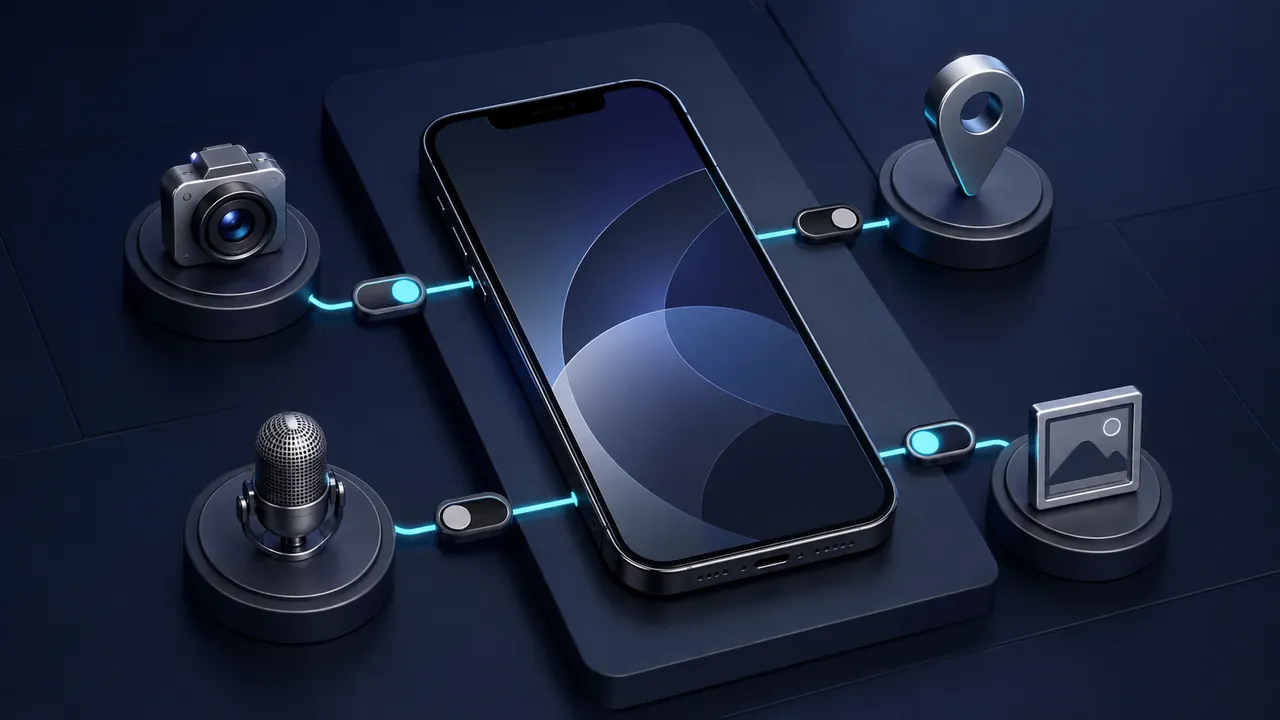
Do not approve a permission because an app asks. Match each request to a feature you are intentionally using, then choose the narrowest access.

Remove the program normally first, then check startup entries, browser add-ons, cloud data and large leftovers without deleting mystery system files.

Keep the editable original, but also export important work to open, well-documented formats that many programs can read.

Match the exact operating system, processor, memory, storage, peripherals and required plug-ins—not just the product name.

Freeware describes price. Free software and open source describe permissions—and those permissions come from an actual license.

Look first for security, breaking changes, deprecations and migrations; the rest tells you whether an update affects your actual workflow.

Check who may use the software, on how many devices, for which purposes, and what happens to access and data when payment ends.

Preserve the error, isolate the cause and use repair tools first. Reinstallation can erase clues and settings without fixing the underlying problem.

Start from the exact trip receipt, identify the charge category, keep screenshots and use the in-app trip record before escalating a billing dispute.

Read the reservation's exact policy before changing it, keep every agreement inside Airbnb and separate a change request from a cancellation.
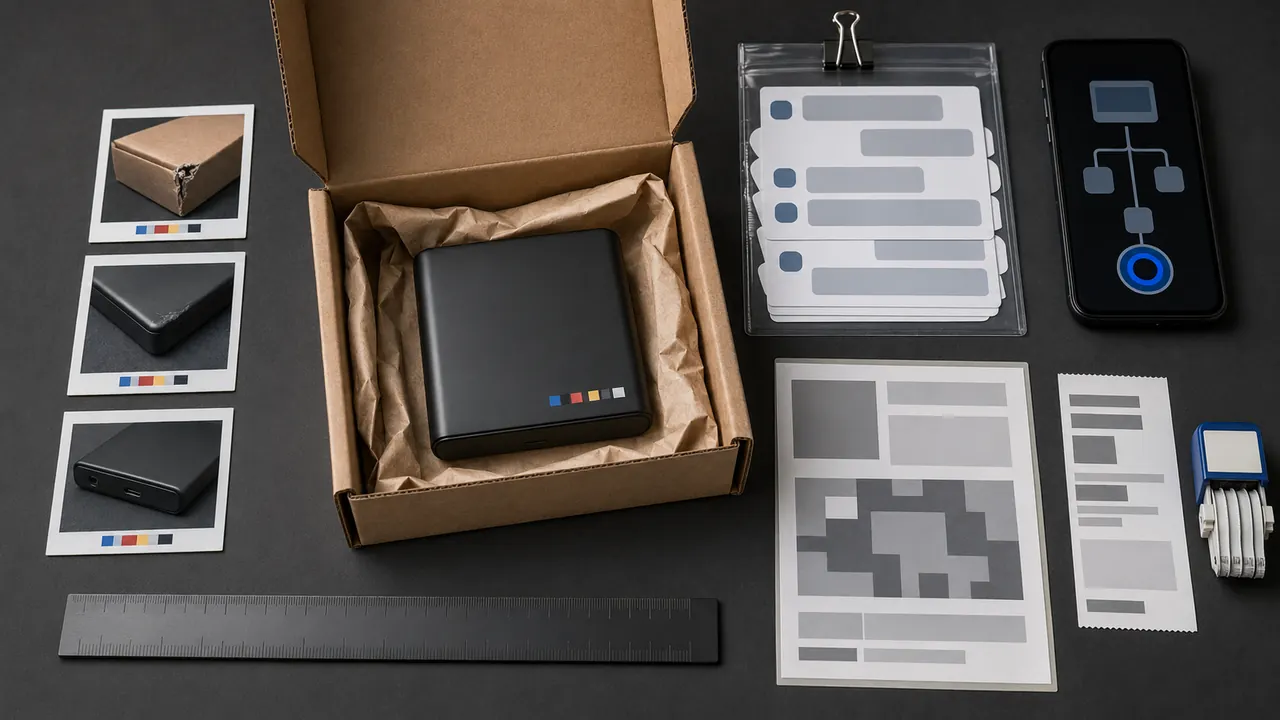
Use the exact order page, preserve the listing and delivery evidence, and choose the remedy that matches who sold and fulfilled the item.

Capture context, time and identity without exposing secrets—and preserve original files plus the surrounding record.

Export what matters, cancel billing, request deletion through the real account controls and keep confirmation until the retention window passes.

Trace the claim to its earliest reliable source, inspect the original context and search laterally before adding another share.

Reserve immediate interruptions for people and events that require action; batch everything else into summaries, quiet delivery or scheduled checks.

Store essential records, contacts and recovery instructions in an encrypted, backed-up package that a trusted person can use under pressure.

Make a short recovery record now, use only official provider routes, and know what to inspect after access returns.

A practical pre-use check for data access, permissions, evidence, recovery, ownership and repeatable testing.

This source-backed quiz practices independent verification instead of guessing from logos, grammar or urgency.

Good captions translate dialogue, sound, timing and speaker identity into a second layer of the program.

Check recurring charges, trial terms, cancellation paths and file access before paying.

Federal rules, lawful exceptions, maintained time-zone data and software updates sit behind an apparently automatic clock change.

The biometric or PIN unlocks an authenticator; the website receives cryptographic proof rather than your fingerprint.

A live website is not a permanent deposit. Its survival depends on selection, capture, replay and maintenance.

Cache, cookies, history and synced data are different things. Start with the smallest reset that matches the symptom.

An AI agent is not a digital employee. It is a model running inside a controlled loop, using only the tools, permissions and stopping rules it has been given.

Guestbooks, blinking text and pages built by one obsessed person. We lost plenty when the web cleaned itself up.