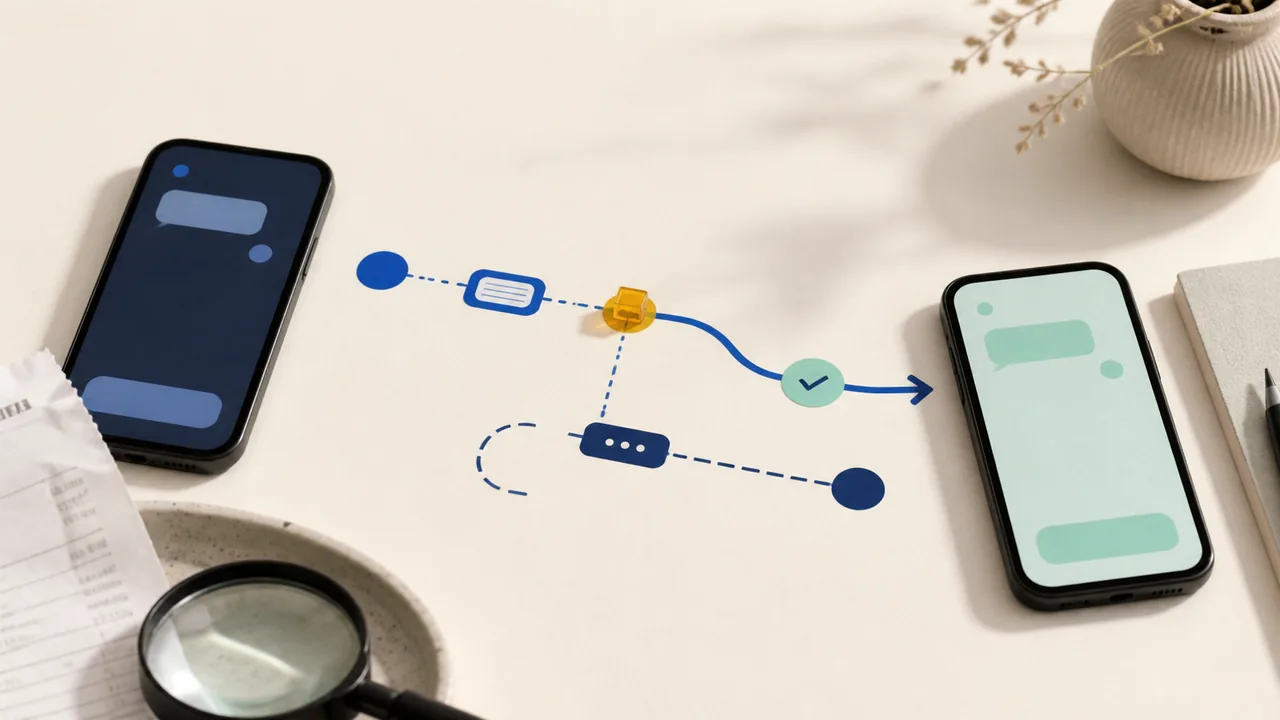
The price on the first screen is only one part of a subscription. Before paying, find the renewal amount, the renewal date, the cancellation path, and what happens to your files when the account ends.
The Consumer Financial Protection Bureau describes negative-option programs as arrangements that continue unless the customer takes affirmative steps to cancel. Its guidance emphasizes clear disclosure of material terms, informed consent, and a cancellation process that does not create unreasonable obstacles.
A five-minute pre-purchase check
- Write down the full price. Include the post-trial amount, billing interval, taxes where shown, and any seat or usage limit that changes the bill.
- Find the renewal sentence. Confirm the exact date or trigger that starts recurring charges. Save the terms and receipt where you can find them later.
- Walk the cancellation path before subscribing. The button should be discoverable, and the service should state what date ends billing. Do not rely on deleting an app or removing a payment method.
- Check your files and export options. Identify what you can download, in which format, and whether an account closure removes access immediately.
- Choose a reminder. Put the renewal or review date on a calendar you actually check. A reminder is useful even when you expect to keep the service.
If you no longer want a charge, contact the company and state clearly whether you are ending the subscription or only revoking automatic payments. The CFPB notes that consumers can ask their bank or credit union to stop an automatic debit, but that stopping a payment does not by itself settle an underlying contract or balance.
Keep the confirmation. A screenshot or email with the cancellation date can make a later billing dispute easier to explain. The goal is not to avoid every subscription. It is to make the renewal a choice you can see coming.