Practical Technologylist2 min
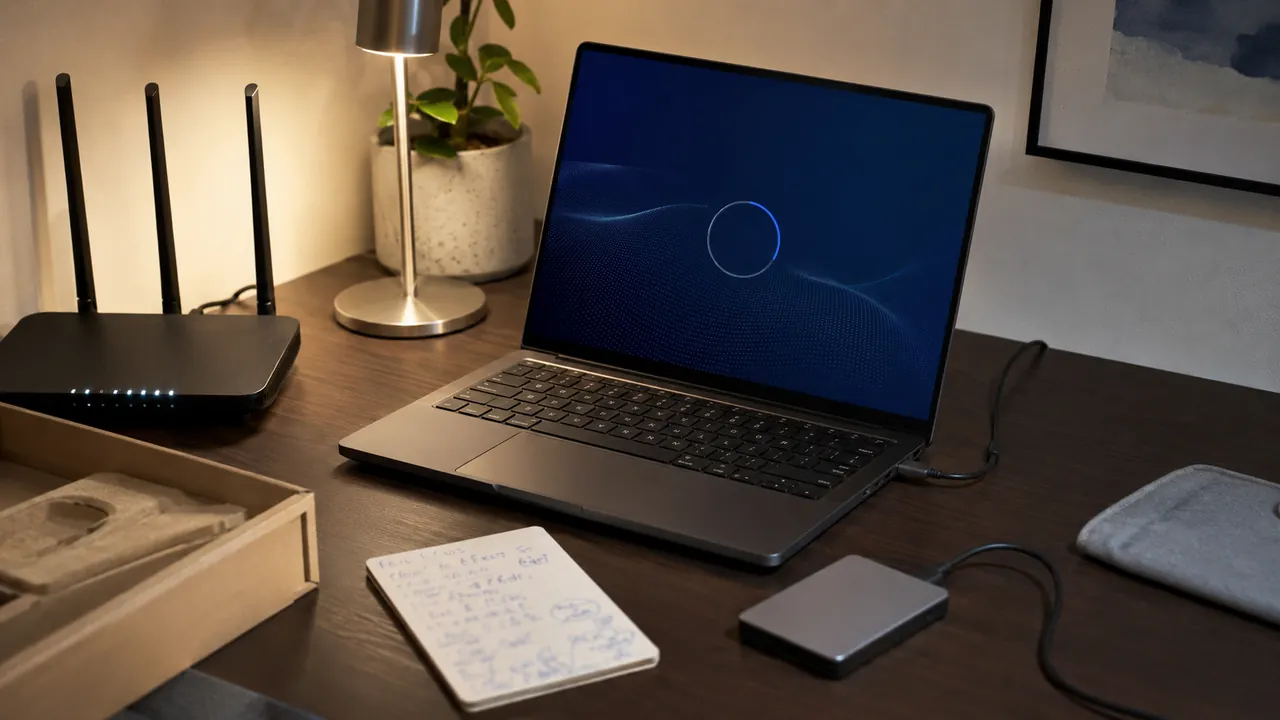
Set Up a New Laptop in the Right Order
A calm first-hour checklist that gets updates, recovery, privacy, and backups right before daily use begins.
Payment problems, online safety, browser privacy, AI tools, and everyday tech choices.
Useful technology guides for settings, devices, apps, online tools, and everyday digital problems people actually need solved.
A calm first-hour checklist that gets updates, recovery, privacy, and backups right before daily use begins.
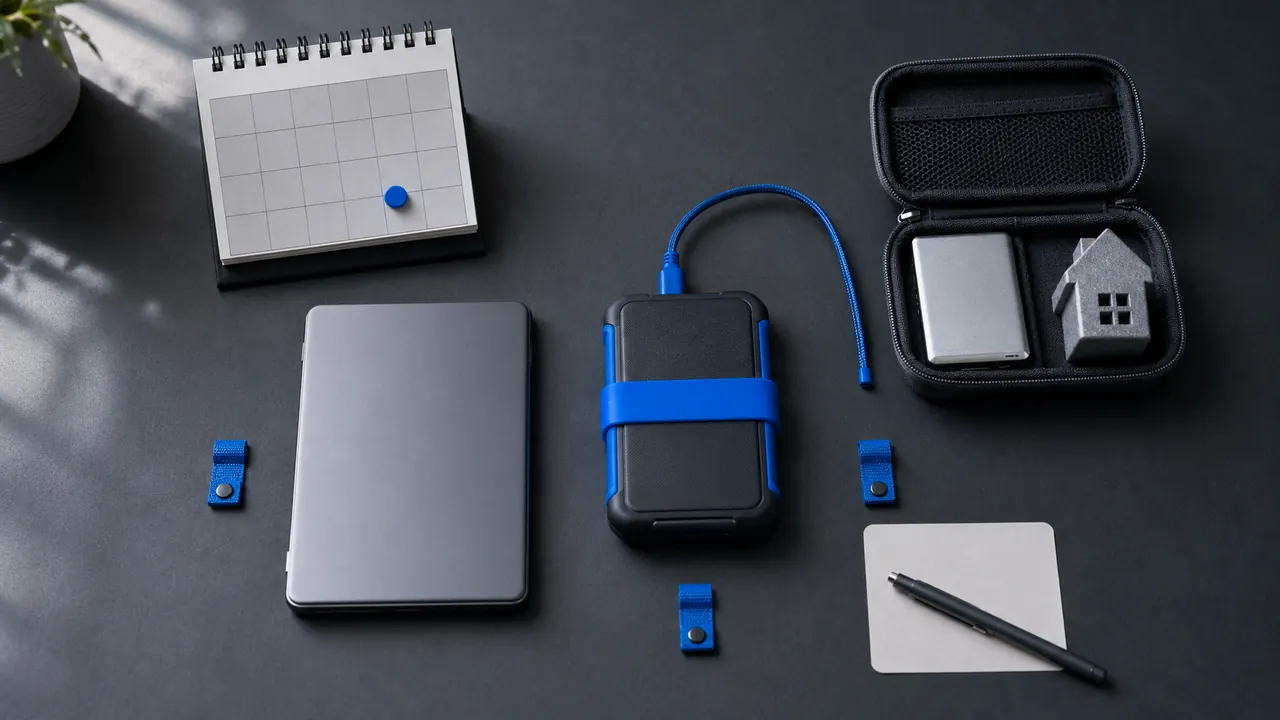
A small backup system works only if it runs automatically and can be restored without guesswork.
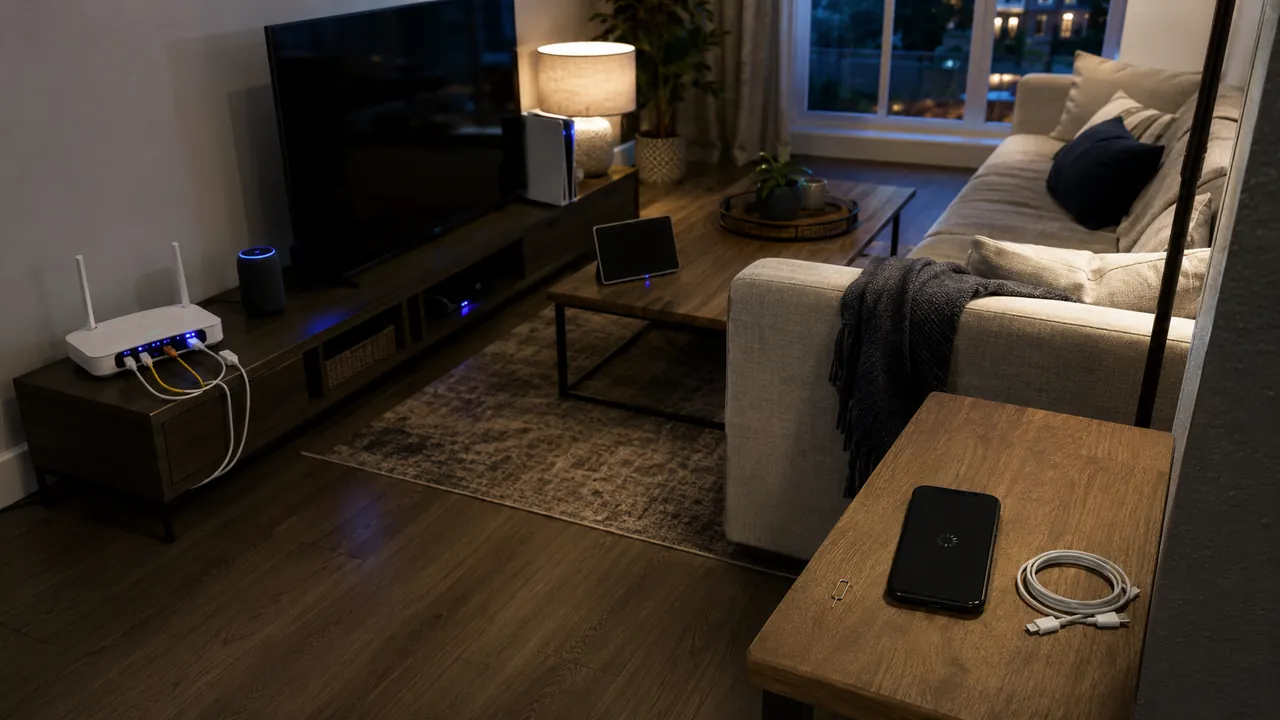
Use a device-first diagnostic order instead of rebooting the entire house at random.
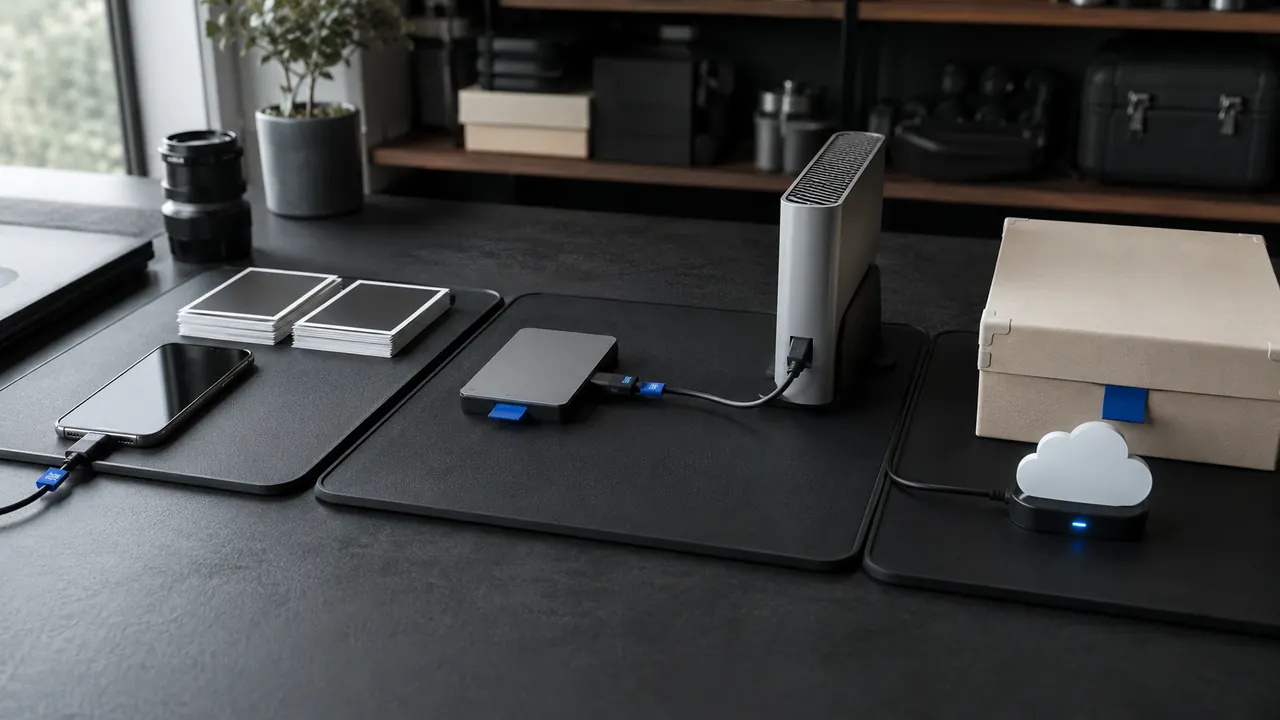
Pick one transfer path, verify the destination, then remove the old copy only after a checksum or spot check.
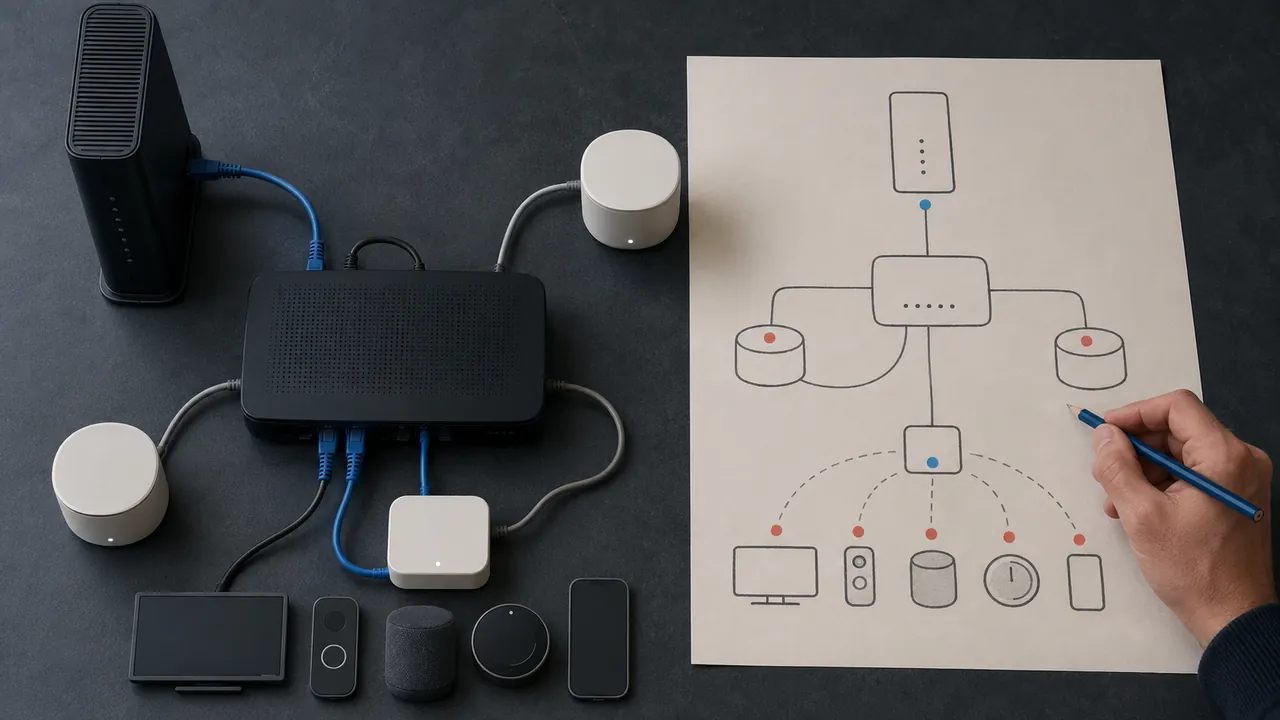
A one-page map of modem, router, mesh nodes, and important devices turns outages into answerable questions.
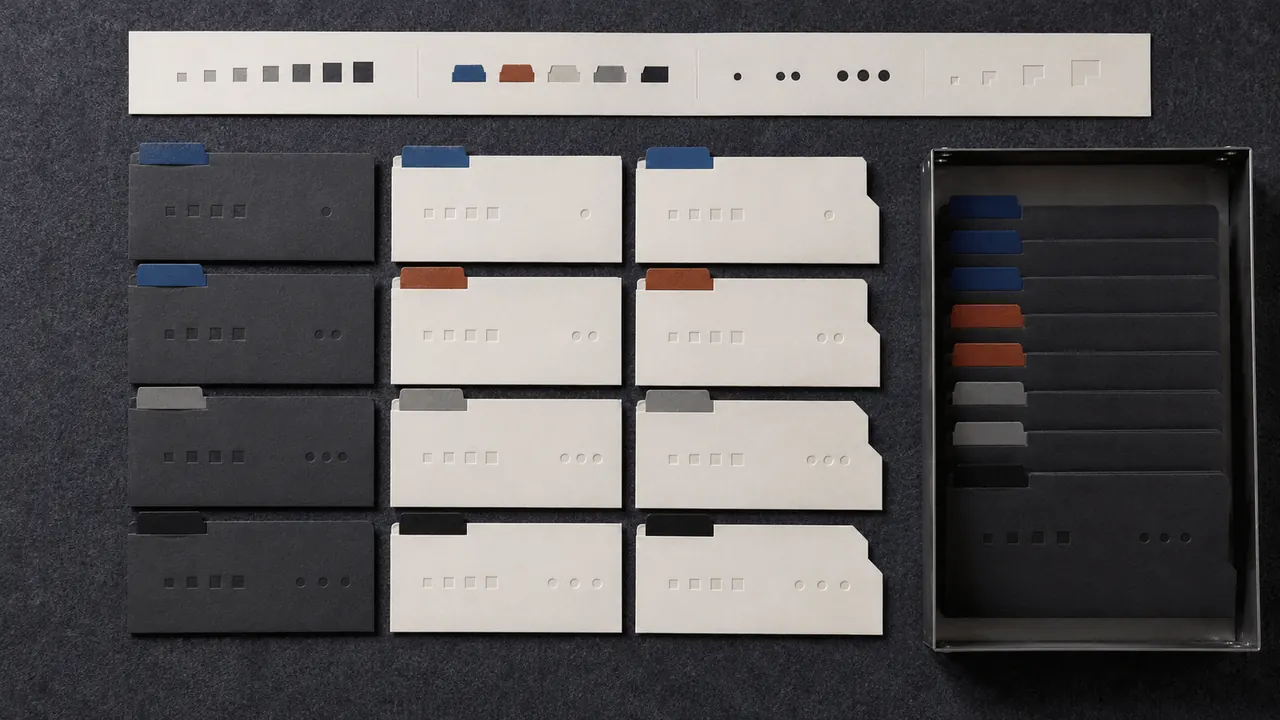
A durable file name carries date, subject, and version without depending on one app’s search index.
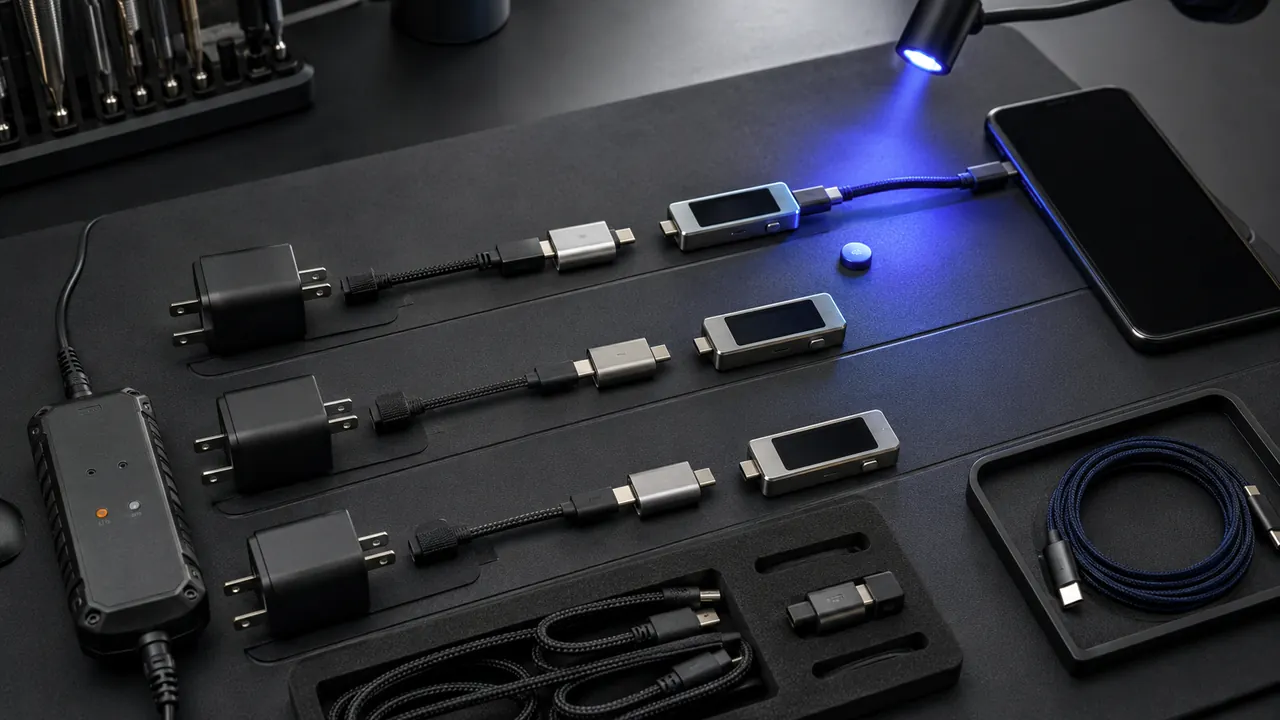
Swap one known-good link at a time and separate power, data, display, and charging-speed failures.
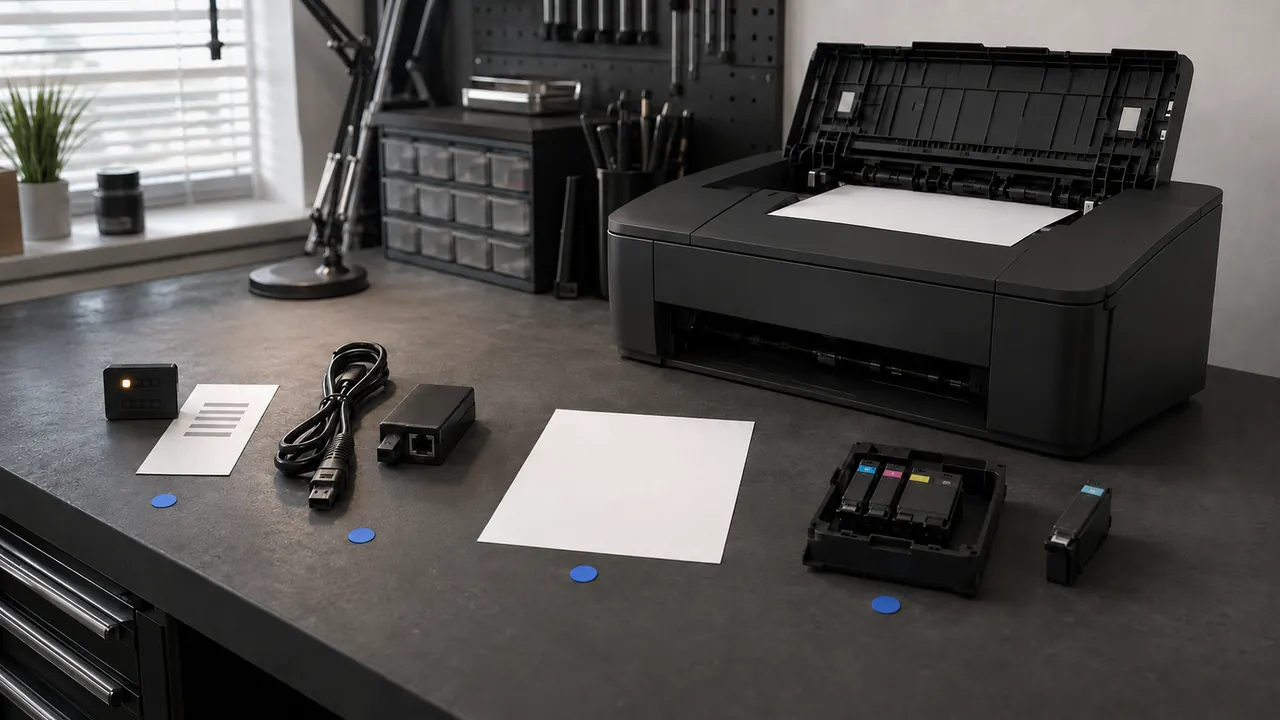
Start with the print queue and connection path; reinstalling drivers is a late step, not the opening move.

Text size, contrast, captions, voice control, and reduced motion can make everyday devices easier before they become essential.
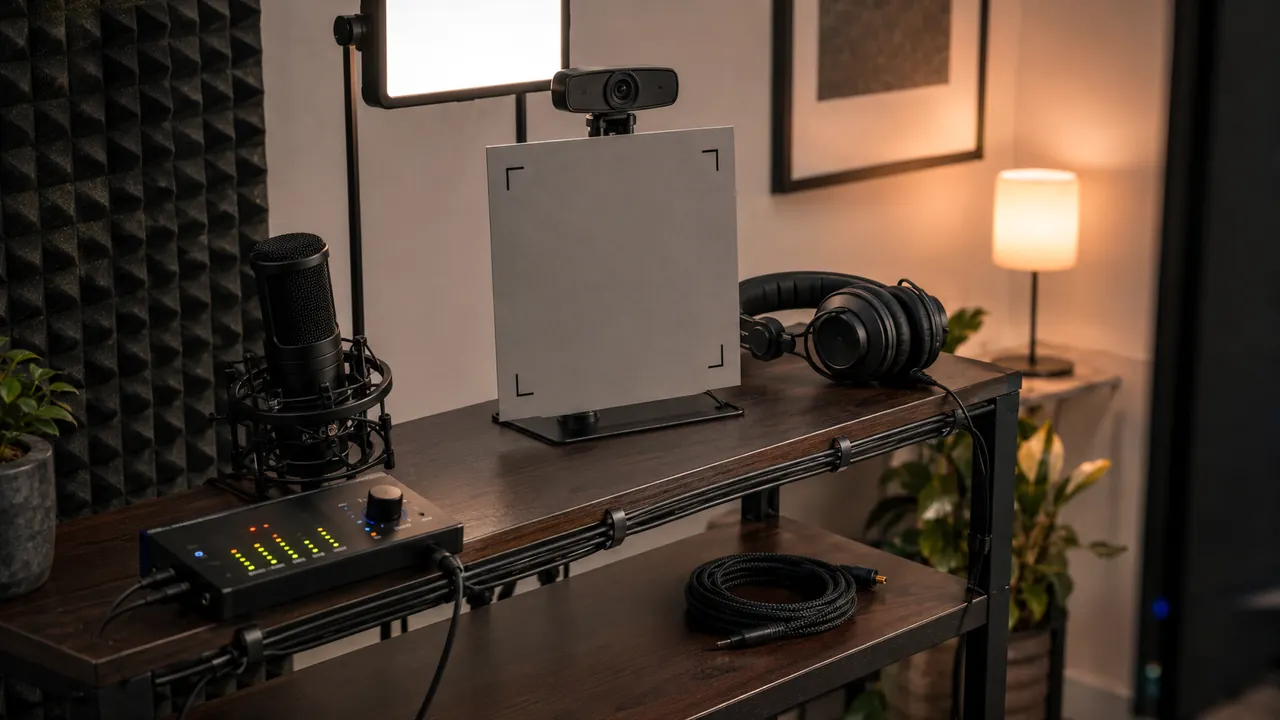
A two-minute local test catches the permissions, device-selection, lighting, and Bluetooth problems meetings expose too late.