USB-C describes a connector shape, not one guaranteed bundle of charging speed, data rate, or display support. A disciplined swap test can identify a five-dollar cable problem before you replace an expensive device.
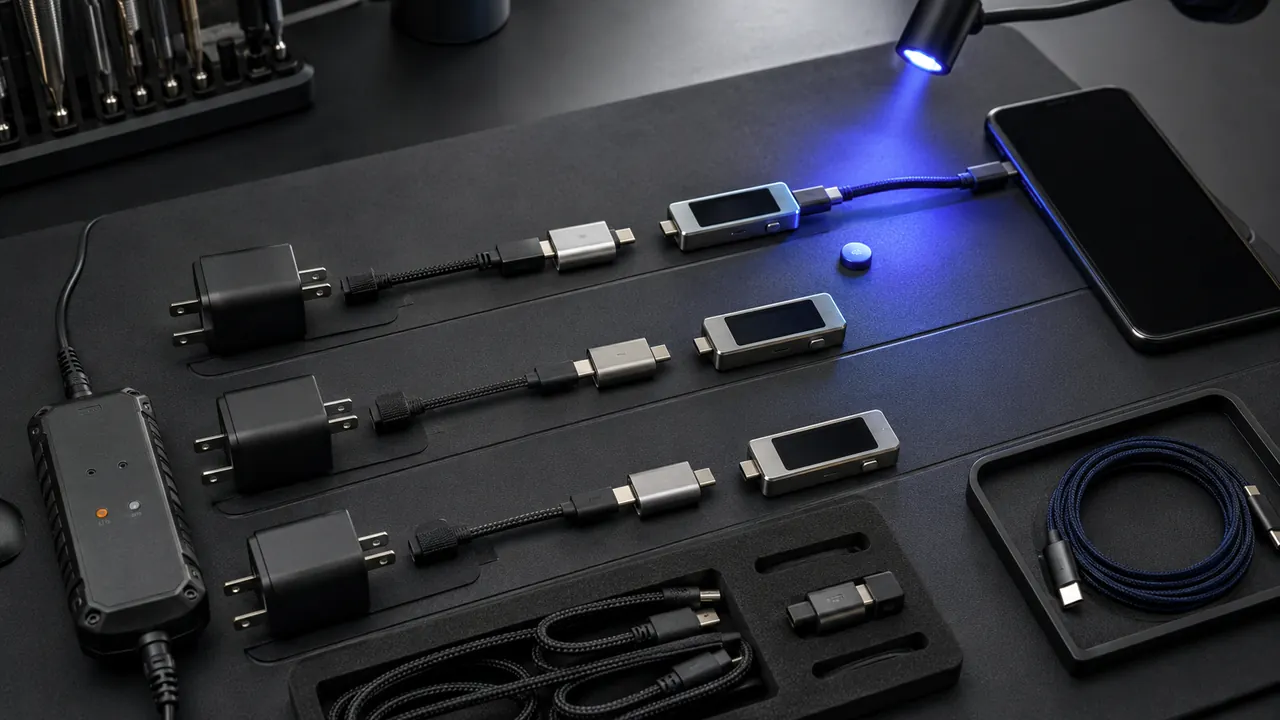
Swap one known-good link at a time and separate power, data, display, and charging-speed failures. Separate the job into power, data, and video. Test the shortest possible path with one known-good component at a time.
Gather one certified known-good cable and charger with documented capabilities. Random accessories from the same drawer are poor controls because any of them may share the fault.
Separate power from data and video
Read the device power requirement and charger output. Read the device’s required wattage and the charger’s advertised output for that port. A multiport charger may divide power when another device connects.
Run a one-part swap test
Try one known-good cable before changing the power brick
Swap in one known-good cable while keeping the charger and device unchanged. If charging returns, the cable—not the battery or power brick—is the likely fault.
Check whether the cable supports data or only charging
Test data separately by connecting to a computer and transferring a file. Many inexpensive USB-C cables charge but do not provide the expected data speed or video.
Remove hubs and adapters to test the shortest path
Remove docks and adapters, then connect the shortest direct path. Reintroduce each accessory one at a time to locate the failed link.
Watch for heat, looseness, discoloration, or damaged insulation
Stop immediately for melted plastic, exposed conductors, arcing, burnt odor, or unusual heat. No diagnostic result is worth continuing with damaged power hardware.
For a monitor dock, test charging, display, and file transfer as separate functions. One cable may power the laptop yet lack the bandwidth or alternate-mode support needed for the external display.
Connector shape is not capability
- Connector shape does not guarantee identical capability.
- A high-watt charger cannot force unsupported power into a compliant device.
- Stop using accessories that smell burnt or become unusually hot.
Disconnect equipment that smells burnt, shows damaged insulation, fits loosely enough to arc, or becomes unusually hot during an ordinary load.
Heat and damage end the test
Menus, limits, and recovery options change. Confirm the current steps in “USB Type-C Cable and Connector Specification” and “Use USB-C cables and power adapters with Pixel phones” before acting.
USB-IF says USB Type-C supports scalable power and performance, which means products can implement different capabilities behind the same connector shape.
Google advises using compatible USB-C power adapters for Pixel phones and notes that some sources charge more slowly.