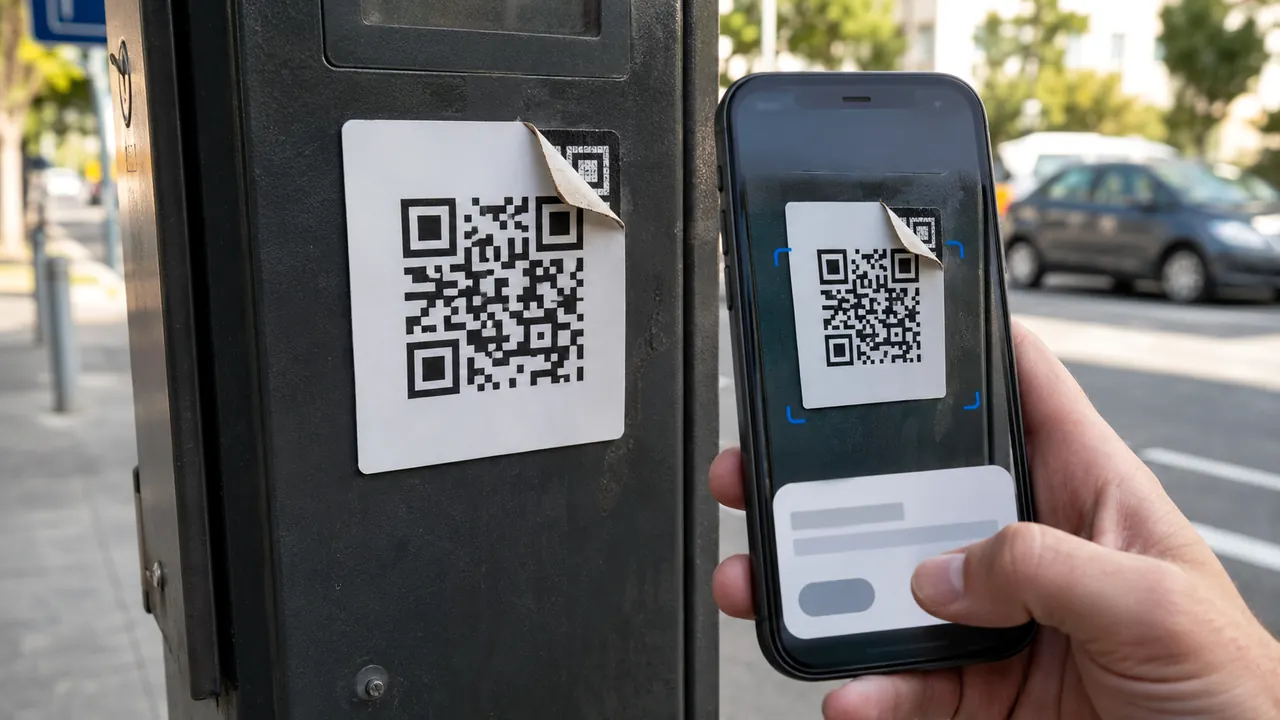
The dangerous part of a fake-support scam is often not the story but the route. A search ad, pop-up, or urgent text can place an impostor’s phone number exactly where a worried person expects help.
Ignore the number in a warning, ad, or unsolicited message; open the app or type the official site yourself. Break contact and start over from the installed app, a statement, or a domain you already know. An authentic logo and caller ID are not independent evidence.
Have a statement, receipt, device serial, or signed-in app available before making contact. Those records help locate official support without relying on the alarming message.
Throw away the inbound route
Stop interacting with the inbound message or pop-up. End the call, text, or pop-up session that created urgency. Do not use its number, link, case ID, or remote-access instructions.
Re-enter through a known door
Open the company’s installed app or a saved official bookmark
Open the installed app, a saved bookmark, or a number printed on the statement or device packaging. Search advertisements can be bought by impostors.
Find support inside the authenticated account
Ask what the provider can see without your password. Legitimate support should not need a one-time code, recovery code, gift card, or crypto transfer.
Ask what information support should never request
Refuse remote-control software unless you initiated a documented technical-support session with a company you already trust.
Record the case number and contact channel
Save the official case number and channel. If money or credentials were shared, secure the affected account and contact the financial provider separately.
A fake renewal invoice often says hundreds of dollars were charged and supplies a number to cancel. Check the actual card or bank account first. If no charge exists, the number is the trap.
Requests real support should not make
- Search ads can lead to impersonator numbers.
- Real support should not ask for a password or one-time code.
- Remote-access software is not a routine requirement for bank support.
End the interaction when anyone asks for a password, one-time code, remote-control installation, gift card, crypto transfer, or payment to reverse fraud.
End the call when control shifts
Menus, limits, and recovery options change. Confirm the current steps in “How To Spot, Avoid, and Report Tech Support Scams” and “Mobile Payment Apps: How To Avoid a Scam When You Use One” before acting.
The FTC warns that impostors pretend to represent familiar companies and government agencies to obtain money or personal information.
The FTC advises using payment apps only for people you know and checking unexpected payment requests independently.