Money & Paymentsstory7 min
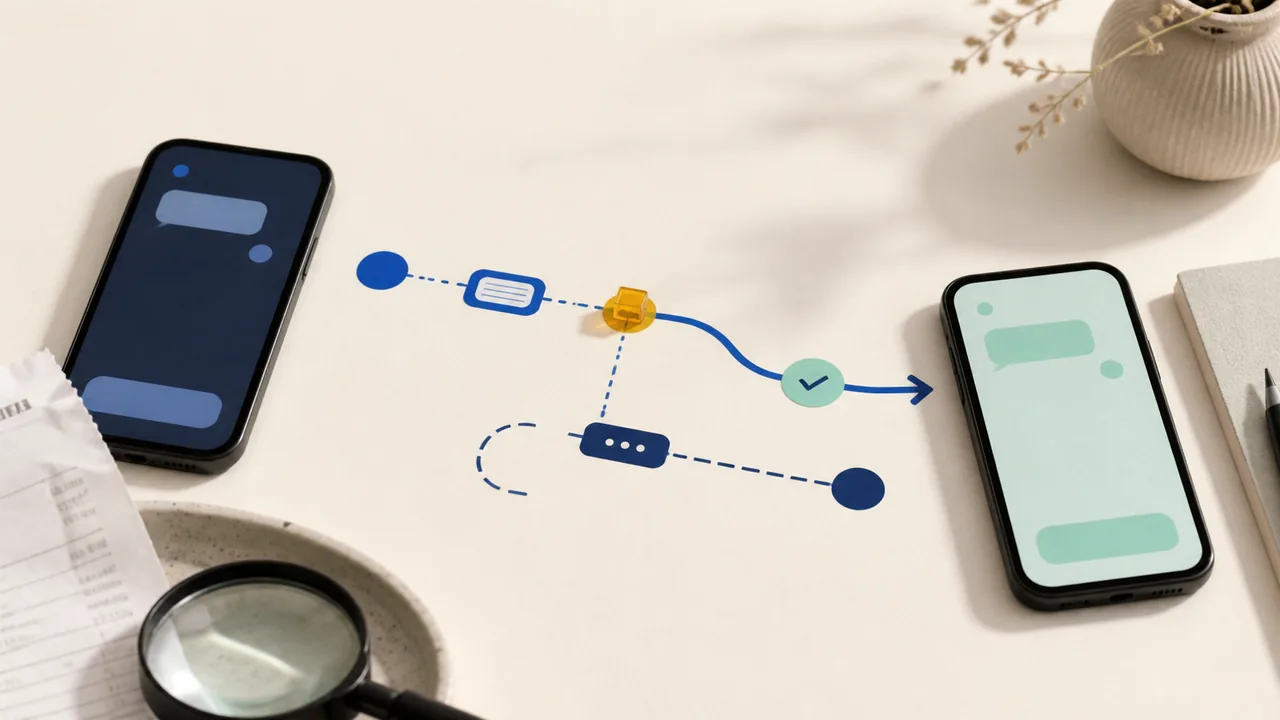
Venmo Says the Payment Is Pending or Completed, but the Recipient Did Not Get It
Check the payment status, destination, and separate bank-transfer record before sending a replacement Venmo payment.
Payment problems, online safety, browser privacy, AI tools, and everyday tech choices.
Payment app, fee, refund, scam, transfer, account, and money-tool guides written for careful everyday decisions.
Check the payment status, destination, and separate bank-transfer record before sending a replacement Venmo payment.

CFPB redress checks began mailing June 8, 2026 in rolling batches to identified recipients. That program is separate from the closed-claim $15 million class action and the $45 million state settlement.

Match the notice to the CFPB redress program, the closed-claim $15 million class action, or the $45 million state settlement before depositing a check, opening a link, paying a fee, or sharing information.

Use Cash App's in-app support, official help pages, and published phone numbers. Avoid search-ad numbers, remote-access requests, and anyone asking for your PIN.
Confirm the recipient through a separate channel, protect the account, and understand that a completed person-to-person payment may be hard to reverse.

Set transactions and friends lists to private, then use Venmo’s official workflow instead of sending a second payment to a stranger.

Use Friends and Family only for a real personal transfer. If you are buying an item or service, choose Goods and Services and check whether the purchase is eligible for protection.
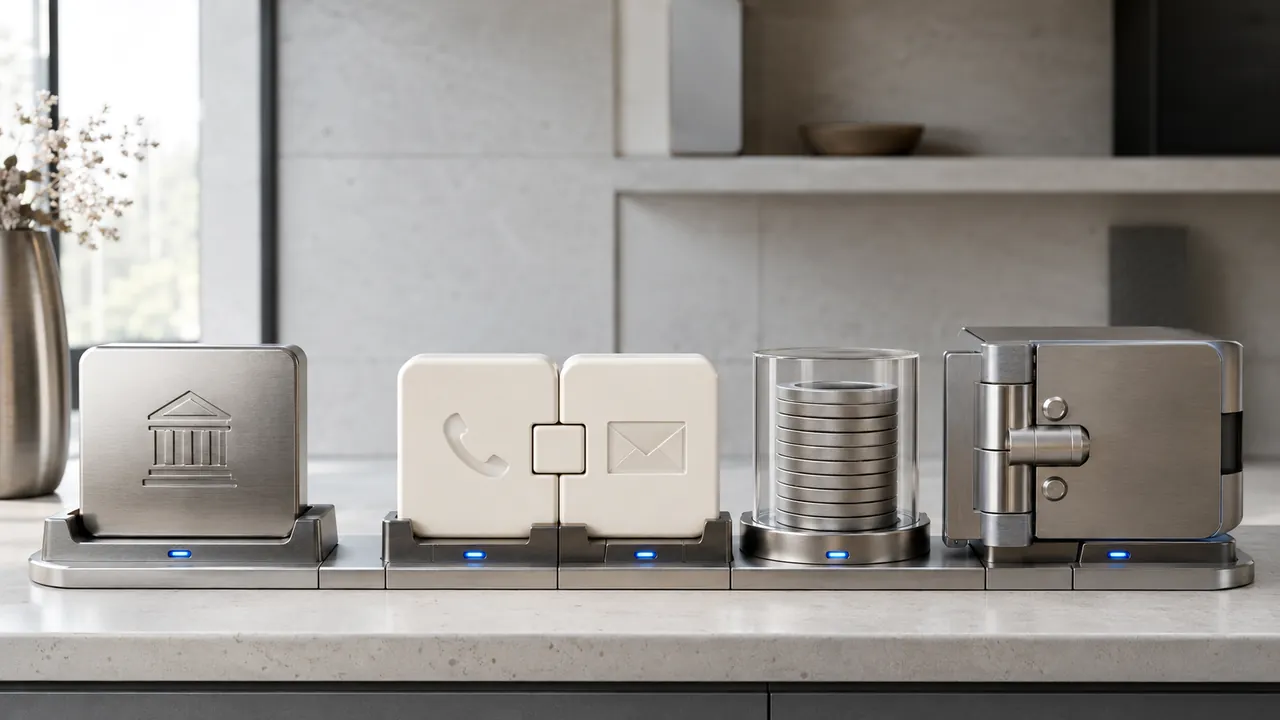
Open the Zelle payment in your bank or credit-union app, save its status and recipient details, then follow the branch for pending, completed, scam-induced, or unauthorized activity.
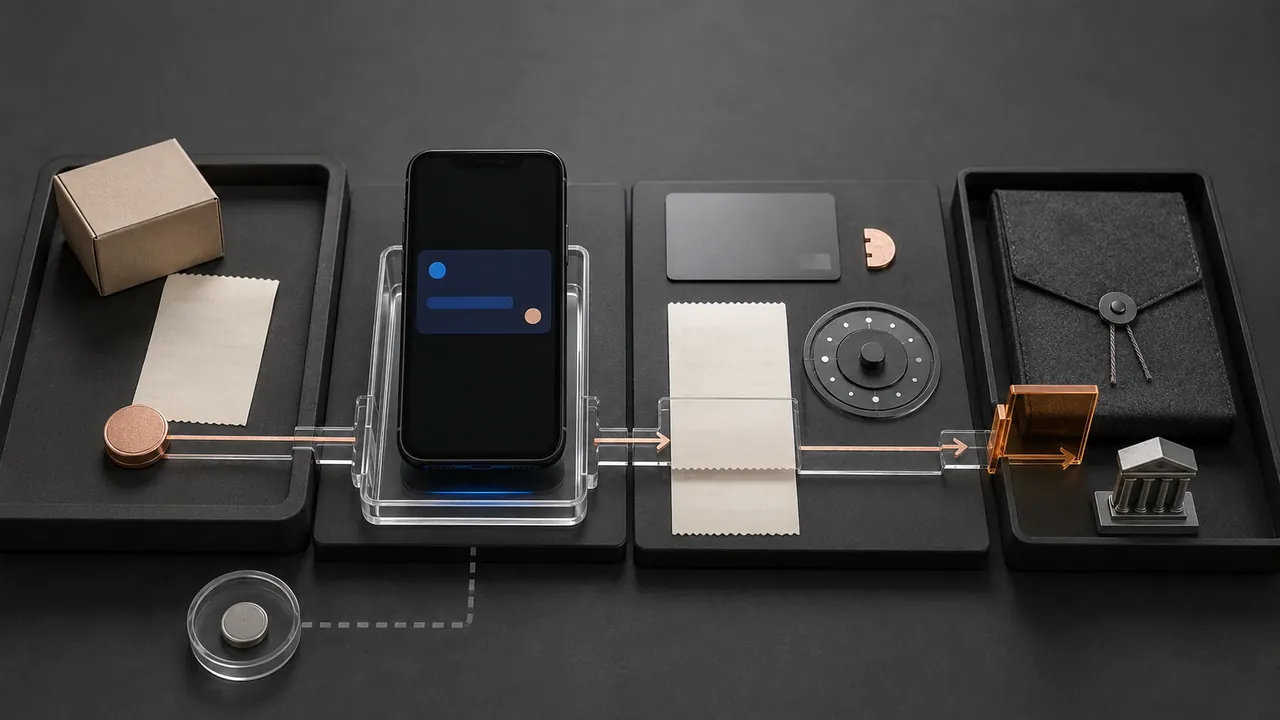
Check the original card statement, separate a pending charge from a posted one, and ask the merchant for the refund trace number before opening the wrong dispute.
Open the Apple Cash transaction, save the recipient and funding details, then follow the pending, completed, unrecognized, or scam path without sending more money.
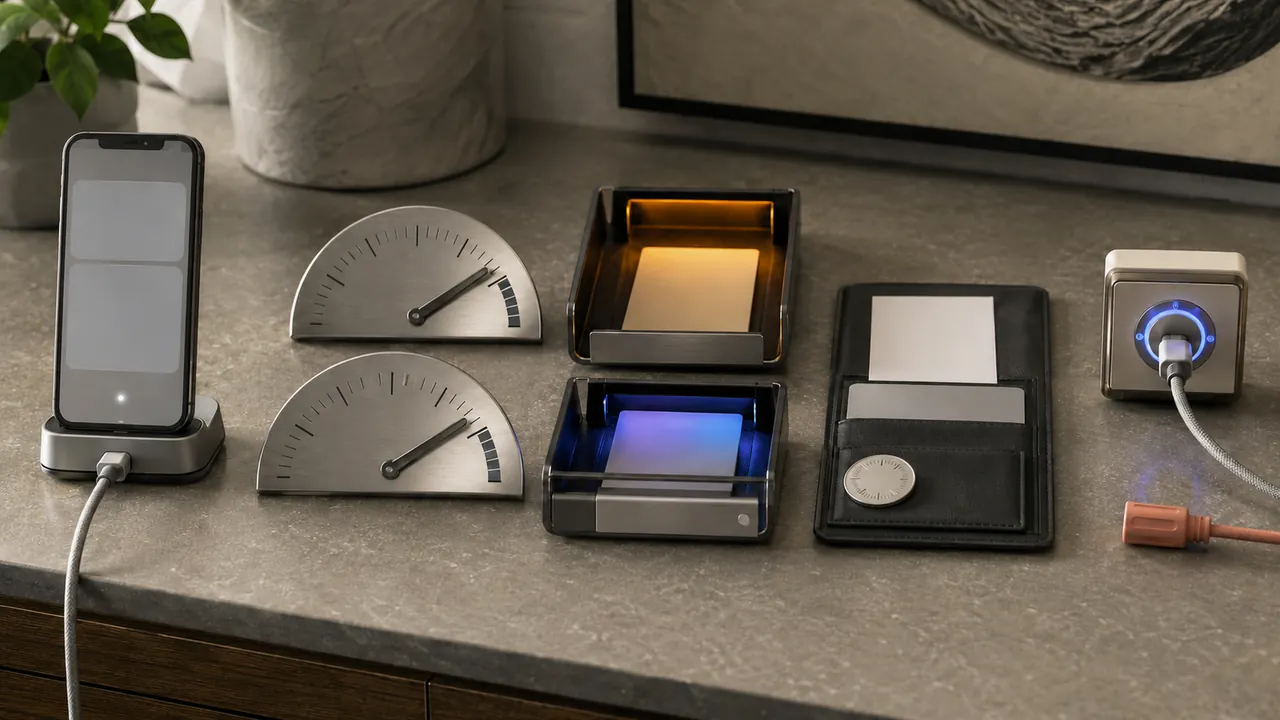
Open the Chime transaction, identify whether it is a card purchase, Pay Anyone payment, or bank transfer, then follow its pending, declined, completed, or unauthorized path.

Save the confirmation, identify the transfer rail and status, then tell the bank exactly whether this was unauthorized, scam-induced, or misdirected.