Venmo combines money movement with a social feed, so privacy is part of payment safety. Make future transactions private and reduce what contacts or strangers can learn from descriptions and connections.
Set transactions and friends lists to private, then use Venmo’s official workflow instead of sending a second payment to a stranger. A mistaken payment needs one clean case record. Do not create a second transfer merely because an unfamiliar person asks you to “send it back.”
Take a screenshot of the transaction and its status, not the entire financial feed. Avoid messaging the stranger until Venmo’s official workflow is clear.
Make the payment feed private
Set default transaction privacy to Private. Set future transactions to Private and review visibility for past transactions. Descriptions can reveal relationships, locations, and routines even though amounts are hidden.
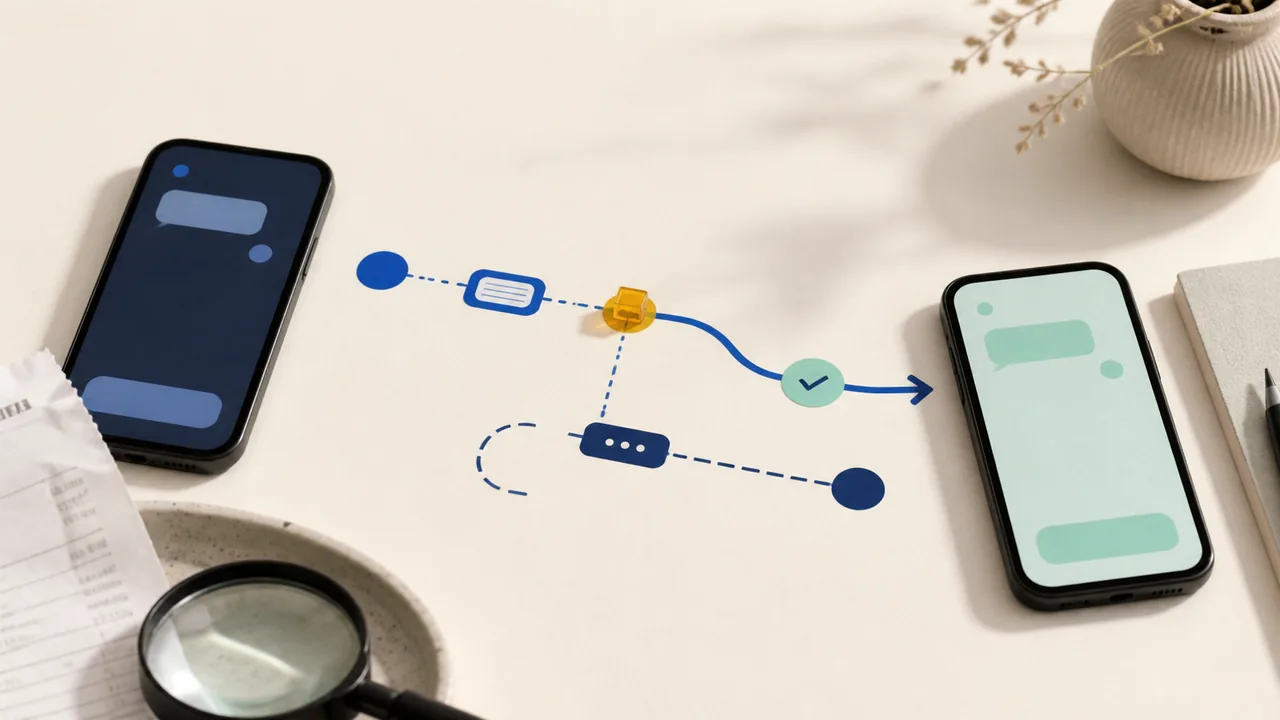
Handle one mistaken transfer as one case
Change past transactions to private where available
Limit contact syncing and friends-list visibility. A private payment feed does not automatically hide the social graph around it.
Limit contact syncing and friends-list visibility
Check whether the mistaken payment is still cancelable under Venmo’s rules. Many payments to active accounts cannot simply be pulled back.
For a payment to an inactive account, check the official cancel option
Contact Venmo through the app and give one transaction ID. Do not create a second transfer because an unfamiliar recipient demands repayment.
For other mistakes, contact Venmo support and your funding institution promptly
Notify the funding bank promptly if the payment was unauthorized. A mistaken authorized payment and account fraud follow different resolution paths.
If a stranger sends money and immediately asks for a return payment to another account, do not comply. The original funding transaction could later be disputed, leaving the separate return as your loss.
Contact syncing reveals more than expected
- Do not send money back as a separate transaction without support guidance.
- A familiar profile photo does not prove identity.
- Transaction notes can reveal sensitive context even without amounts.
Use official Venmo support and contact the funding bank promptly when a payment is unauthorized, the recipient cannot be verified, or a stranger pressures you to return funds.
Do not let urgency create a second loss
Menus, limits, and recovery options change. Confirm the current steps in “Transaction History & Privacy Controls” and “Mobile Payment Apps: How To Avoid a Scam When You Use One” before acting.
Venmo lets users set default payment privacy, change individual payment visibility, and hide past transactions.
The FTC recommends confirming payment-app recipients and contacting the service about mistakes or suspected scams.
If a Venmo payment was sent by mistake
Do this first: open the payment, check whether it is pending or completed, and save the recipient profile, username, amount, note, timestamp, and conversation.
Do not send a second payment, share a sign-in code, or trust a separate contact claiming to reverse it. Recovery is not guaranteed after a completed person-to-person payment.
Message to use
I sent this Venmo payment to you by mistake. Please return it from the original payment record, and please do not send a separate payment.
If the payment went to the intended person but they cannot find it, use the separate guide for a pending or completed Venmo payment that was not received. If the recipient will not respond or the payment involved a scam, report it through Venmo's official support. If a linked bank or card was used, contact that institution with the saved payment record.