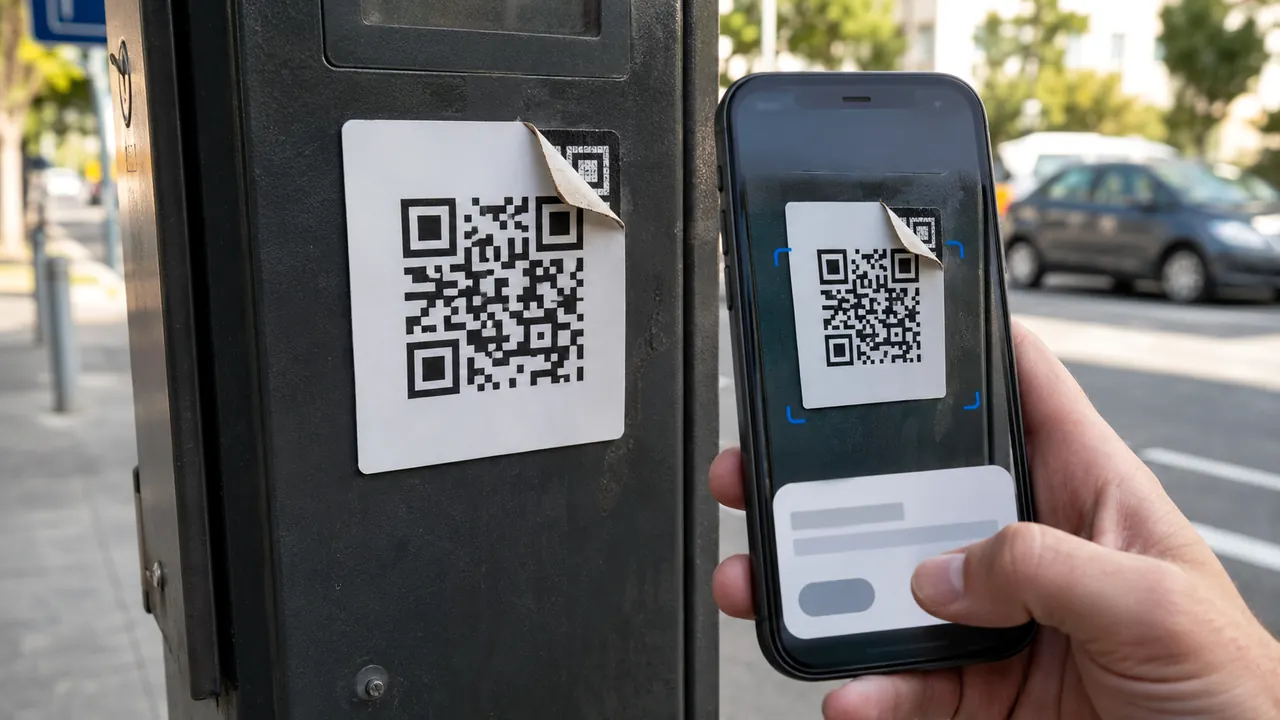
Security & Truststory2 min
Scan a QR Code Without Handing It Blind Trust
Treat a QR code as a concealed link: preview it, inspect its context, and use a known route for payments or logins.
Payment problems, online safety, browser privacy, AI tools, and everyday tech choices.
Practical security guides for scams, account safety, verification, privacy choices, and the trust signals worth checking.
Treat a QR code as a concealed link: preview it, inspect its context, and use a known route for payments or logins.
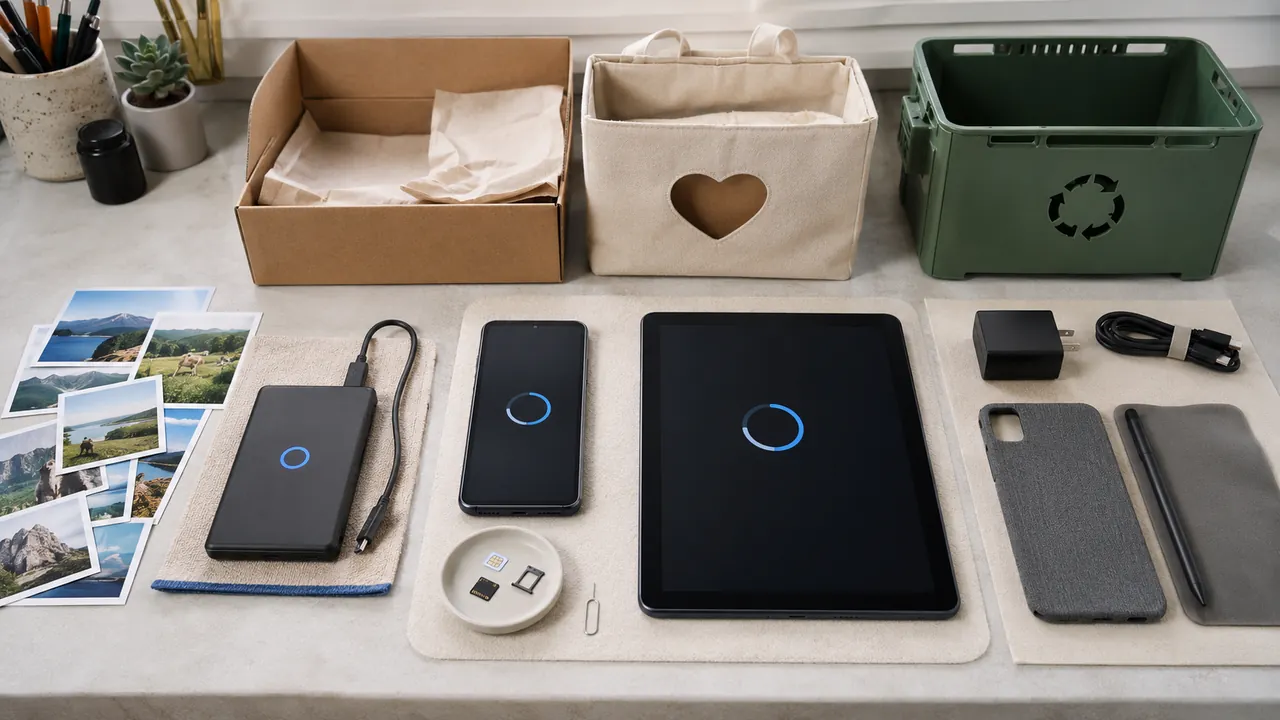
Back up and verify your data, remove account and carrier ties, use the current manufacturer erase flow, then confirm both the device and handoff.

Protect the vault first, prove recovery, then migrate important accounts in small batches with generated unique passwords and exact-domain checks.
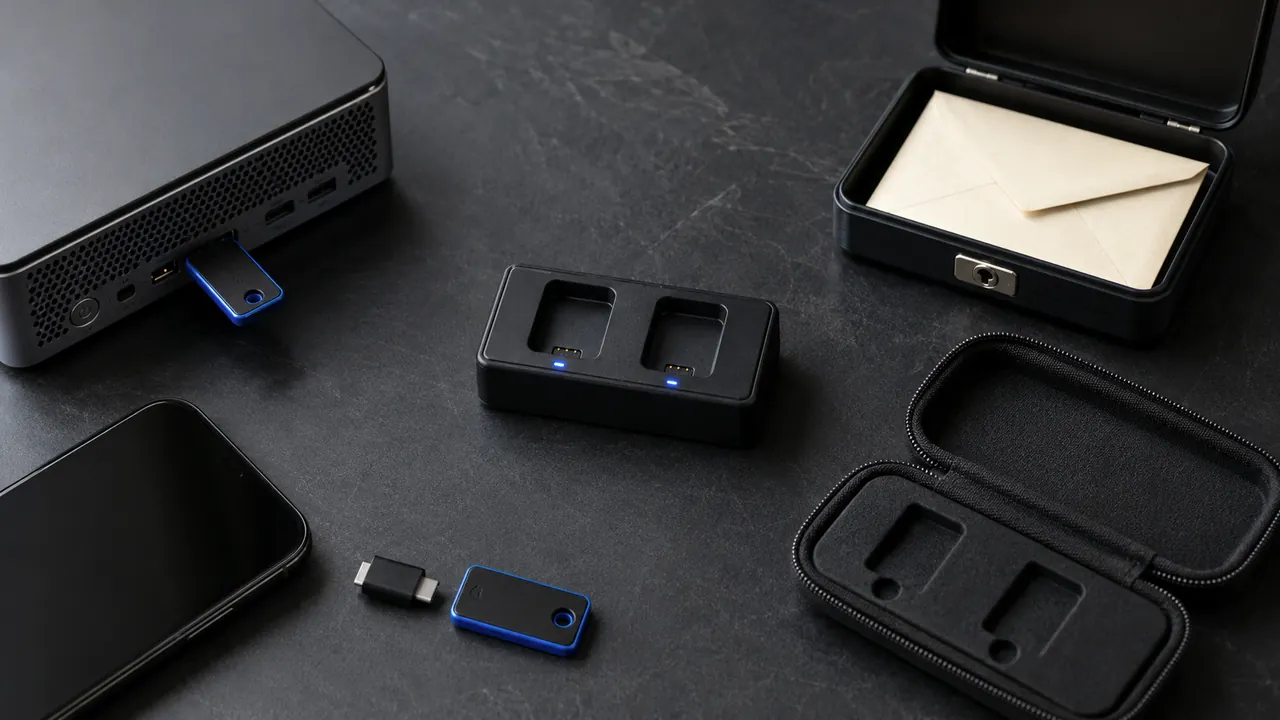
Choose a compatible key, understand whether it is a second factor or passkey, register a spare, and test recovery before retiring another sign-in method.

Use a passkey or security key where it fits, keep a tested recovery path, and treat codes and push prompts as useful fallbacks—not equal protection.

Know whether you have single-use backup codes or a persistent recovery key, then store and test it outside the account it must recover.

Use a recovery address you can access regularly, keep its own sign-in secure, and review every recovery change while your normal access still works.

Ignore the number in a warning, ad, or unsolicited message; open the app or type the official site yourself.
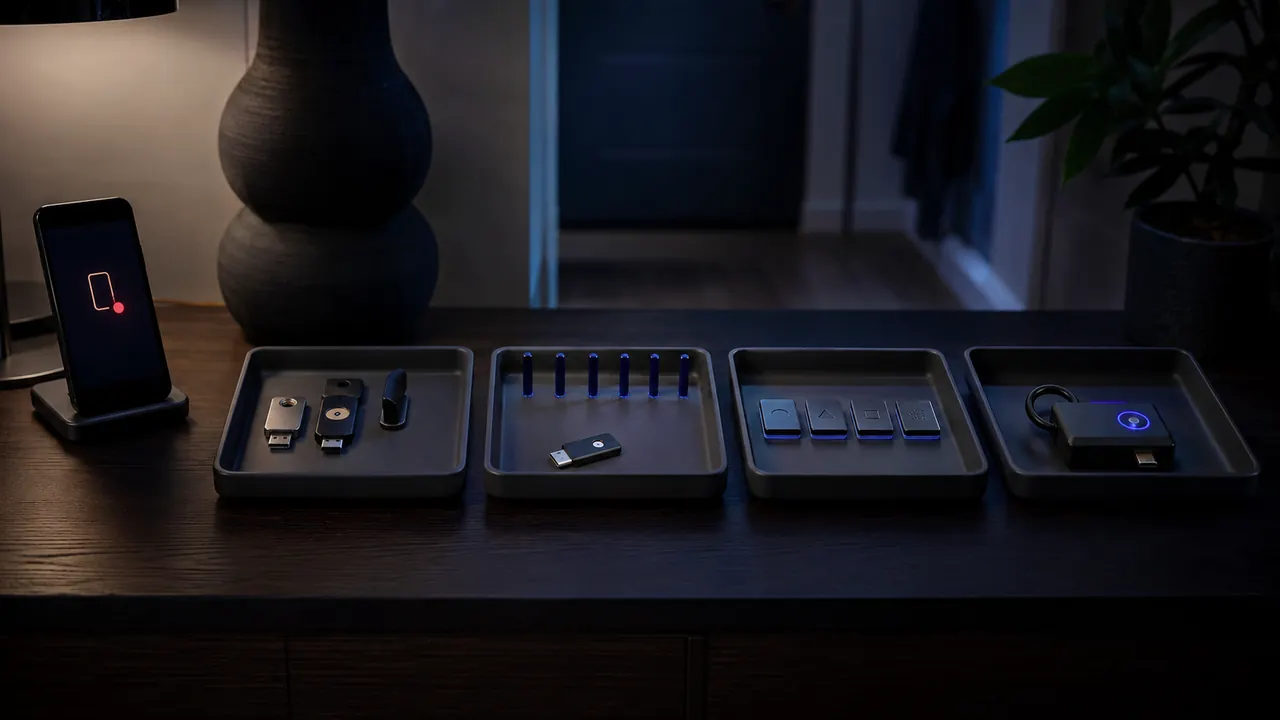
Open the account yourself, compare the device, time, browser, and activity, then use the provider's “not me” or security route if the event is not yours.

Use the right recovery branch, remove hidden mailbox access, then protect the accounts that depend on this address for password resets.

First rule out an outage. Then ask the carrier whether your SIM, device, or phone number changed, protect email and money accounts without SMS, and preserve the incident record.

Remove old OAuth grants and sign-in connections that no longer have a clear job.

Turn on high-signal account and money alerts, verify them through the provider, and report unauthorized bank activity without delay.

Use family roles, delegates, shared vaults, or separate logins; document ownership and recovery before access changes.

Make a short recovery record now, use only official provider routes, and know what to inspect after access returns.