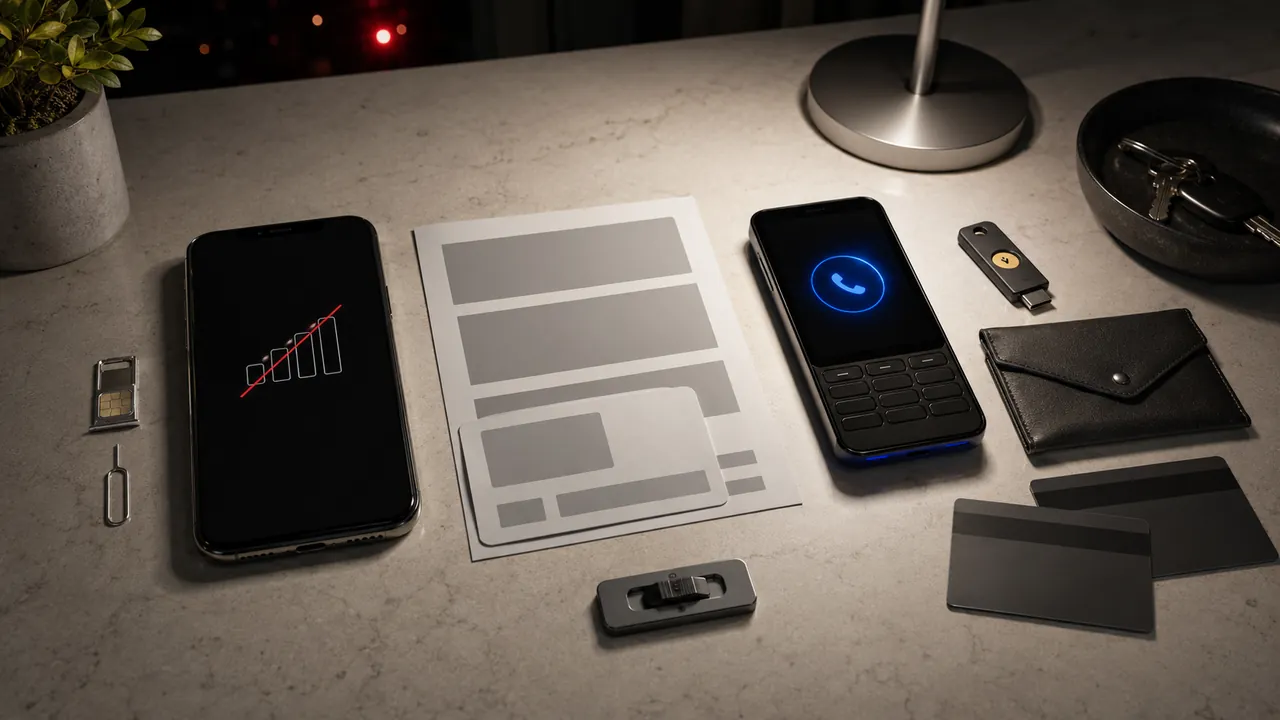
Sudden loss of calls, texts, and data may be an outage—but a SIM notice, reset alert, or lockout makes unauthorized number movement an emergency. From another trusted device, use the carrier's official app, site, store, or a number on your bill. Ask what changed and when.
Do not wait for SMS before protecting primary email and financial accounts. Use an authenticator app, security key, recovery code, or trusted session instead.
First identify which failure you have
| What you observe | Possible cause | Immediate check |
|---|---|---|
| Nearby lines are also down | Carrier outage | Check the authenticated status page. Keep watching for account alerts. |
| Only your line fails after a change you started | Activation or device problem | Tell support what you attempted and ask whether the line remains on your account. |
| Only your line fails and a new SIM or device appears | Possible SIM swap | Ask the carrier to reverse the change and restore a device you control. |
| Another carrier controls the number | Possible port-out | Ask for the port time, destination carrier, and fraud route. |
| Service works but an unknown request appears | Attempt in progress | Contact the carrier; do not approve or share a code. |
A SIM change moves service to another physical SIM or eSIM; a port-out transfers the number to another carrier. Recovery teams need the right label.
Use a known carrier channel
Do not trust an incoming caller, text, ad, or link that claims it can reverse the event. Open the app yourself, type the known domain, use a bill, or visit an official store. Never read back a code to an unsolicited caller.
- Ask what changed. Was it a physical SIM, eSIM, device, account owner, line transfer, or port?
- Ask when it changed. Record the carrier timestamp and your last-known-good service time.
- Stop pending changes. Reverse unauthorized requests and restore a device you control.
- Replace carrier credentials. Change the password and passcode. Remove unknown users, contact details, devices, and recovery methods.
- Ask for documentation. Request the case number, event type, timestamps, remediation, and any fraud record.
If ordinary support cannot reverse the event, ask for the fraud team. If recovery stalls, the FCC accepts complaints after you first try the provider; a complaint creates an escalation record, not a promise of recovery.
Protect accounts without SMS
Start with primary email because it often controls password resets. From a trusted session, change the password, remove unknown sessions and recovery methods, check forwarding, and add a non-SMS factor before removing one you still need.
- Banks, cards, payment apps, and cryptocurrency services. Use a verified channel, give the exposure window, and review payees, transfers, resets, and profile changes.
- Password manager and cloud storage. Review sessions, recovery methods, and shared links.
- Work and school. Ask security staff to suspend SMS recovery and examine sign-ins.
- Social and messaging. Remove unfamiliar devices, app passwords, connected apps, and recovery changes.
Do not reset passwords from a device or mailbox you no longer trust, or remove the only working recovery method before testing a replacement.
Use both kinds of carrier lock when available
A number-transfer lock may block port-out but not a SIM change; SIM protection may block a SIM or device change but not port-out. Look for both and read the account-specific limits.
| Carrier | SIM or device changes | Port-out or number transfer |
|---|---|---|
| AT&T | Wireless Account Lock lists SIM, eSIM, and device changes. | The same lock lists carrier transfers; access varies by account role. |
| Verizon | SIM Protection blocks new-SIM or device transactions. | Number Lock separately blocks a transfer PIN and port-out. Number Lock alone does not stop SIM changes. |
| T-Mobile | SIM Protection covers common unauthorized SIM changes; current support notes exceptions. | Account Takeover Protection covers carrier transfers. Eligibility varies. |
These controls are not guarantees. Store the account number, official recovery route, and passcode somewhere independent of the phone.
Do not overread the FCC rule
The FCC adopted a 2023 rule covering authentication, notices, locks, fraud reporting, investigation, remediation, and documentation. But the current rule text still says compliance with the SIM-change section is not required until a compliance date is added.
It is evidence of safeguards the FCC adopted, not a promise that every carrier must already provide each one nationwide. Ask what the carrier actually offers and document the answer.
Save the last-good service time, first failure, alerts, carrier case numbers, account changes, and transactions outside the affected phone. If identity information or money was misused, use the company's fraud route and IdentityTheft.gov. FTC and FCC reporting can support enforcement, but neither is an instant recovery service.