Factory reset belongs near the end of device disposal, not the beginning. First preserve what matters, remove account locks, and document enough information to confirm the handoff.
Back up, sign out, remove locks, erase correctly, and verify the device no longer appears in your account. The buyer or recycler should receive hardware that is erased and usable; you should retain your data, account access, and proof that the device left your control.
Note the serial number, storage type, and current account owner before starting. Complete carrier, warranty, and payment-plan obligations separately from the data-erasure process.
Preserve first, erase later
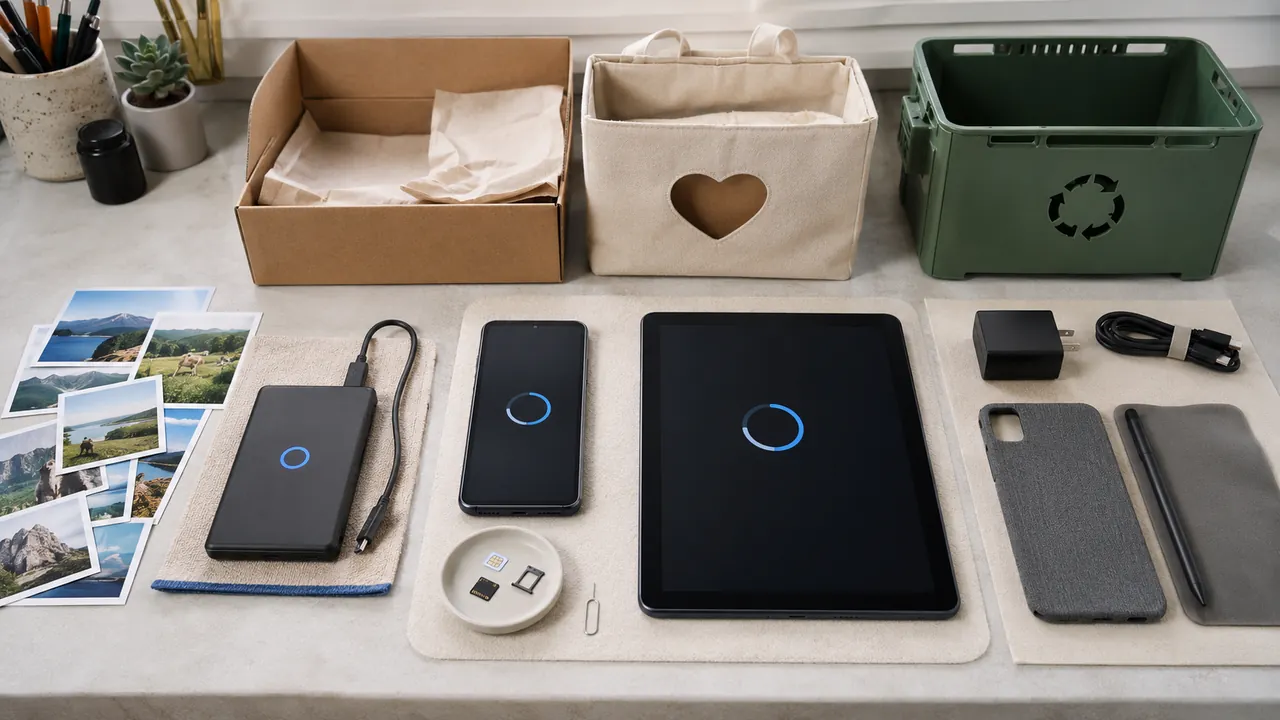
Back up and verify the files you intend to keep. Complete a backup and open several restored files before erasing. Include messages, authenticator data, and app-specific exports that ordinary photo backup may omit.
Remove the account ties
Sign out of account, messaging, and device-finding services
Sign out of the Apple or Google account and turn off device-finding features. This removes activation locks that would otherwise block the next owner.
Remove SIM cards and removable storage
Remove physical SIMs and microSD cards. Transfer eSIM service through the carrier before erasing if the old device still controls the number.
Use the built-in erase or factory-reset process
Use the manufacturer’s factory-reset workflow after sign-out. For unusually sensitive or damaged storage, use the current manufacturer or organizational sanitization procedure and verify its result; a factory reset label alone is not evidence that every storage path was handled.
Remove the hardware from trusted-device and payment lists
Check the account’s trusted-device list and payment wallet after reset. Remove the serial number from insurance or management systems once the handoff is documented.
Broken devices still contain data. If the screen or port prevents a normal erase, do not give the unit to an unknown buyer as-is; use a recycler or repair path that can document secure media handling.
A reset is not every kind of sanitization
- Deleting visible files is not the same as sanitizing storage.
- Do not hand over a device still protected by activation lock.
- Do not throw lithium-battery devices into household trash.
Do not hand over a device that remains activation-locked, appears in a payment wallet, or cannot complete its built-in erase process.
Proof the handoff is finished
Menus, limits, and recovery options change. Confirm the current steps in “What to do before you sell, give away, or trade in your iPhone or iPad” and “Guidelines for Media Sanitization” before acting.
Apple tells owners to transfer information, sign out, and erase the device before selling, giving it away, or trading it in.
NIST distinguishes clearing, purging, and destroying media because deleting visible files does not necessarily sanitize storage.
Match the sanitization method to the device and risk
NIST SP 800-88 Revision 2 superseded Revision 1 in September 2025. It keeps the clear, purge and destroy categories but shifts detailed technique selection toward current standards and approved procedures, including vendor implementations. For ordinary personal phones and tablets, use the manufacturer's current encrypted erase workflow after backup and sign-out. For managed, damaged, unusually sensitive or removable storage, follow the organization's approved method rather than improvising overwrites.
Verification is a separate step. Confirm the erase completed without errors, the device starts at its setup screen, account and activation locks are gone, removable media and SIMs are out, and the device no longer appears in trusted-device or payment lists. Keep the serial number and handoff receipt without retaining the next owner's personal information.