A hardware security key can provide strong phishing protection, but only if it works with your accounts and devices and losing it will not lock you out. Before buying one, identify the sign-in mode each account supports, check the connectors and wireless options you actually need, and build recovery before removing an existing method.
Know which sign-in mode you are setting up
A security key can be registered as a second step after a password. On supported services, a FIDO2 key can instead be registered as a passkey. Those are different sign-in flows: a passkey verifies possession and local unlock, while a second-step key is used after the password.
Google currently allows FIDO1 or FIDO2 keys as a second step, but requires FIDO2 when a hardware key is used as a passkey. Follow the account's current setup screen rather than assuming every security-key option behaves the same way.
Check compatibility before buying
- List the accounts that matter most. Start with email, password manager, developer, financial, and work accounts that can reset or expose other services.
- Read each account's current support page. Confirm whether it accepts a security key as a second factor, a passkey, or both, and whether an organization restricts models or sign-in methods.
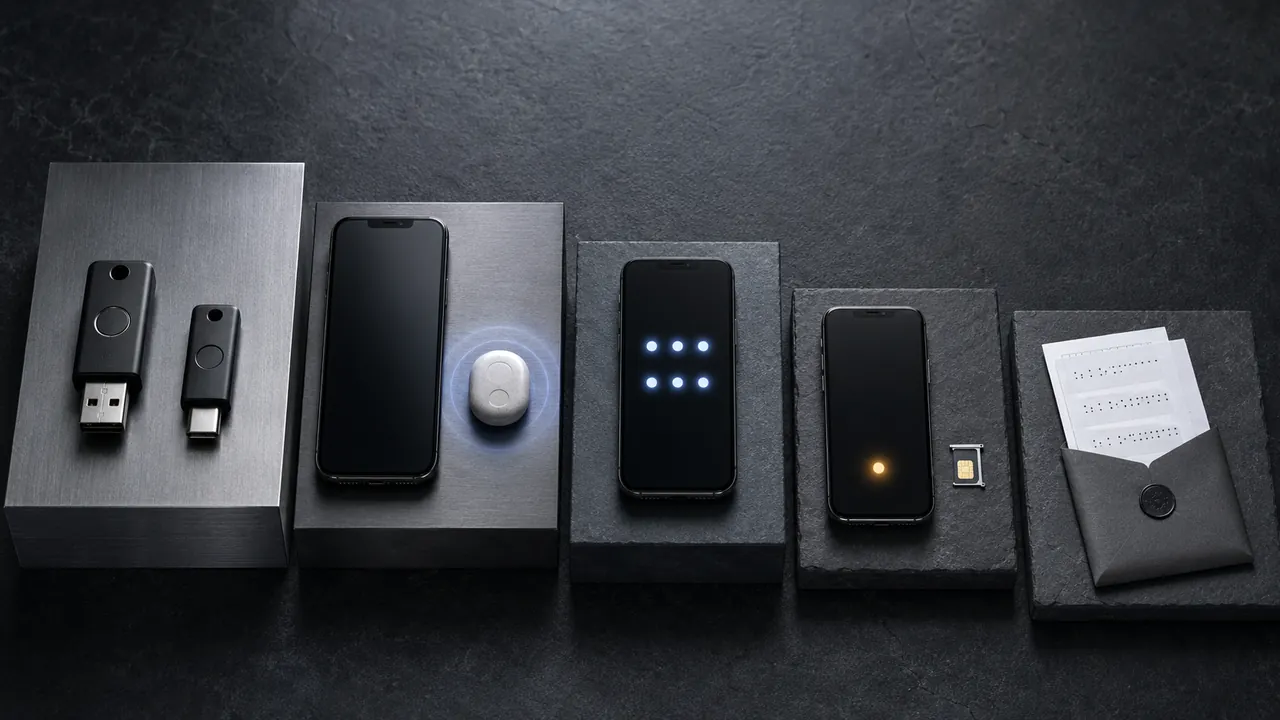
- Match every device. Check USB-A, USB-C, NFC, Bluetooth requirements, browser support, and any adapter you would need on a recovery day.
Register and test a separately stored spare
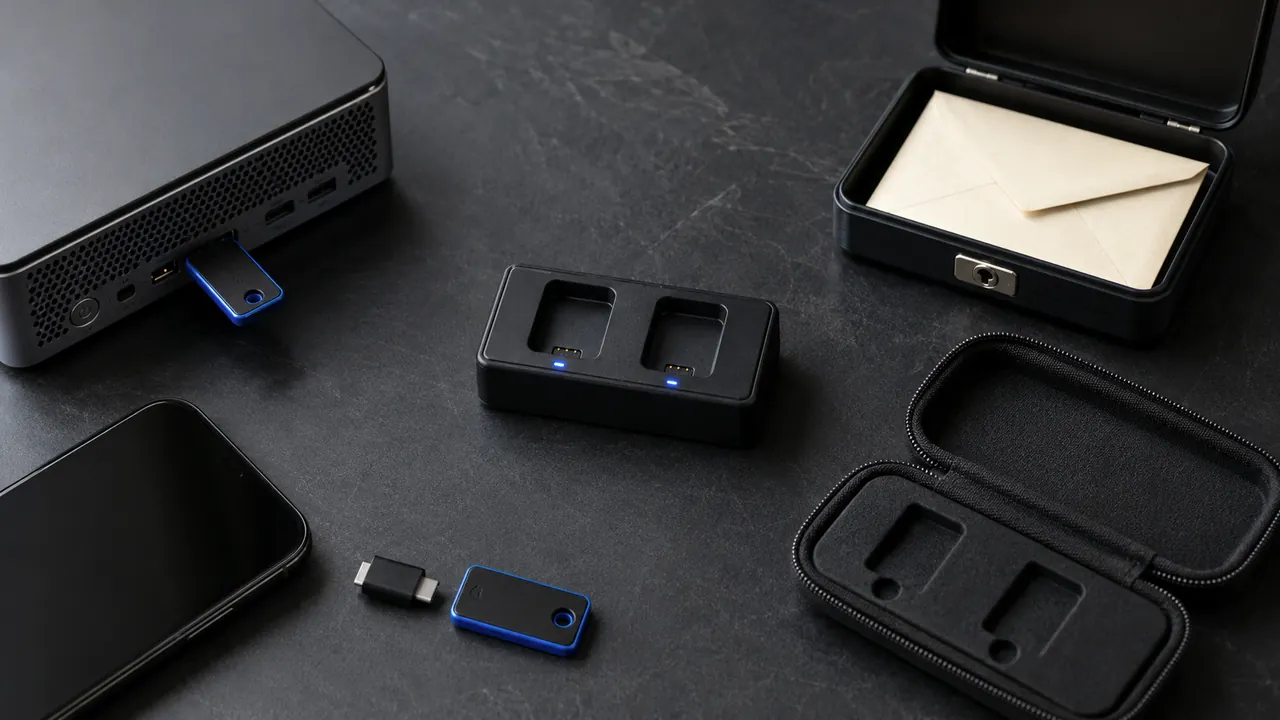
Two compatible keys are a practical way to avoid making one physical object a single point of failure, although two keys are not a universal platform requirement. Register the primary and spare on every critical account that supports them, name them clearly in the account dashboard, and store the spare somewhere that will not be lost with the primary device or bag.
Perform a real sign-in with each key on every device you depend on. Google warns that a newly added security key can take up to seven days to become available for sign-in in some account-trust situations, so do not remove another working method immediately after enrollment.
Build recovery before the upgrade
- Keep another approved way to verify your identity until both keys have passed real sign-ins.
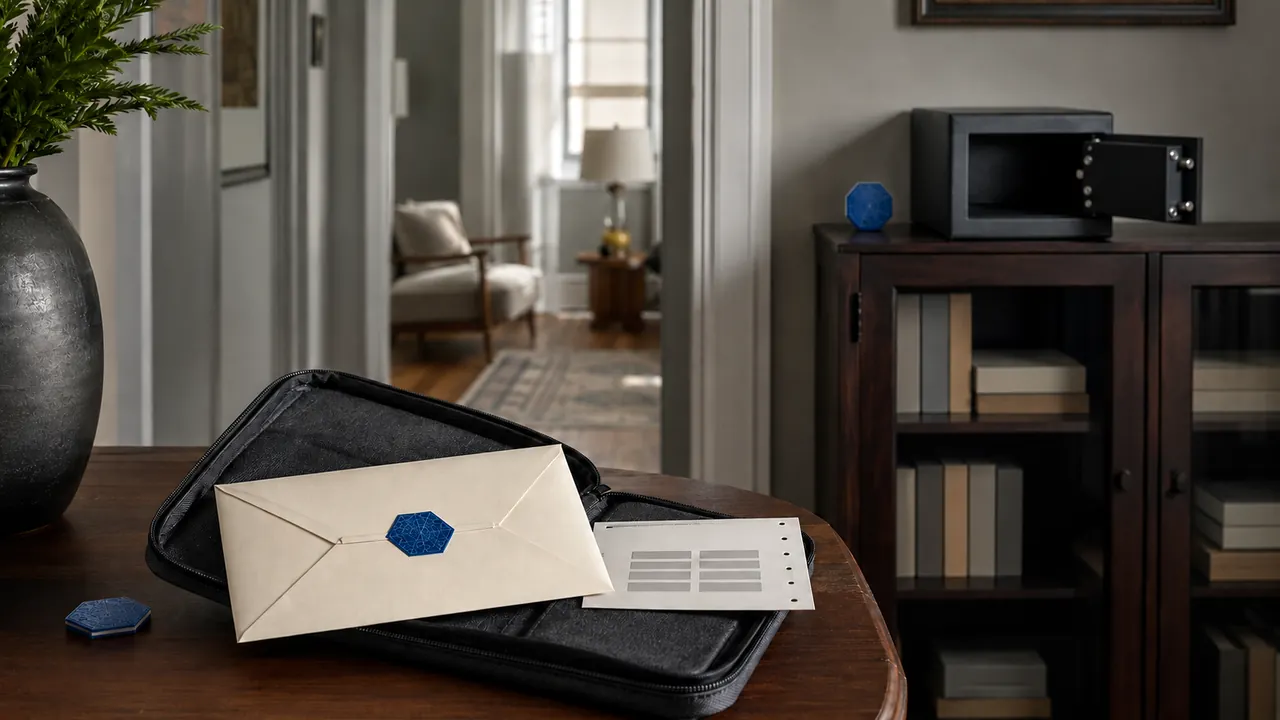
- Store recovery codes away from the devices and keys they recover.
- Record how to remove a lost key and how to contact an administrator for a managed account.
- Do not rely on a security key to protect a session that is already unlocked.
If a key is lost, use a trusted device or alternate recovery method to remove it from the account promptly. Do not test recovery for the first time during an emergency.
Use the strongest option the account supports
CISA recommends phishing-resistant multi-factor authentication and identifies security keys as the strongest phishing-protection option in its current comparison. Its implementation guidance describes FIDO/WebAuthn as the widely available phishing-resistant approach.
The useful sequence is simple: confirm account support, choose the intended sign-in mode, match the hardware to every device, register and test a separately stored spare, preserve an independent recovery route, and only then consider retiring a weaker method.