Choose the strongest sign-in method the account supports, but build recovery before you remove the old one. A passkey, security key, authenticator code, push prompt, and text message do not resist the same attacks. They also fail in different ways when a phone is lost, a number changes, or a key is somewhere else.
The practical goal is not to win a ranking. It is to protect the few accounts that can unlock everything else, then make sure you can still get in during a boring real-world failure. Start with primary email, the password manager, the main Apple, Google, or Microsoft account, financial accounts, and any work administrator account.
Pick by phishing resistance and recovery
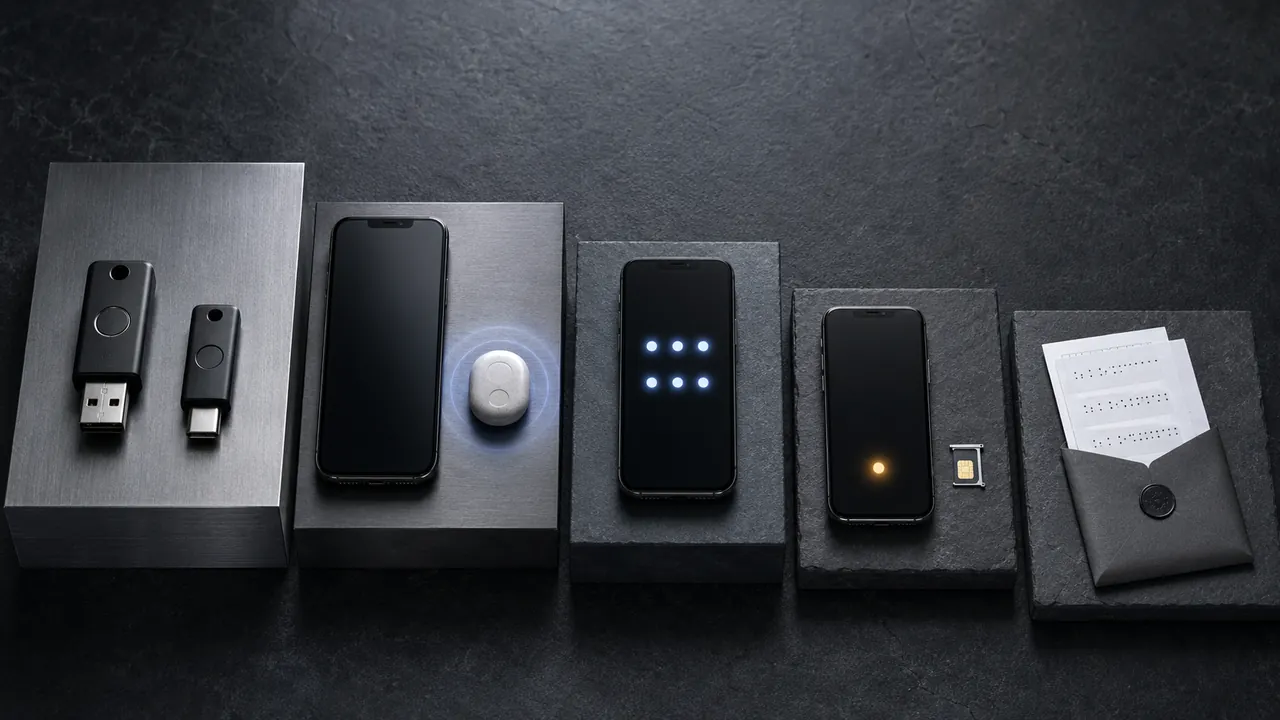
| Method | Phishing resistance | Main dependency | Practical role |
|---|---|---|---|
| Passkey with device verification | Designed to verify the real site | The device or passkey provider account and its recovery | Strong default where the service supports it |
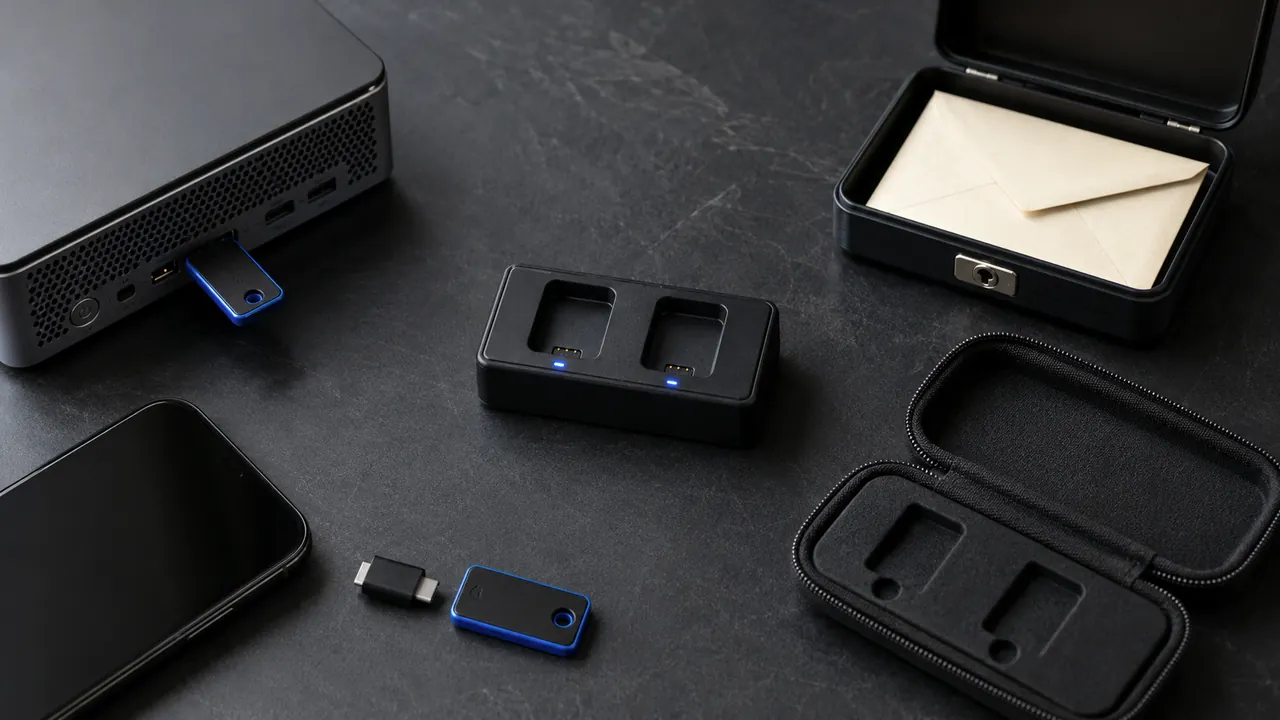
| FIDO security key | Designed to verify the real site | The physical key, compatible devices, and a spare route | Strong choice for high-value accounts and higher-risk readers |
| Authenticator-app code | No; a fake site can relay a code | The app, its stored secret, and any sync or export method | Good fallback when passkeys or security keys are unavailable |
| Number-matched push | Usually no; context helps but approval can still be manipulated | The enrolled phone and account-recovery path | Convenient when you verify the request you started |
| Text-message code | No | The phone number, carrier account, and cellular delivery | Use when it is the strongest option offered |
| Email code | No | The security and availability of the email account | A weak backup if the same inbox can reset the account |
“Phishing-resistant” has a specific meaning. NIST says manually entered one-time codes and out-of-band methods are not phishing-resistant because an impostor site can capture and relay the output. Properly configured WebAuthn credentials use a key tied to the real domain, so a fake page cannot collect a reusable credential.
A passkey is not merely a better code
A passkey may replace the password rather than appear as a second screen after it. When the login also requires local user verification—such as the device PIN, fingerprint, or face check—the cryptographic credential can provide multi-factor authentication in one sign-in action.
Passkeys can be synced through a platform account or kept on a particular device or security key. That changes the recovery path, not the phishing-resistance of a correctly implemented login. Before creating one, ask where it will live, which devices can use it, how a new device gains access, and what happens if the provider account is unavailable.
The UK National Cyber Security Centre now recommends passkeys wherever a service supports them and two-step verification where it does not. Its 2026 consumer assessment says FIDO2 credentials, including passkeys, resist the common credential attacks that still apply to passwords plus text, email, app codes, or push approvals.
Codes are still useful, but they can be relayed
An authenticator app removes the carrier dependency of SMS. That matters: a number port or SIM-swap attack cannot redirect a code generated locally in the app. But the six-digit code is still something a fake sign-in page can ask you to type and immediately relay to the real service.
Use an authenticator app when a passkey or security key is unavailable or impractical. Before changing phones, learn whether the app syncs, exports, or requires each account to be enrolled again. “Authenticator app” describes a method; it does not promise that every app stores or restores its secrets the same way.
Text or email codes are still worth enabling when they are the only second factor offered. The Federal Trade Commission tells consumers that they are better than nothing while an authenticator app or security key is safer when available. Do not turn off the only working protection while waiting for a perfect option.
Treat every push as an action request
A push prompt is not evidence that the person holding the phone started the login. Deny any request you did not initiate. If the prompt shows a number, device, location, or app name, compare it with the sign-in in front of you instead of approving from habit.
- Stop after an unexpected prompt; do not approve it to make the notification disappear.
- Open the service from a saved bookmark or known app and review recent sign-ins.
- Change the password if it may be known, then remove sessions and methods you do not recognize.
- Repeated prompts are an account warning, not a reason to tap faster.
Build recovery before the upgrade
The best method on paper becomes brittle when every backup depends on the same phone, phone number, email inbox, or passkey-provider account. Recovery should survive the failure you are planning for.
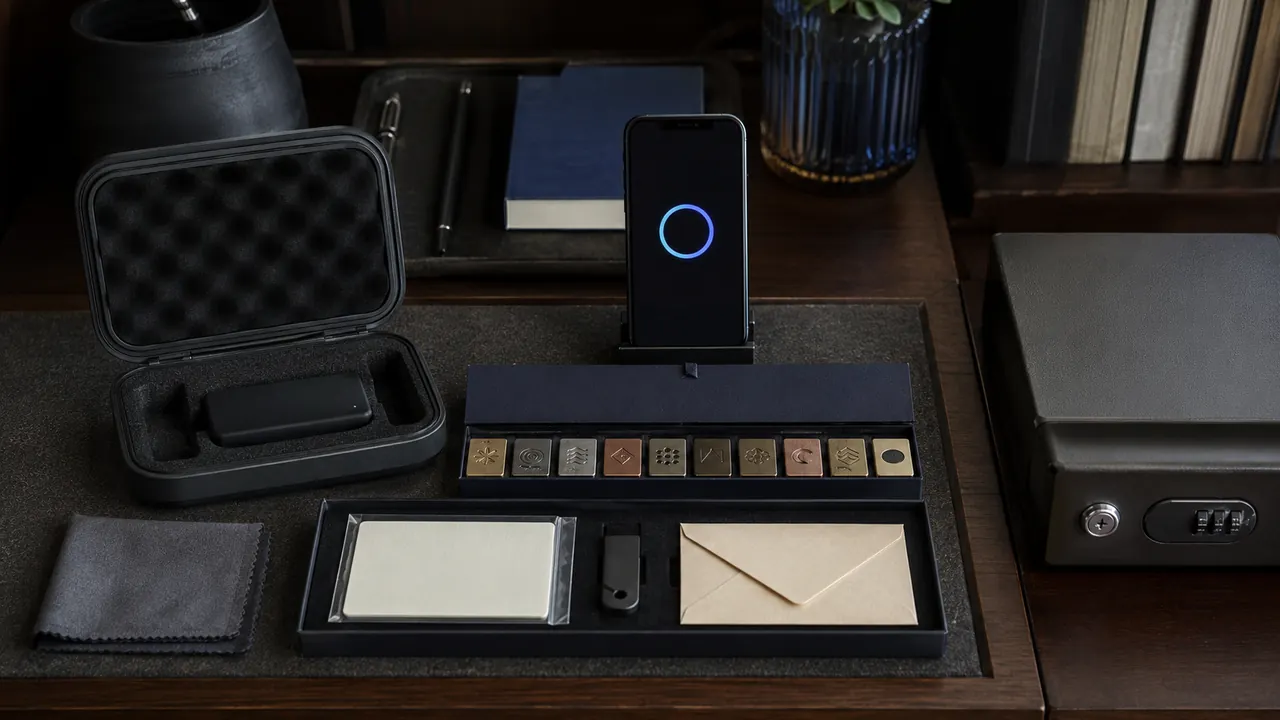
- Inventory what is already enrolled. List the active password, passkeys, keys, apps, phone numbers, recovery email, trusted devices, and recovery codes.
- Add the stronger method without removing anything. Complete one harmless sign-in with it on every device or browser you actually need.
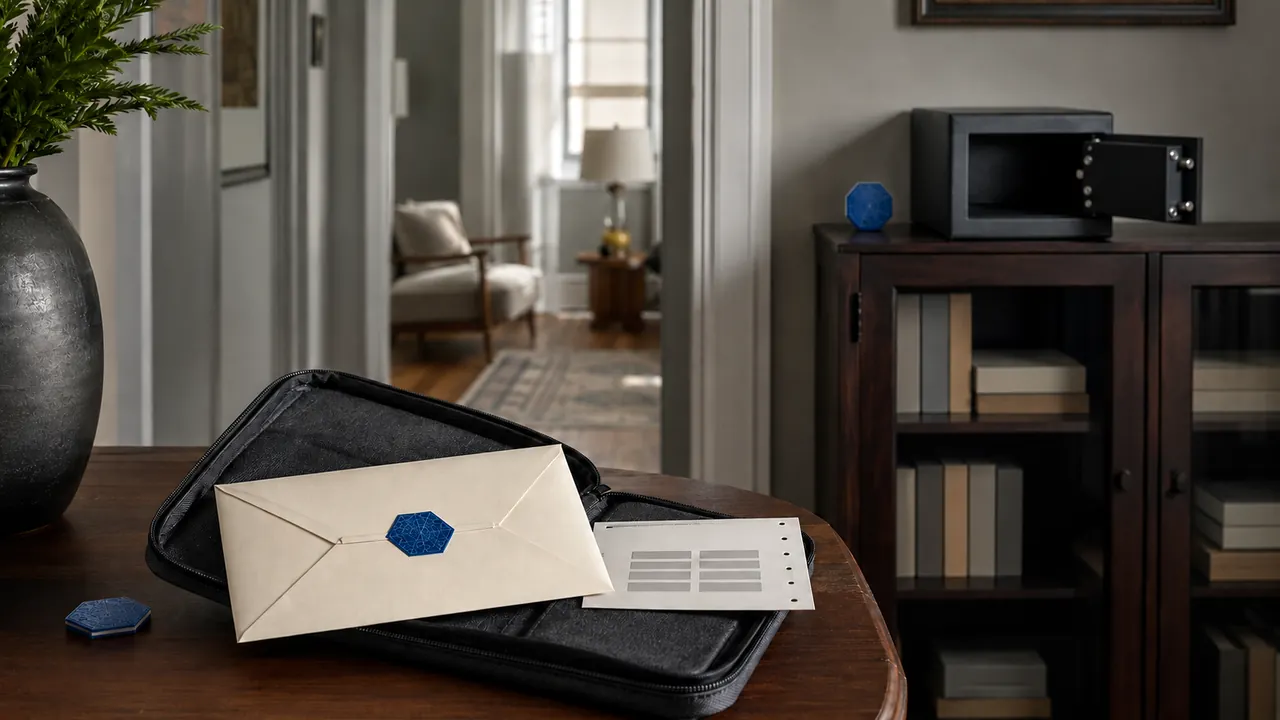
- Create one independent recovery route. Register a spare security key, store recovery codes outside the protected account, or add another provider-approved method that does not fail with the primary device.
- Test from a signed-out private window. Confirm both the preferred method and the recovery route. Do not test by erasing a working credential.
- Remove stale or unnecessarily weak methods. Delete old phones, lost keys, former numbers, and unrecognized passkeys only after replacements work.
Recovery codes are emergency credentials. Keep them outside the account and outside the device they are meant to rescue. Do not paste them into a chat, ordinary note, screenshot, or email draft.
Use a ten-minute order for critical accounts
- Secure primary email first because it often resets other accounts.
- Secure the password manager and main device-platform account next.
- Enable the strongest supported method on banking, payment, tax, health, and work-administrator accounts.
- Save and test recovery before removing the older factor.
- Repeat for social, shopping, storage, and lower-consequence accounts.
Do not assume a bank or employer offers the same choices as a personal email provider. The strongest practical setup is account-specific: use the best option actually offered, protect the recovery channel behind it, and record which device or provider holds the credential.
Recheck after the things that usually break access
Review enrolled methods after a phone replacement, phone-number change, lost key, password-manager migration, platform-account recovery, unexplained push, or security notice. Remove credentials tied to devices you no longer control, then test the remaining primary and recovery paths.
The useful hierarchy is simple: prefer a domain-bound passkey or security key, use an authenticator app when that is the strongest practical option, and use text or email codes rather than password-only when nothing stronger is offered. The durable setup is the one that resists a fake sign-in page and survives the loss of one device.