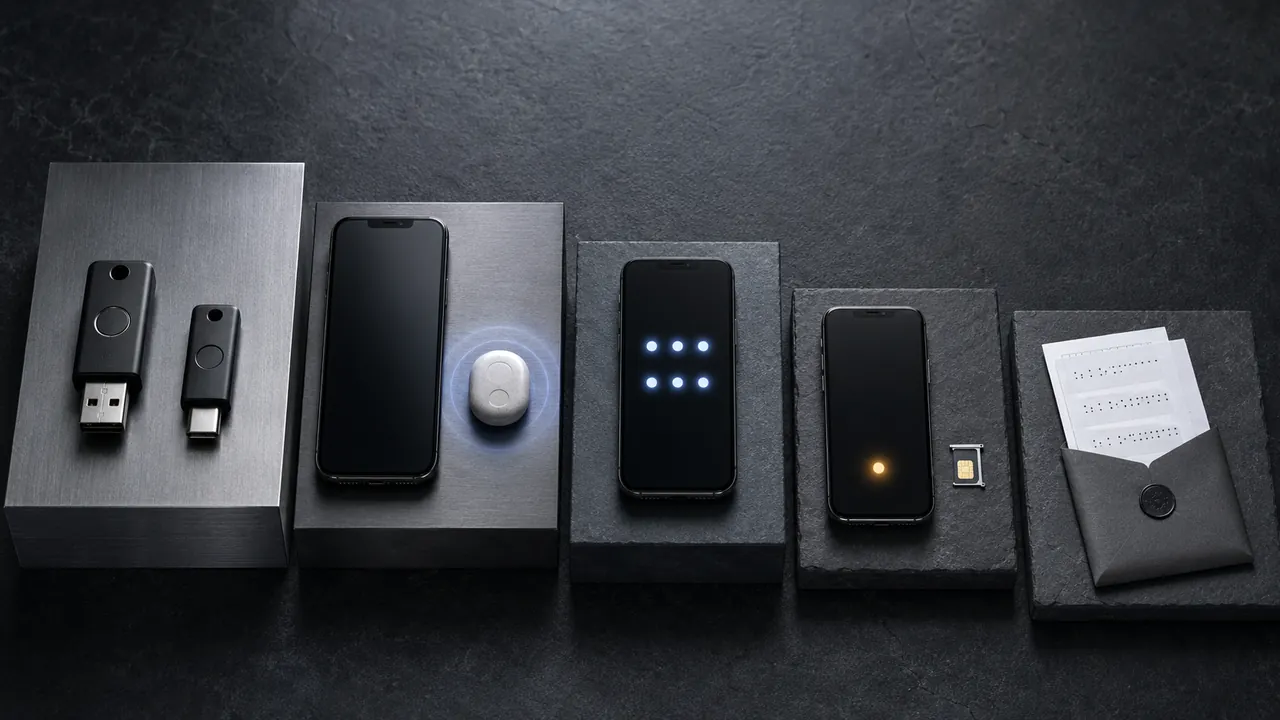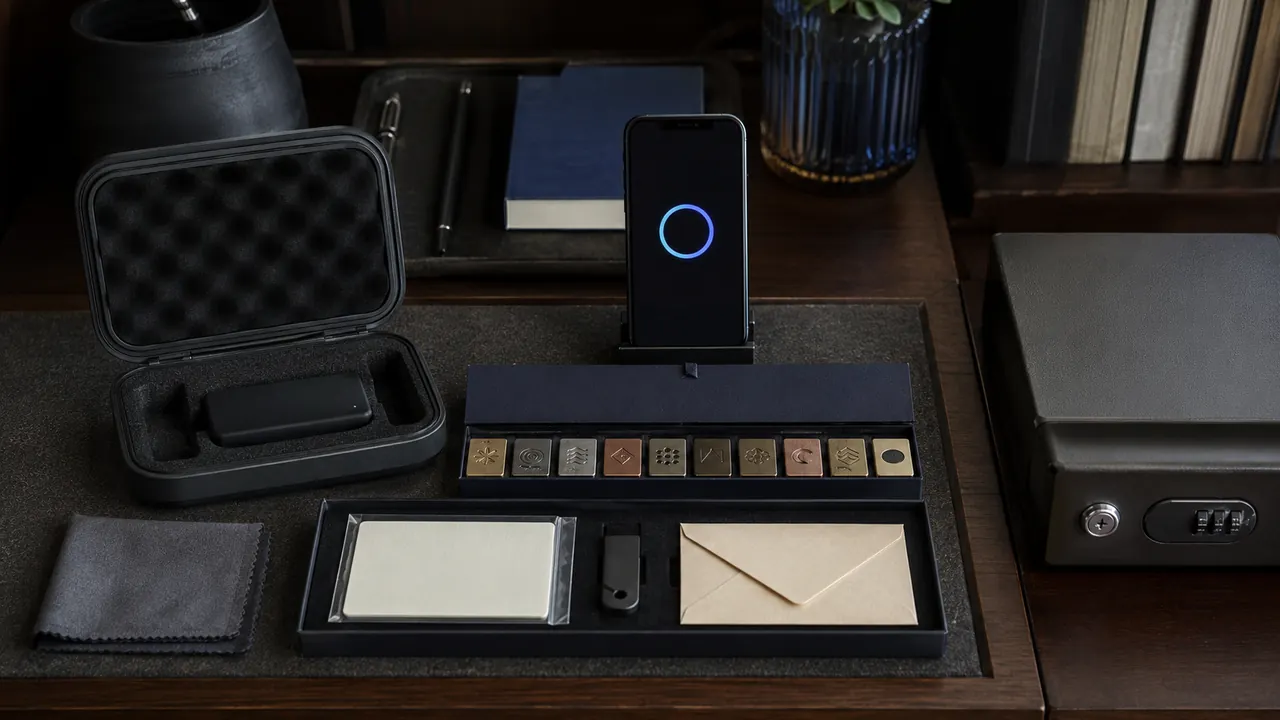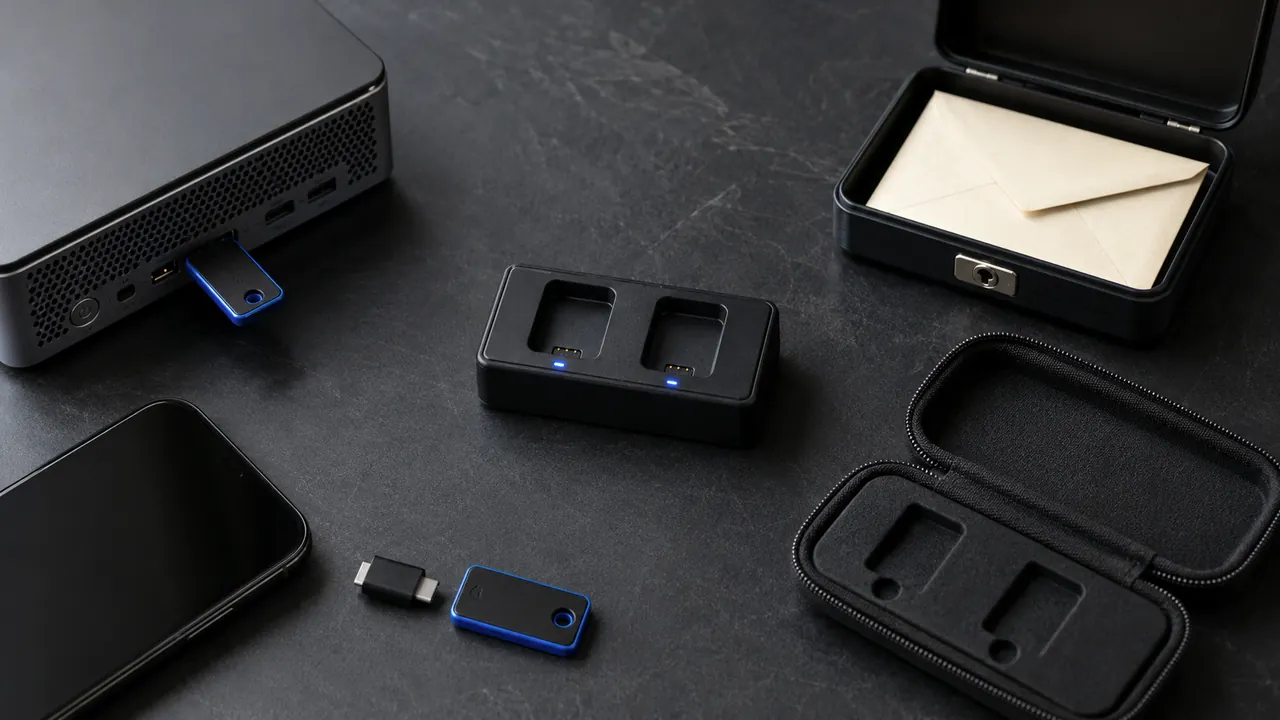
A recovery code stored only on the phone it is meant to replace is not much of a recovery plan. Put codes somewhere reachable when the primary device, password manager, or cloud account is unavailable.
Recovery codes belong outside the account and outside the device they are meant to rescue. Use two different failure domains: for example, a printed copy in a secure location and an encrypted digital copy outside the protected account.
Choose storage locations before generating codes so plaintext does not linger in Downloads. Have a printer, encrypted container, or secure document location ready.
Store codes outside the failure
Generate a fresh set after confirming your normal sign-in works. Generate codes only after normal two-factor sign-in works. Note that creating a new set can invalidate every previous code.
Use two different kinds of storage
Print or write one copy for a secure physical location
Print one copy for a secure document location. The paper should identify the service but does not need the account password beside it.
Store an encrypted digital copy in a separate protected system
Keep an encrypted digital copy outside the account it recovers. A file in that account’s own cloud storage may be unreachable during lockout.
Label the service and generation date without adding the password
Mark single-use codes after use without photographing the whole sheet. Replace the set if you cannot tell which codes remain valid.
Replace the set after any code is exposed or the service regenerates it
Regenerate immediately after accidental sharing, an unencrypted upload, or loss. Treat recovery codes with the same care as passwords.
A sealed paper copy can survive a dead phone and cloud lockout, while an encrypted digital copy is easier to update. Keeping both in the same backpack defeats the benefit of using two forms.
Know when a set becomes invalid
- A screenshot in the same phone is a fragile backup.
- Codes may be single-use.
- Do not email plaintext codes to yourself.
Generate a new set whenever codes appear in a shared folder, unencrypted screenshot, sent message, or lost piece of paper.
A screenshot is usually not enough
Menus, limits, and recovery options change. Confirm the current steps in “Sign in with backup codes” and “Set up a recovery key for your Apple Account” before acting.
Google says its backup codes are single-use and that generating a new set makes the old set inactive.
Apple warns that an Apple Account recovery key must be kept outside services that become inaccessible when the account is locked.
First identify what the service gave you
Backup codes and recovery keys are not interchangeable. Google backup codes are a set of one-time second-step codes: each used code becomes inactive, and creating a new set invalidates the old set. Apple's optional recovery key is one persistent 28-character key used with a trusted phone number and an Apple device; replacing the key invalidates the previous one.
Label the provider, account identifier, item type and generation date without placing the account password beside it. For one-time codes, mark only the code you used. For a persistent key, never mark it as spent.
Understand the Apple recovery-key tradeoff
Turning on an Apple recovery key disables Apple's standard account-recovery process. If you lose access and cannot provide the key, Apple says you can be permanently locked out. Store it in more than one safe place before enabling it, and do not keep the only copy in Apple Passwords, iCloud Photos, Notes or iCloud Drive because those services may be unavailable during lockout.
A recovery contact is a different option for Advanced Data Protection. Decide which recovery method you can realistically maintain before changing the account.
Run a safe inventory check
- Open the provider through its known app or typed address and confirm the recovery item is still enabled.
- Check whether the item is single-use, a set that can be regenerated, or a persistent key.
- Confirm at least one copy exists outside the protected account and primary device.
- Remove obsolete plaintext downloads and destroy invalidated paper sets.
Do not test a recovery key by signing out of every trusted device. Confirm the saved copy against the provider's setup screen while normal access still works, then keep the trusted-device and phone-number requirements current.