Security & Truststory2 min
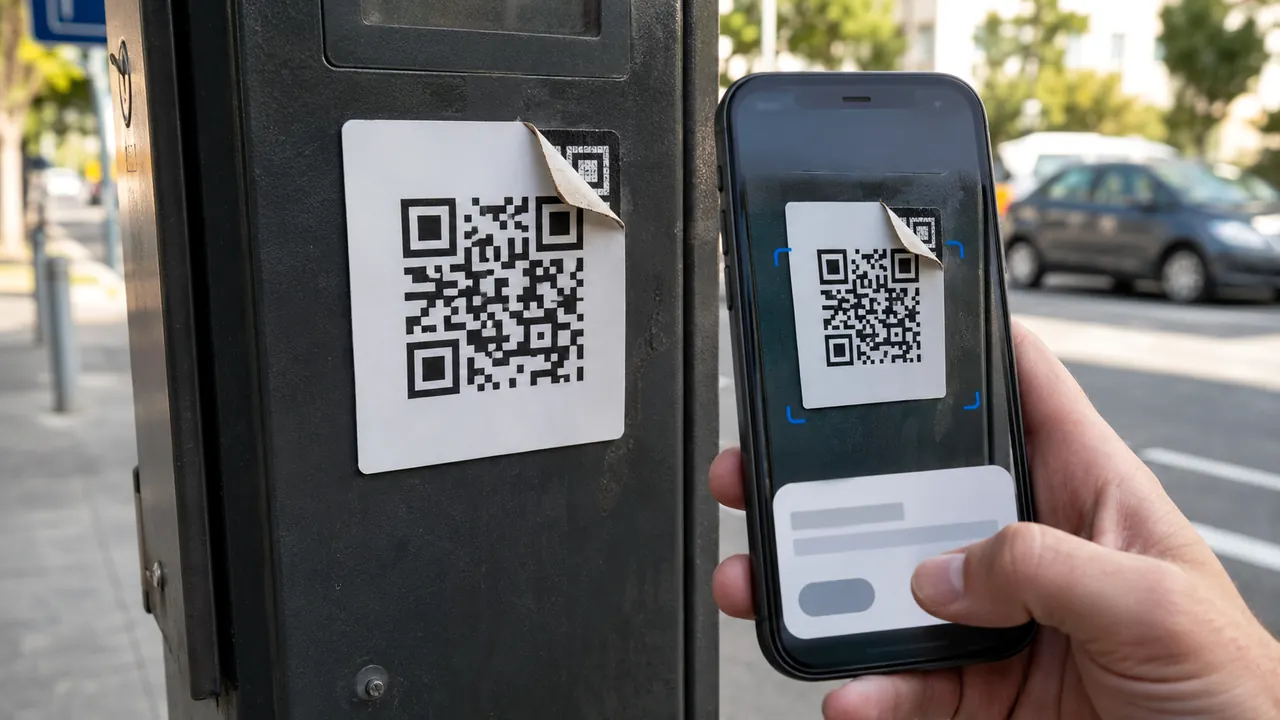
Scan a QR Code Without Handing It Blind Trust
Treat a QR code as a concealed link: preview it, inspect its context, and use a known route for payments or logins.
Payment problems, online safety, browser privacy, AI tools, and everyday tech choices.
Practical account-security explanations for safer sign-in, passkeys, authentication, phishing defenses, recovery, and verification steps.
7 published stories
Treat a QR code as a concealed link: preview it, inspect its context, and use a known route for payments or logins.

Use a passkey or security key where it fits, keep a tested recovery path, and treat codes and push prompts as useful fallbacks—not equal protection.

Ignore the number in a warning, ad, or unsolicited message; open the app or type the official site yourself.

Remove old OAuth grants and sign-in connections that no longer have a clear job.

Turn on high-signal account and money alerts, verify them through the provider, and report unauthorized bank activity without delay.

This source-backed quiz practices independent verification instead of guessing from logos, grammar or urgency.

The biometric or PIN unlocks an authenticator; the website receives cryptographic proof rather than your fingerprint.