When a website says “sign in with your face,” it is skipping the most important part. Your face is not the passkey. It is one possible way to unlock an authenticator that holds or can access a cryptographic credential for that site.
The distinction sounds fussy until something goes wrong. It explains why some passkeys can be backed up and synced, why a device may offer a PIN or biometric for local verification, and why account recovery still matters even after passwords disappear.
The website gets proof, not your fingerprint
The W3C Web Authentication specification defines public-key credentials scoped to a relying party—the website or service asking you to sign in. During authentication, the authenticator uses the credential's private-key side to produce a signed assertion in response to the site's challenge. The service verifies that response using the public-key side. The private key is not sent to the service.
The user-verification step happens on the authenticator side. Depending on the device and setup, that can be a PIN, biometric, or another authorization gesture. WebAuthn communicates the result of that verification in the ceremony; it does not define sending a fingerprint or face scan to the website.
“Passkey” can describe more than one storage arrangement
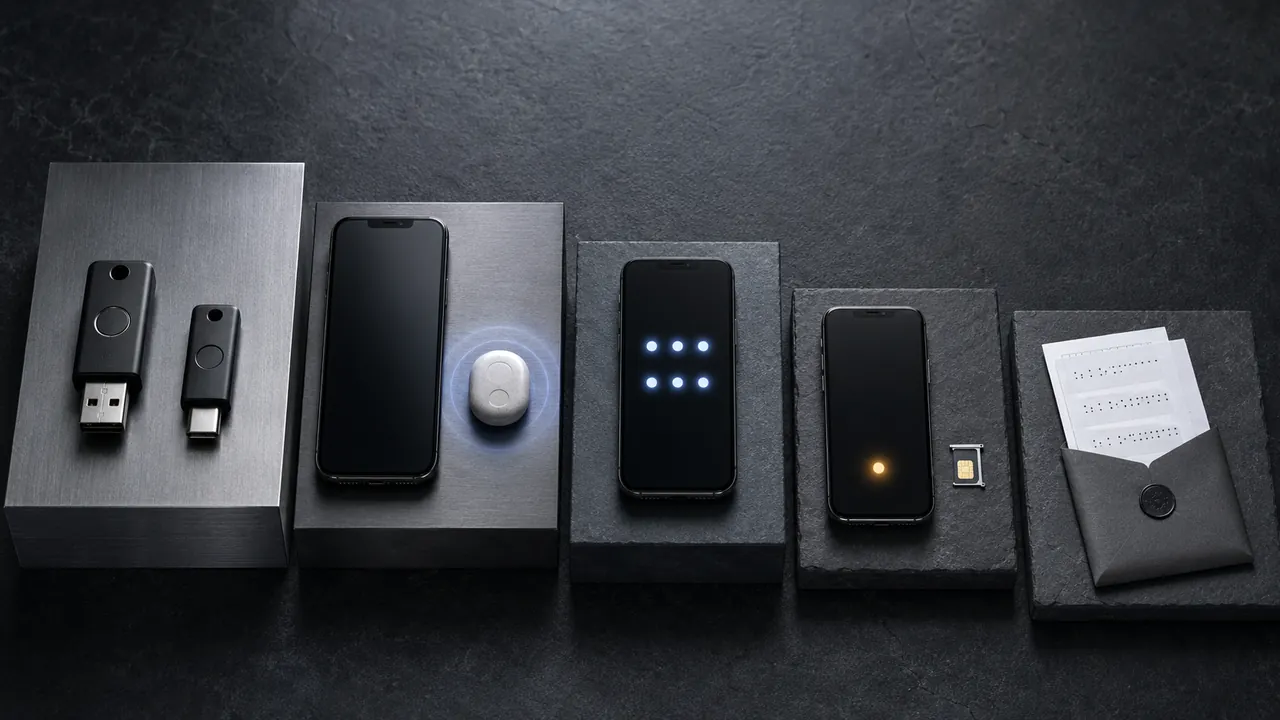
Some credentials are device-bound, including credentials on some hardware security keys. Other passkeys can be backed up and made available across a user's devices through a credential provider. That convenience changes recovery and ecosystem questions, but it does not turn the credential into a reusable password shared with every site.
Each relying party receives a credential scoped to it. WebAuthn validates the calling origin and relying-party identifier as part of the ceremony. That binding helps resist a look-alike origin trying to use the real site's credential. It does not make unsafe recovery, enrollment, or a compromised unlocked device harmless.
The part marketing pages tend to skip
Passkeys do not remove every account problem. A service still needs a secure enrollment and recovery process. A stolen unlocked device is a different threat from a remote phisher. Shared devices, device migration, and accessibility all require careful product decisions.
The useful mental model is small: the passkey is the credential; the authenticator protects and uses it; your face, finger, or PIN proves locally that the authenticator should act. Once those pieces are separate, the login prompt is much less mysterious.