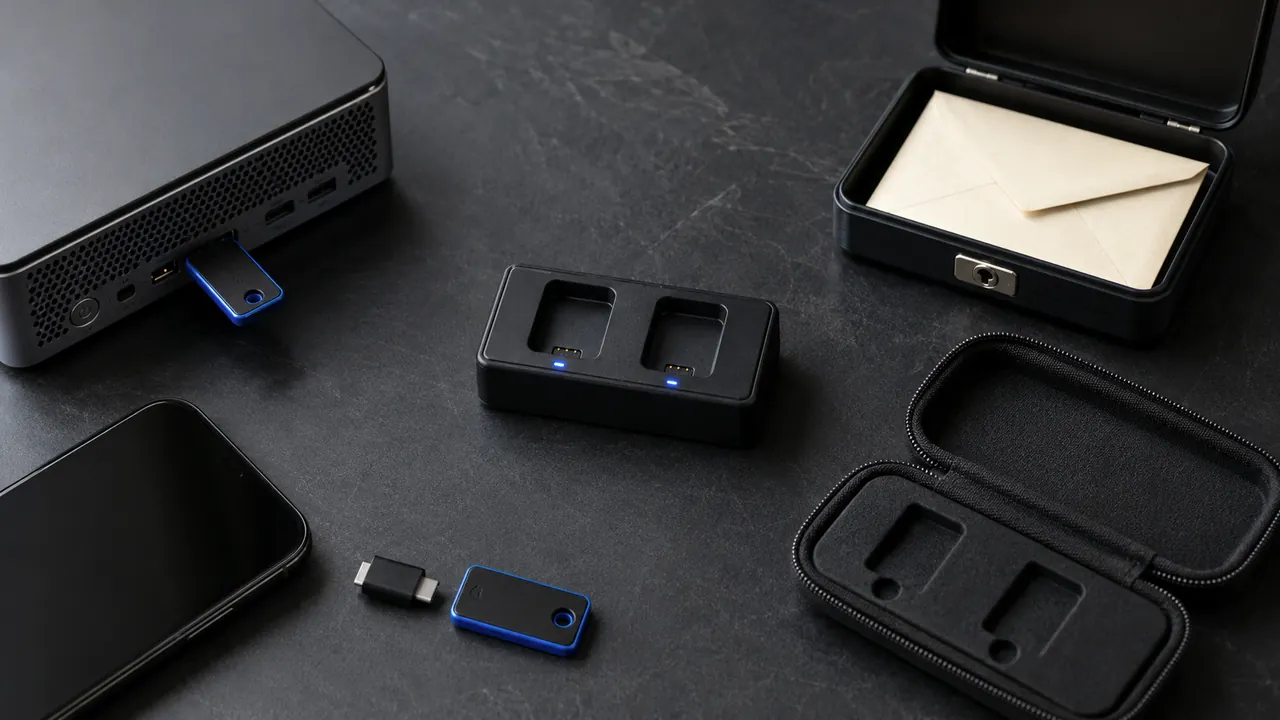
An account-recovery plan is a short record you make while you can still sign in. It tells you where to start, which backup factors you control, and what to inspect after access returns. It should reduce decisions during a stressful lockout without becoming a file full of passwords or one-time codes.
If an email account is being used to reset other accounts right now, move to the first-hour email takeover checklist. This guide is for building the broader plan and choosing the correct provider route.
Make the plan in 10 minutes
- Start with accounts that can reset other accounts. Include your primary email, mobile carrier, password manager, domain registrar, and any account that stores payment or identity information.
- Save the official recovery page. Type the provider's domain yourself or reach it from the provider's app or help center. Do not make a search ad, pop-up, phone number, or alarming message your recovery route.
- Record the recovery contacts you recognize. Note only enough to identify the recovery email address or phone number. Confirm that you can still access it.
- List backup factors without copying their secrets. Record that a recovery code set, security key, passkey, or authenticator exists and where it is protected. Do not paste codes into this plan.
- Name the dependency. Write down what the account can reset, bill, publish, or administer. That tells you which account to contain first if several are affected.
| Record | Keep | Do not keep here |
|---|---|---|
| Official route | The provider's typed or bookmarked help URL | A support number copied from search results |
| Recovery contact | A masked hint you recognize and can access | A mailbox password or verification code |
| Backup factor | Its type and protected storage location | The recovery code, key PIN, or authenticator seed |
| Account dependency | What this account can reset or control | Financial account numbers or identity documents |
If something happens, choose your branch
- You can still sign in: stay inside the official app or typed provider site. Follow the provider's security workflow, change the password from a trusted device, remove unfamiliar sessions or devices, repair recovery information, and inspect connected access.
- You are locked out: use the provider's official recovery flow. When the provider recommends it, use a familiar device, browser, and location. Do not pay someone who claims they can bypass the provider's recovery checks.
- The device may be infected: follow the provider's device-cleanup guidance or use a different trusted device before changing credentials. Microsoft specifically tells people recovering a compromised Microsoft account to scan the PC before changing the password.
- Money or identity information may be exposed: preserve transaction and notification evidence, then contact the financial institution through its own app, card, or statement. Account recovery does not reverse an unauthorized payment by itself.
Use the provider's own recovery route
| Provider | Official starting point | Important difference |
|---|---|---|
| Secure a hacked or compromised Google Account | Branches immediately on whether you can sign in, then checks security events, devices, recovery details, apps, and product-specific changes such as Gmail forwarding rules. | |
| Microsoft | Recover a hacked or compromised Microsoft account | Starts with its sign-in helper and says to scan a possibly infected PC before changing the password; Outlook users should inspect forwarding, connected accounts, and automatic replies. |
| Apple | If you think your Apple Account has been compromised | Directs locked-out users to iforgot.apple.com and tells recovered users to verify account details, devices, email addresses, phone numbers, and the Apple Accounts signed in across services. |
| facebook.com/hacked | Asks you to start on a device you have used for Facebook before. |
For another provider, begin at the provider's app or typed domain and find its account-security or recovery page. The FTC maintains a broader list of official recovery instructions for popular email and social services. If a result offers a phone number before it proves the provider's domain, use the real-support checklist before making contact.
After access returns, remove the ways back in
A password change is one containment step, not proof that the account is clean. The FTC tells recovered users to sign out other devices, turn on two-factor authentication, verify recovery information, inspect email forwarding, review sent and deleted messages, and warn contacts. Provider pages add service-specific checks.
- Review recovery information first. Remove email addresses, phone numbers, or authentication methods you do not recognize.
- Review sessions and devices. Sign out unfamiliar devices or all other sessions when the provider offers that option.
- Inspect persistent access. Check forwarding rules, filters, delegates, connected apps, app passwords, passkeys, security keys, and third-party sign-ins. The exact list varies by provider.
- Check what the intruder did. Review sent, deleted, purchase, sharing, and security activity. Save useful evidence before deleting it; the evidence screenshot guide explains what to capture.
- Protect the next account. Change any reused password, review accounts reset through the compromised mailbox, and notify contacts if messages or requests were sent in your name.
- Update the plan. Replace obsolete recovery contacts and record any new dependency or official route you discovered.
Keep the plan usable
Store the plan offline or in a protected location that does not depend only on the account it is meant to recover. Review it when you change phone numbers, email addresses, devices, password managers, or authentication methods. A twice-yearly check is a practical reminder, but provider changes and personal changes should trigger an earlier review.
Work or school accounts may use an administrator-controlled process, so record the internal help route before an incident. If the provider says recovery is not possible, preserve the old account name and tell contacts which new account is legitimate. Never turn a failed automated recovery attempt into permission for an unknown paid recovery service to handle your codes or identity documents.