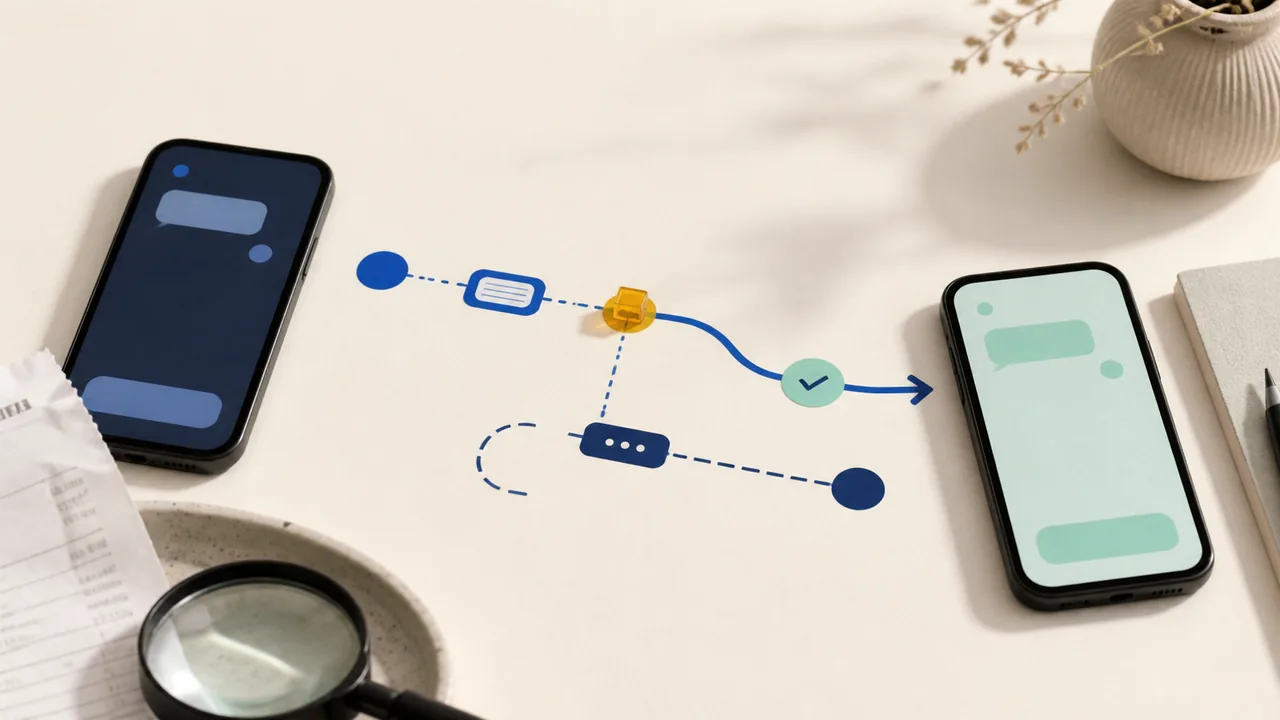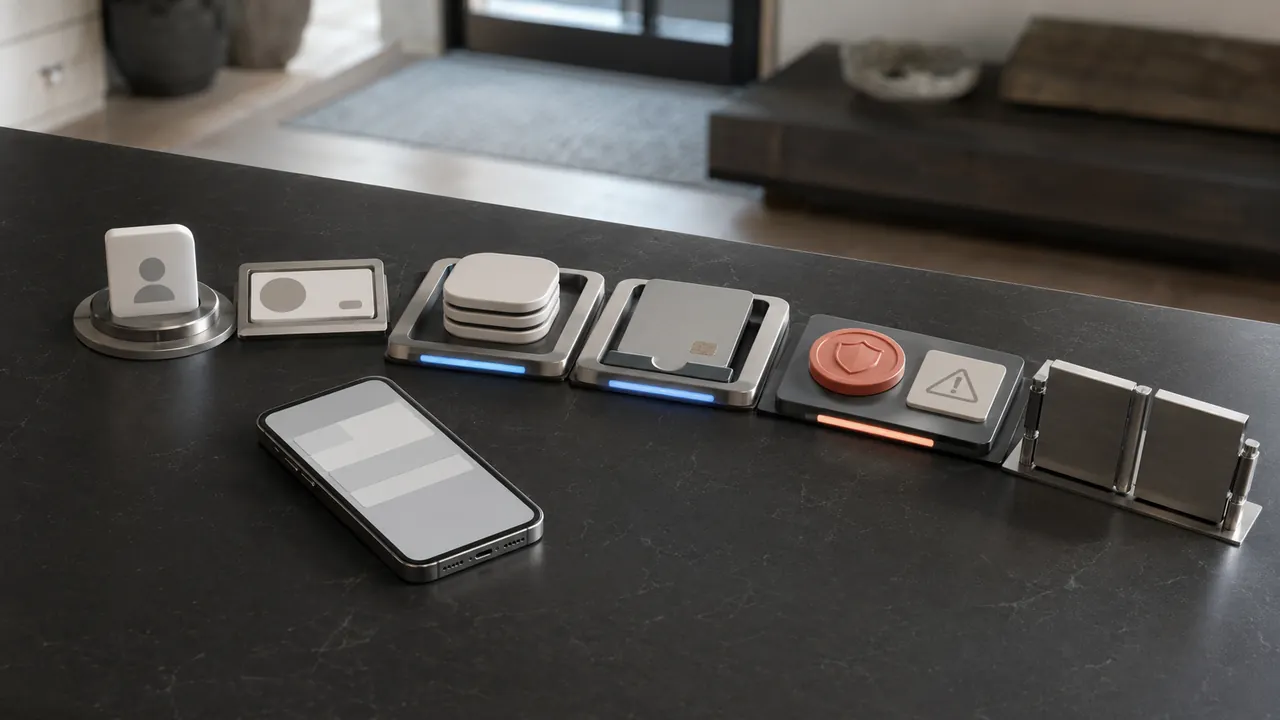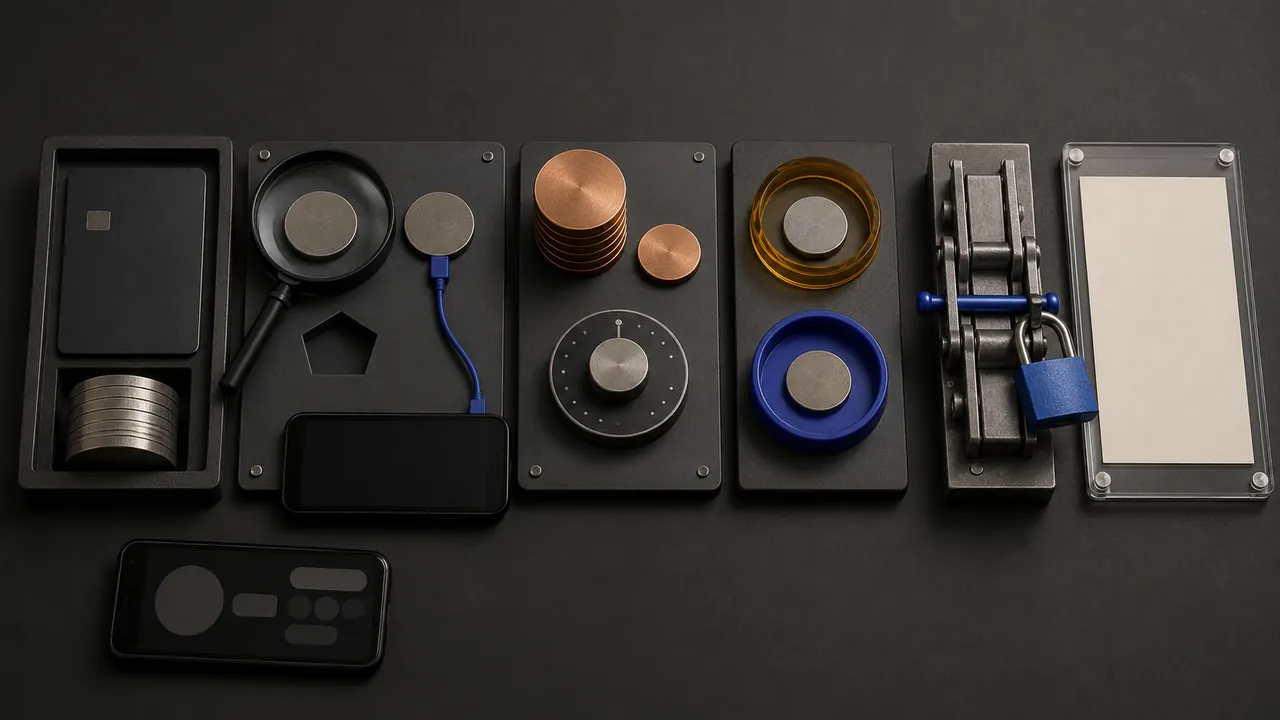
If a bank transfer looks wrong, save the record before changing anything. The useful next move depends on its status, the rail that carried it, and what actually happened. A stop, recall, return, or recovery request is never a guarantee.
Take these three steps now
- Save the transfer record. Capture the confirmation number, recipient name and destination, amount, fee, date, status, and every bank message. Do not delete the recipient or conversation before preserving it.
- Identify the status and rail. Look for scheduled, pending, processing, posted, or completed, then note whether the app calls it an internal transfer, ACH, wire, instant payment, or person-to-person payment.
- Contact the bank through a known channel. Use the official app, card, statement, or a website you opened yourself. Describe the incident precisely and ask what action is still available.
What to say
I need help with transfer [confirmation number]. It is [status] and appears to be [rail]. [I did not make it / I sent it after being deceived / I entered the wrong recipient or details]. Can it still be stopped, or can you send a recall, return, or recovery request?
Say which incident happened
| What happened | Say this plainly | Do not relabel it as |
|---|---|---|
| Someone else initiated it | “I did not make or authorize this transfer.” | A wrong-recipient mistake. |
| You sent it because of deception | “I made the transfer, but an impersonator or scam induced it.” | Automatically unauthorized. |
| You entered the wrong details | “I intended to transfer money, but the recipient, account, amount, or date was wrong.” | Fraud unless fraud actually occurred. |
Under federal electronic-transfer guidance, a transfer initiated by someone without your authority can be an unauthorized electronic fund transfer. A payment you personally reviewed and sent after being deceived is not automatically the same category. Report either one immediately and let the bank apply the correct process.
Route the request by status and rail
| Status and rail | Do now | Important limit |
|---|---|---|
| Scheduled or pending, any rail | Use a visible cancel control if one exists, then contact the bank and confirm the result. | “Pending” does not prove the transfer is cancellable. |
| Internal or on-us transfer | Ask the bank whether it can stop or correct the transfer inside its own system. | Timing and reversibility are provider-specific. |
| ACH, processing or posted | Ask the originating bank whether a stop, correction, return, or recovery request fits the facts. | The ACH five-banking-day reversal rule belongs to qualifying originator errors; it is not a consumer right to undo every payment. |
| Wire, accepted or completed | Ask the sending bank immediately to send a recall or return request. | An accepted Fedwire payment is final; a later request does not revoke it and recovery is not promised. |
| Instant or person-to-person, completed | Contact the bank and, when separate, the payment app. Report the exact incident and ask for recovery. | Some instant rails settle within seconds. “Completed” is neither a promise of reversal nor a reason to give up. |
FedNow is bank-to-bank infrastructure, not a consumer app. Your bank may use an instant rail without showing its name, so start with the bank or service shown on the confirmation.
Before sending, pause at the confirmation screen
- Match the recipient name and final account or routing digits with an established record.
- For changed instructions or an unexpected request, contact the person through a number or channel you already trust.
- Check the amount, fee, delivery timing, rail, and any cannot-cancel warning.
- Save the confirmation until the intended recipient confirms settlement.
Wrong routing or recipient information can cause loss and may not be recoverable. If a mismatch prevents release, contact the provider immediately because a correction may still be possible.
Use the guide for the payment you actually made
For a Zelle payment, follow the Zelle recipient check. For Apple Cash, use the Apple Cash recipient check. If a caller or message tells you where to seek help, first verify the support channel.