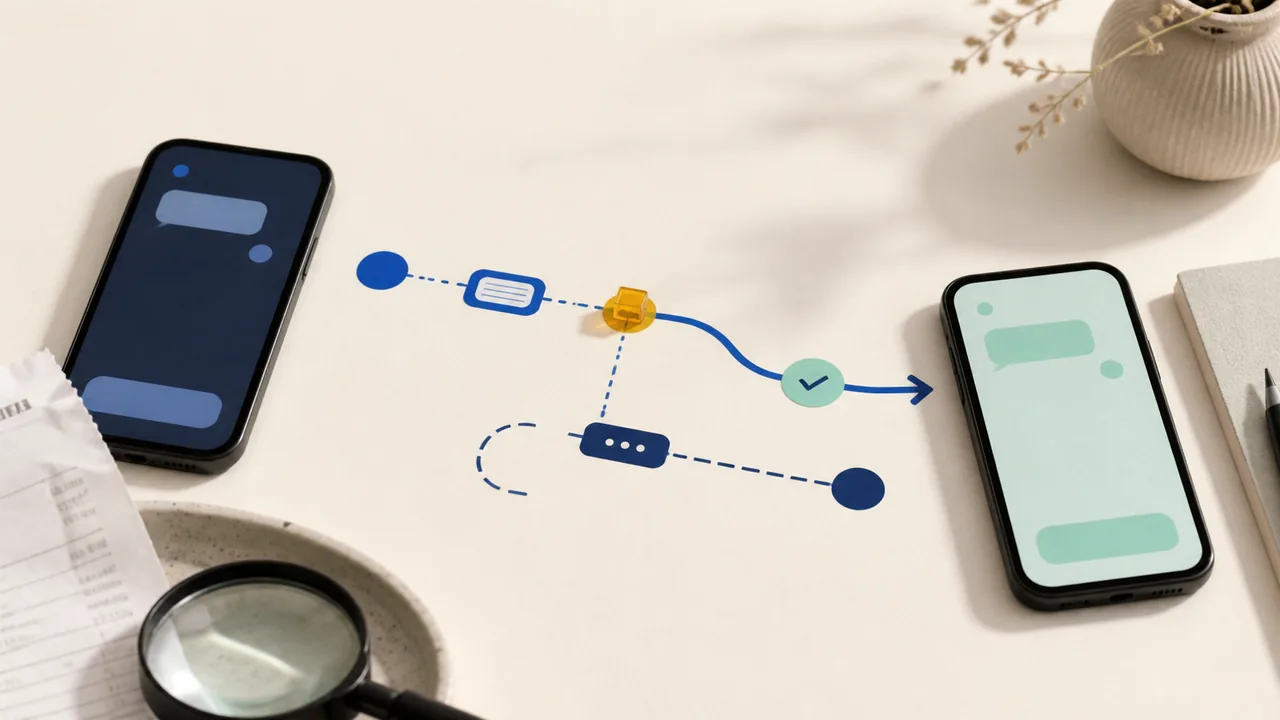
If a Zelle payment looks wrong, first find out who pressed Send and whether the recipient was already enrolled. Those two facts change what your bank or credit union can do. Save the payment record before contacting anyone or sending more money.
Take these three steps now
- Open the original payment. In your bank or credit-union app, save the status, amount, date, confirmation number, recipient name, and the email address, U.S. mobile number, or Zelle Tag used.
- Ask who pressed Send. If you approved it after a lie, report a scam. If someone else initiated it, report unauthorized activity. Do not blur those two accounts.
- Do not send a correction payment. Do not pay a fee, share a verification code, or use a support number supplied by the recipient, caller, text, or search ad.
Before you send
Confirm the recipient through a separate channel you already trust. Ask which email address or U.S. mobile number is enrolled, then compare it with the payment review. Zelle says the review can show the enrolled recipient name, but a familiar-looking name, contact label, email, phone number, or Zelle Tag is not independent proof of identity.
A Zelle Tag is available only to eligible small-business accounts. If a seller gives you a tag, that does not turn the payment into a protected checkout. Zelle says it does not offer purchase protection, so use it only when you know and trust the recipient.
If the recipient is not enrolled and the payment is pending
Zelle says a payment can be canceled when the recipient has not enrolled. Open the payment in your bank or credit-union activity and use its cancellation control if one is shown. If the recipient does not enroll within 14 days, Zelle says the payment expires and the funds are returned.
Save the canceled or expired status. If the app does not offer cancellation, contact the bank or credit union through the number in its app, on your card, or on your statement. Do not assume that the word pending always means cancellable; confirm whether the recipient is enrolled.
If the recipient was enrolled and the payment completed
Zelle says a payment to an enrolled recipient cannot be canceled because the money moves directly into that recipient's account. If you chose the wrong enrolled recipient, contact your bank or credit union immediately. You can ask the recipient once to return the money, but that request is not a reversal and recovery is not guaranteed.
Message to use
I sent you a Zelle payment by mistake. Please verify the amount and sender in your own bank activity before responding. I will not send another payment or share a code. Please tell me whether you can return only the amount you actually received.
Keep the original payment, your message, and any response together. If the recipient demands a fee, code, or second payment, stop contact and add that demand to your bank report.
If you pressed Send after someone deceived you
Describe it accurately as a scam-induced payment: you approved the transfer because someone lied about who they were or why you had to pay. Stop contact, preserve the messages, and report the scam to the bank or credit union that offers Zelle.
Zelle says certain qualifying impostor scams may be eligible for reimbursement. That is not a promise that every scam payment will be repaid. Give the bank the exact story, recipient details, confirmation, and evidence, then save the case number and decision.
What to say
I authorized this Zelle payment after the recipient deceived me. I am reporting a scam-induced transfer, not an account takeover. I have the confirmation, recipient details, messages, and timeline. Please open the appropriate review and give me the case number.
If someone else initiated the payment
Report unauthorized activity or fraud to the bank or credit union immediately. Say that you did not press Send and did not authorize another person to do so. Secure the bank account and the email address or mobile account connected to Zelle, preserve alerts and sign-in records, and follow the institution's fraud instructions.
Zelle says unauthorized transactions typically qualify for reimbursement, but the bank investigates the facts. Do not guarantee yourself an outcome or let a caller coach you into moving money to a supposedly safe account.
What to say
I did not initiate or authorize this Zelle payment. I am reporting unauthorized activity. Please secure the account, open a fraud investigation, and give me the case number and the next evidence deadline.
Your bank or credit union owns the transaction review
For a payment made through a participating bank or credit union, Zelle directs transaction questions to that financial institution. Start with the official in-app, card, statement, or typed website contact path. Zelle's report form can preserve a scam report, but it does not replace the bank's transaction review.
If a caller or message tells you where to seek help, first verify the support channel. For an ACH, wire, internal, or other bank transfer rather than Zelle, use the bank-transfer status and rail guide.
Use the guide for the payment you actually made
For Apple Cash, use the Apple Cash status guide. For Venmo, use the Venmo mistaken-payment guide. For Cash App, follow the Cash App wrong-recipient steps. The Payment Problems hub keeps these recovery paths separate.