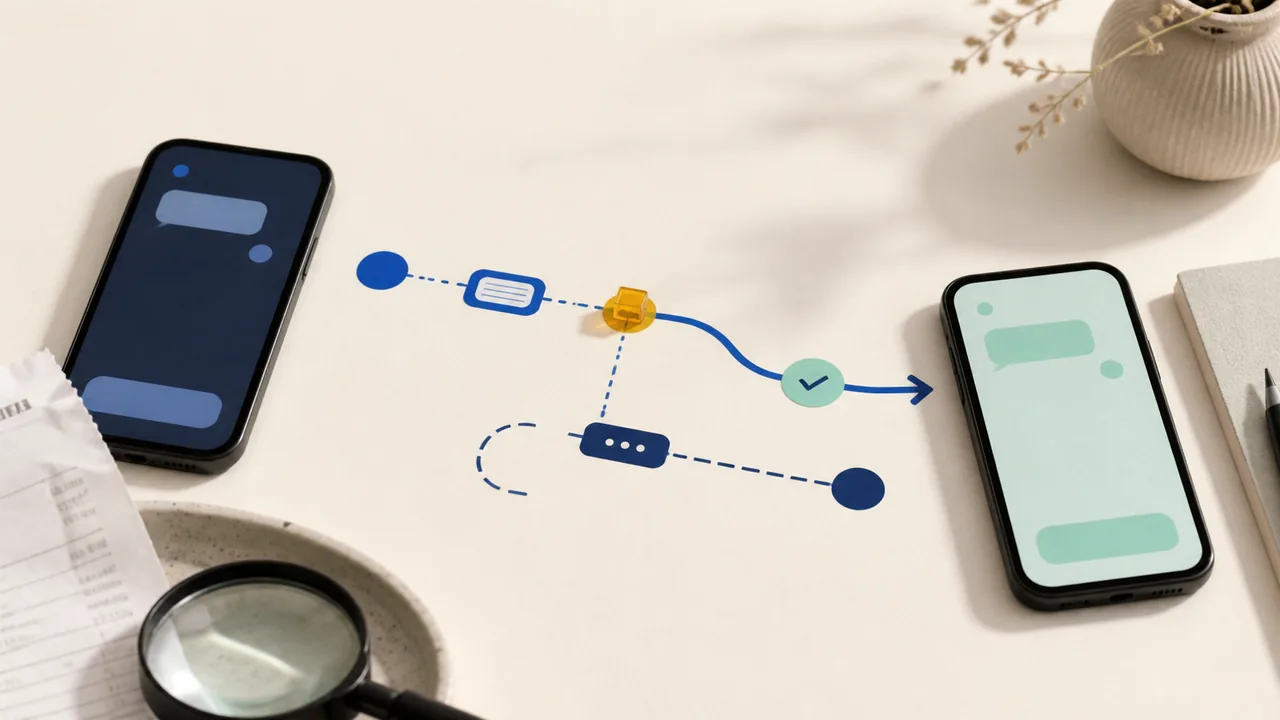
If an Apple Cash payment went to the wrong person, open the transaction before sending another message or payment. Save the name, phone number or email address shown, amount, time, status, conversation, and funding split. Then use the branch that matches what actually happened.
Take these three steps now
- Save the record. In Wallet, open the Apple Cash card and the transaction. Capture both transaction screens and the related Messages conversation.
- Read the status. Look for Pending or Completed. If you do not recognize the payment at all, treat that as a separate account-security problem.
- Do not send more money. A second payment does not cancel the first. Ignore anyone asking for a fee, verification payment, password, passcode, recovery key, or verification code.
If the payment is pending
Apple says a pending person-to-person payment has not been accepted and can be canceled. In Wallet, tap the Apple Cash card, tap the transaction, tap it again, then choose Cancel Payment. Save the updated status and confirm that the balance or funding card reflects the cancellation.
If Wallet does not show Cancel Payment, do not assume the transaction is still cancellable. Reopen it and read the status before taking another step.
If the payment is completed
Apple says a payment marked Sent with a Completed status cannot be canceled. You can ask the recipient once to return the money, but a request is not a reversal and recovery is not guaranteed.
Message to use
I sent you an Apple Cash payment by mistake. Please verify the amount and sender in your own Wallet before responding. If you return it, send only the amount you actually received. I will not send another payment or share a code.
Keep the original transaction, your message, and any response together. If the recipient does not help, or the payment involved deception, contact an Apple Cash Specialist at Green Dot Bank through Apple's official support route. Describe it accurately as a wrong-recipient payment or a scam-induced payment; do not call it unauthorized if you approved it yourself.
If you do not recognize the payment
First check whether Apple Cash and a debit card in Wallet split the funding, and whether anyone you authorized to use that debit card sent the payment. If neither explains it, secure your Apple Account and contact an Apple Cash Specialist at Green Dot Bank immediately. Save the case details.
Apple's account-recovery guidance says to change the Apple Account password, review personal and security information, and remove devices you do not recognize. Also verify that you still control the email addresses and phone numbers attached to the account.
If a scammer told you to send it
Stop contact and preserve the request. Apple says to use Apple Cash only with people you know and trust, warns that purchases paid outside a marketplace carry extra risk, and says businesses, government agencies, Apple, and tech support will not request Apple Cash payments. Contact the Apple Cash Specialist and explain that you approved the payment because of deception.
Do not trust a support number supplied by the caller, message, search ad, or recipient. Use the official Apple Cash support path. For a suspicious support contact, follow the guide to verify the support channel.
Before the next payment, verify the destination
- Use the name, phone number, or email address shown for the person-to-person transaction; a familiar contact label alone is not proof.
- Confirm an unusual request through a separate channel you already trust.
- Review the recipient, amount, Apple Cash balance, and any debit-card portion before Face ID, Touch ID, or passcode confirmation.
- Stop when Apple shows an unfamiliar-recipient or risky-transaction warning.
Use the guide for the payment you actually made
For a bank transfer, use the bank-transfer status and rail guide. For Zelle, follow the Zelle recipient check. For Venmo, use the Venmo mistaken-payment guide. For Cash App, follow the Cash App wrong-recipient steps. The Payment Problems hub groups the recovery paths without treating them as interchangeable.