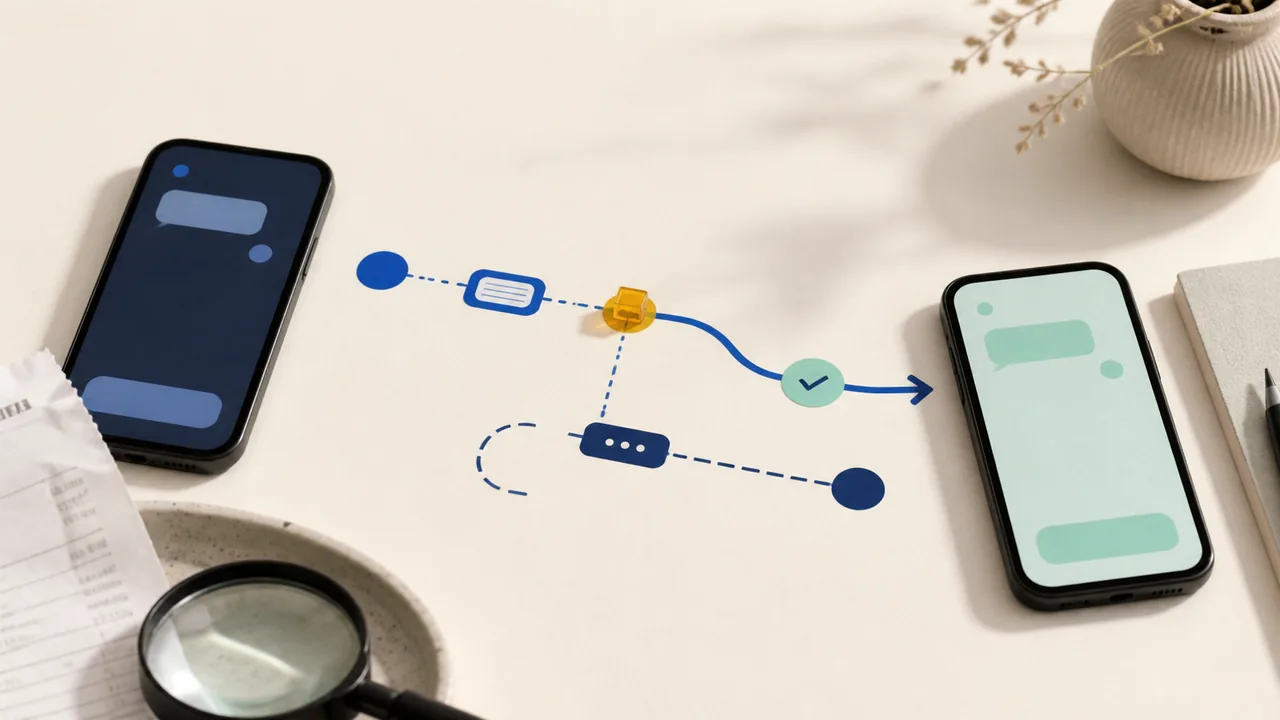
Start with the transaction type and the exact status Chime shows. A declined card purchase, pending merchant authorization, completed Pay Anyone payment, and external bank transfer do not share one cancellation or dispute path.
Take these three steps first
- Save the record. Capture the amount, date, status, merchant or recipient, funding source, and transaction or confirmation details before retrying or contacting support.
- Name the transaction type. Decide whether it is a card purchase or withdrawal, Pay Anyone payment, transfer started inside Chime, transfer started at another bank, or recurring ACH debit.
- Do not retry blindly. Read the decline reason or pending record first. A new attempt is a new transaction, not a repair of the first one.
Check the limit Chime shows for your account
Do not rely on a dollar limit quoted in an old article, forum, or another member's screenshot. In the Chime app, go to Profile > Account info > View limits. Chime says spending and withdrawal limits can change and may also be lower when an ATM operator, merchant, or participating bank imposes its own limit.
If the transaction is declined, open it in transaction history. Chime says the detail screen shows the decline reason and a relevant next step for most declined transactions. Check the displayed reason—such as available money, the account limit, card status, PIN, billing details, or merchant issue—before trying again.
If a card transaction is pending
A pending card transaction is still being processed. Chime says the amount has been set aside from the Checking Account balance but has not fully transferred to the merchant. A restaurant, gas station, hotel, or car-rental authorization can differ from the final amount.
Pending transactions cannot yet be disputed in Chime. Wait for the merchant to post, reverse, or release the authorization. If the amount posts and is wrong, select that posted transaction in the app, choose Problem with this transaction?, and follow the dispute prompts. If the charge is unauthorized, freeze the card now to block new card transactions while the pending item resolves.
Freezing the card is not the same as pausing the account. Chime says it does not support pausing an account. A freeze blocks new card transactions, but recurring and already-pending payments may still go through.
What to say about a posted card charge
This Chime card transaction has posted. I am disputing [unauthorized activity / the wrong amount / goods or services problem]. I have the receipt, merchant messages, dates, and transaction record. Please confirm the case number and any evidence deadline.
If a Pay Anyone payment is pending or unclaimed
First check whether the recipient is a Chime member. Chime says payments to members are typically deposited within seconds and cannot be reversed. A payment to a nonmember can remain unclaimed while the recipient uses the text or email link to claim it. An unclaimed nonmember payment can be canceled in the app; if it is not claimed within 14 days, Chime says the money is returned to the Checking Account.
If the payment is already completed to a member or claimed by a nonmember, do not send a correction payment. Chime says it cannot reverse the payment. If you chose the wrong person or amount, you can ask the recipient to return it, but recovery is not guaranteed.
Message to a wrong recipient
I sent this Chime Pay Anyone payment by mistake. Please verify the original payment in your own account. I will not send another payment or share a code. Please tell me whether you can return only the amount you received.
If you did not initiate or approve the Pay Anyone transfer, call Chime immediately at 844-244-6363. Describe it as unauthorized activity rather than a wrong-recipient payment you approved.
If you want to cancel an external bank transfer
Who started the transfer determines who can act. Chime says an outgoing transfer initiated from a Chime Checking Account to an external bank may be canceled within one business day only if it has not been processed; contact Chime Member Services as soon as possible. Chime cannot cancel an incoming transfer initiated from another bank. Contact that sending bank instead.
If the record is a recurring ACH debit rather than an external-bank transfer, identify it that way when you contact Chime; do not assume the Pay Anyone cancellation rule applies. For ACH, wire, internal-transfer, or other bank-rail questions, use the bank-transfer status and rail guide.
If access, the card, or the account looks wrong
For an unfamiliar card transaction, freeze the affected physical or virtual card from Profile > Cards, then report a lost or stolen card or open the posted-charge dispute as appropriate. Freezing a card does not resolve an account restriction, identity review, direct-deposit question, or transfer hold.
Use authenticated chat inside the Chime app or call 844-244-6363. Chime lists Member Services as available 24/7. Do not use a number supplied by a caller, text, comment, social-media reply, or search ad. If you need to verify a channel first, use the real-support checklist.
Support message to use
Please review this Chime transaction. It is a [card purchase / Pay Anyone payment / bank transfer / ACH debit], its current status is [declined / pending / posted / completed], and I [did / did not] authorize it. I have the amount, date, recipient or merchant, funding source, and screenshots. Please confirm the correct case type and case number.
Know who holds the deposit
Chime is a financial technology company, not a bank. Chime says deposits in Chime accounts are eligible for FDIC insurance up to applicable limits through its partner banks, The Bancorp Bank, N.A. or Stride Bank, N.A., Members FDIC, subject to the conditions for pass-through coverage. Deposit insurance concerns the failure of an insured bank; it is not purchase protection and does not promise reimbursement for a disputed transaction.
Use the guide for the rail you actually used
If the record says Zelle, use the Zelle status guide. For Apple Cash, use the Apple Cash guide. For Cash App, use the Cash App wrong-recipient guide. The Payment Problems hub keeps card, payment-app, and bank-transfer routes separate.