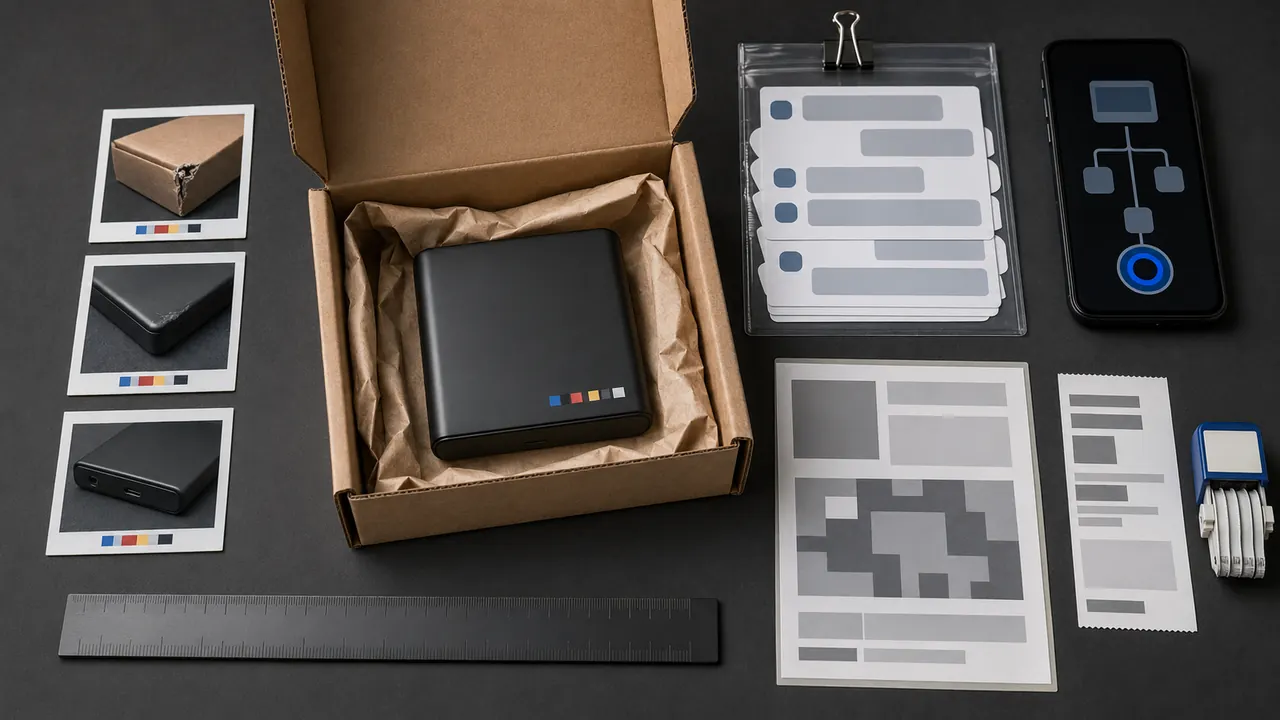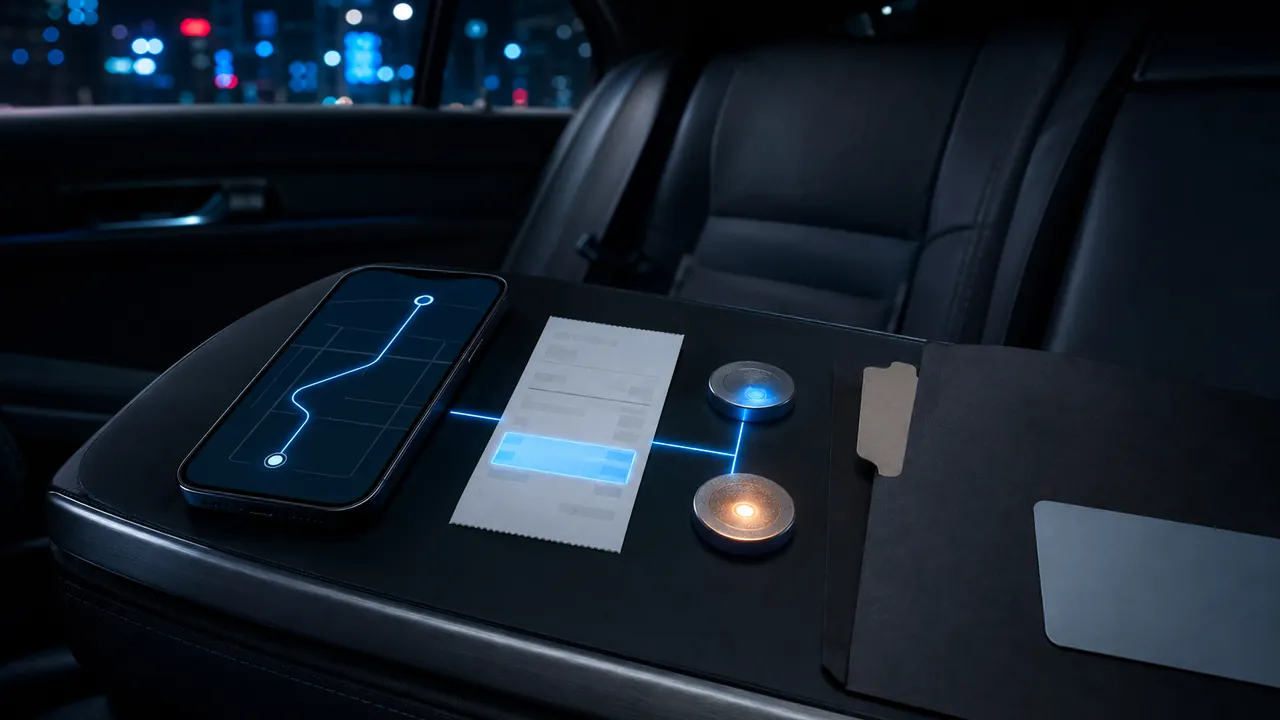
Open the specific trip in the app, save its receipt and timeline, then challenge the exact item shown—fare adjustment, cancellation fee, tip, damage fee, duplicate charge or temporary authorization. General messages such as I was charged wrong are harder to resolve than a short claim tied to a trip ID, date, amount and documented policy.
Build the trip record
Save the emailed receipt and the in-app receipt as a PDF or screenshot. Capture pickup and destination, requested and actual times, route, fare breakdown, driver or vehicle identifier, payment method's last digits and all support messages. Do not post that record publicly because it can expose home addresses and travel patterns.
Compare the amount with the final posted bank transaction. A pending authorization can differ from the completed charge and may disappear according to the bank's timing. If two completed transactions remain, document both transaction dates and amounts without sharing the full card number.
Name the issue precisely
For a cancellation fee, record who cancelled, when, the driver's movement and any communication. Ride services can apply cancellation charges, and the applicable amount can vary by market, ride type and circumstances. Use the policy shown for your trip rather than a screenshot from another city or an old article.
For a route or fare problem, mark the unexpected segment and compare it with the receipt explanation. For an unfamiliar trip, first check whether a family member, shared account or digital wallet used the payment method, then secure the ride account and payment account if it remains unauthorized.
Use the trip-specific support path
Both services organize rider help around the ride history. Select the exact trip and closest issue category. State the requested remedy, such as review and refund of a named fee. Attach only relevant evidence. Keep the first case number and reply in the same thread; opening many cases can fragment the record.
A useful message says: On July 10, trip receipt X shows a $Y cancellation fee. The driver cancelled after Z, and the attached timeline shows the circumstances. Please review the fee under the cancellation policy and confirm the decision in writing.
Escalate in the right order
If the first response does not address the evidence, reply once with the mismatch and request review. Preserve automated and human replies. If a final posted card charge is unauthorized or the promised refund never arrives, contact the card issuer promptly. The Consumer Financial Protection Bureau explains that billing-error rights and deadlines differ by payment type; send written notice when required and keep copies.
A chargeback is not a shortcut for dissatisfaction. Give the service a reasonable chance to correct a legitimate service dispute, and describe the facts accurately to the bank. Never claim a trip was unauthorized when the problem is a cancellation fee or route.
After resolution
Save the refund confirmation until the credit posts. Refund initiation and bank posting are different events. Mark the statement when it settles. If the account was compromised, change the password, sign out other sessions where available, enable stronger authentication and remove unrecognized payment methods.
Compact evidence checklist
- Trip ID, date, times and fare breakdown.
- In-app and emailed receipt.
- Cancellation or route timeline.
- Relevant messages, not unrelated chat history.
- Posted bank transaction and refund confirmation.
- Support case number and final decision.
The goal is not a giant dossier. It is a clean chain from trip to policy to charge to requested correction.
Before you dispute a rideshare charge
Do this first: open the trip receipt and check whether the charge, cancellation fee, tip, refund, or support reply is pending or completed. Save the trip ID, pickup and drop-off, time, map, receipt, and support messages.
Do not delete the trip record, argue only by phone, or file a card dispute before saving the app evidence. Recovery is not guaranteed if the app record shows the trip or fee was completed.
Message to use
Please review this trip charge using the trip ID and receipt. I am attaching the pickup, drop-off, time, charge status, and the reason I believe the fee or refund needs review.
Use the official Uber or Lyft trip-support flow first. If the card charge remains wrong after the platform answers, contact the card issuer with the trip receipt and support record.