Before changing an Airbnb stay, open the reservation and record the exact cancellation policy, total price and current dates. Send a formal change request through Airbnb rather than relying on a message that the host is okay with it. A date change, guest-count change and cancellation can produce different prices and refund consequences.
Capture the original contract
Save the itinerary, listing address, host, dates, guest count, price breakdown and cancellation terms displayed for that booking. Policies can differ by listing, booking date, length of stay and special circumstances. A general summary page is not a substitute for the terms attached to your reservation.
Keep important messages on the platform. If a phone call occurs, send a short follow-up in Airbnb messages stating what you understood and asking the other party to confirm. Do not move payment off-platform or accept a promise that cannot be connected to the reservation record.
Use Change reservation for a change
Airbnb's change process sends the other party a request with the proposed dates, guest count or other details. Review the recalculated total before submitting. The host can accept or decline. Until accepted, the original reservation generally remains in place. Do not cancel merely to free dates unless you have reviewed the refund result and intend to cancel.
A longer or shorter stay can change nightly rates, cleaning fees, taxes and discounts. Take a screenshot of the price shown before confirming. If the host proposes a special adjustment, ask that it appear in the official change or Resolution Center process.
If the property or stay has a problem
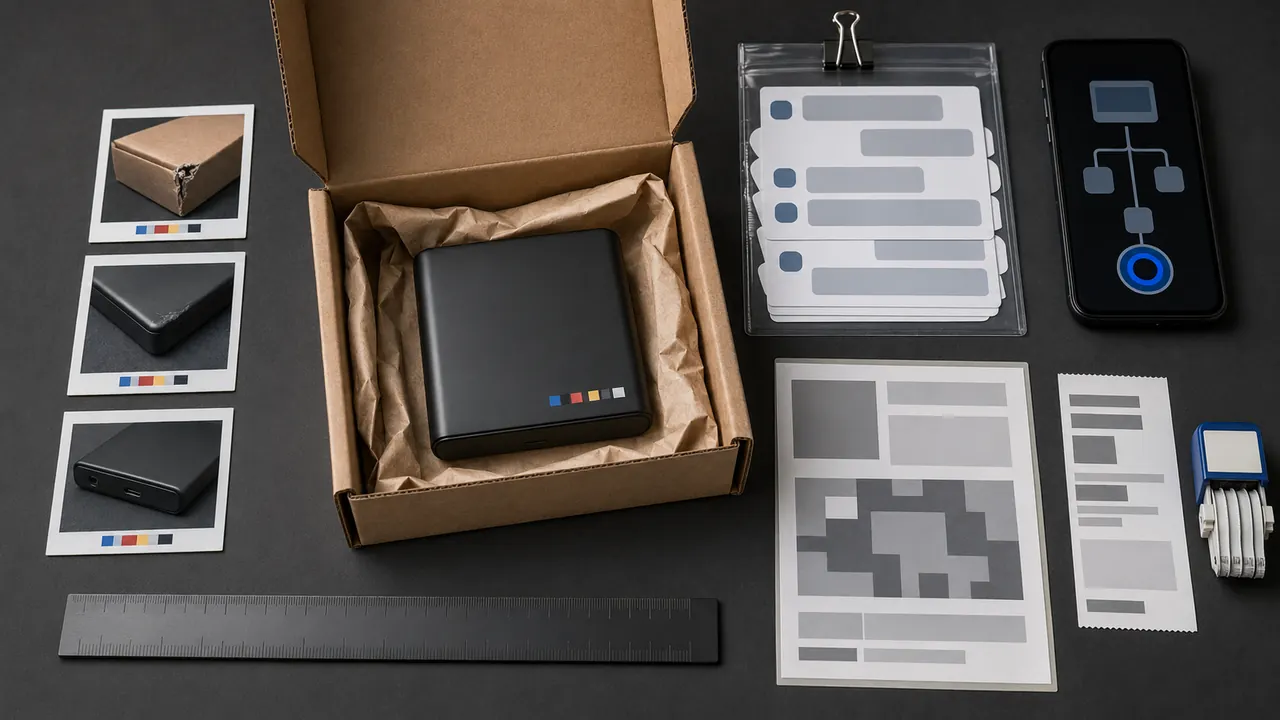
Document the condition promptly with photos or video that show context, not only extreme close-ups. Save timestamps, messages and attempts to let the host address the issue. Airbnb's rebooking and refund policy describes covered travel issues and reporting requirements; read the current policy for deadlines and required cooperation. Do not invent or stage evidence.
Read the refund as a calculation
Separate accommodation charges, service fees, taxes and other items. A policy may refund components differently. Check whether the refund goes to the original payment method and save the stated amount and timing. A refund approved by the platform may take additional time to appear at a bank.
Escalate with a short chronology
Contact Airbnb through the reservation and provide booking code, dates, issue, key messages, evidence and exact requested result. If support gives a decision, ask where the applicable policy is reflected. Keep case identifiers and avoid creating parallel conversations. For an unresolved final card charge, consumer billing-dispute rights may apply, but report the transaction accurately and meet the issuer's deadlines.
Reservation-change checklist
- Save original itinerary, total and attached policy.
- Keep host agreements in platform messages.
- Submit the official change and review the new total.
- Do not cancel unless you accept the displayed consequence.
- Document property problems promptly and factually.
- Save refund amount, destination and support case.
- Confirm the credit on the payment statement.
The safest reservation change is boring: one official request, one visible price, one message trail and no assumption that a friendly conversation silently rewrote the booking.
Before you ask Airbnb or the host
Do this first: open the reservation, check whether the change or cancellation is still pending or already completed, and save the receipt, message thread, dates, fees, and policy screen.
Do not cancel or rebook just because a message says it is faster. Recovery is not guaranteed once a reservation change is completed, and refund timing depends on the listing policy, payment method, and Airbnb support review.
Message to use
Please review this reservation change against the original booking terms. I am attaching the reservation receipt, the current status, and the message thread. Please confirm whether the refund or fee is still pending or already completed.
If the host cannot resolve it, use Airbnb's official Help Center. If the charge posts incorrectly on your card, contact the card issuer with the saved reservation records.