An emergency digital folder should contain the minimum records needed to prove identity, reach key people, access care, protect property and recover critical accounts—encrypted, backed up and explained for a trusted person. It is not a dump of every document you own. A smaller, maintained package is safer and more usable during a disaster, hospitalization, theft or sudden loss of access.
Choose the situations it must cover
Plan for evacuation, phone or laptop loss, account takeover, serious illness and the temporary inability to speak for yourself. Write the first five actions a helper would need to take. That determines what belongs in the folder better than a generic list.
Collect the core records
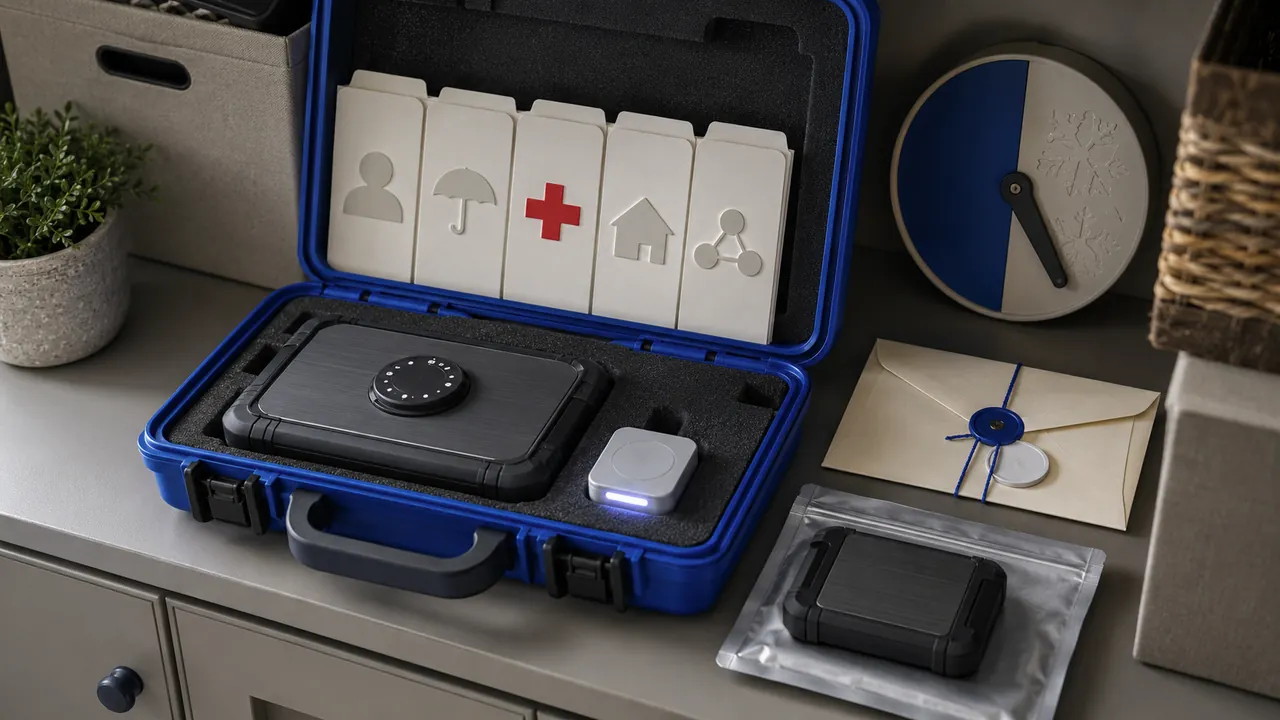
- Identity: copies of government identification, birth or citizenship records where appropriate, and recent photos.
- Household: lease or deed, utility account references, vehicle information, pet records and a home inventory.
- Insurance: policy numbers, insurer contacts and claim instructions.
- Health: medication list, allergies, providers, insurance card and lawful advance-care documents if you have them.
- Financial recovery: institution names, last four account digits and fraud numbers—not a plain-text collection of full passwords.
- Contacts: family, employer, school, landlord, attorney or other genuine roles relevant to you.
- Digital recovery: password-manager emergency-access instructions, backup-code locations and device recovery steps.
Ready.gov's Emergency Financial First Aid Kit organizes household, financial and legal records for recovery. Use it as a prompt, but include only records you actually possess and are authorized to store.
Do not create a master theft kit
Encrypt the folder with a strong unique passphrase. Prefer a well-supported encrypted archive or encrypted storage that can be opened from more than one device. Do not place the passphrase in the same folder. A password manager with emergency-access or documented recovery can protect credentials better than a spreadsheet.
Redact unnecessary full numbers from quick-reference copies. Keep complete records only when they would genuinely be needed. Review sharing permissions on cloud folders; a private-looking link may be accessible to anyone who receives it.
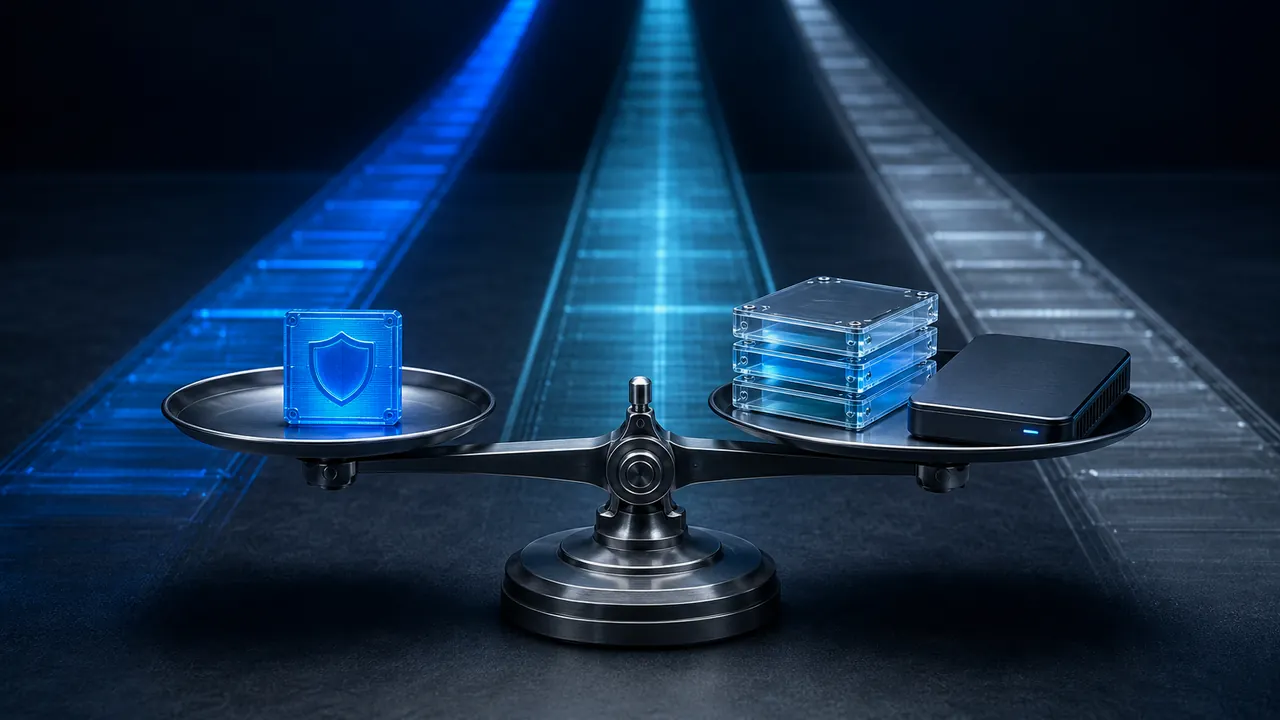
Use independent copies
CISA recommends backups that are separate from the primary system and tested. Keep an encrypted cloud copy and an encrypted offline copy, such as a drive stored in a secure different location. A synchronized folder alone can mirror accidental deletion or ransomware. For a physical go-bag, include a printed contact and medication sheet plus instructions for locating the encrypted records, not every sensitive credential in plain view.
Give access deliberately
Choose a trusted person and explain when access is appropriate. Confirm they can find the instructions without casually exposing the secret. For formal authority over health, finances or property, use valid documents and qualified legal guidance; a note in a folder does not create legal power.
Test the package
Twice a year and after a move, new insurer, medication change or device replacement, open the files from a second device. Verify the decryption method, links, phone numbers and document legibility. Record the review date. Replace expired IDs and remove obsolete accounts. Test one restore rather than assuming a backup icon means success.
A one-hour starter version
- Create an encrypted folder and README.
- Add ID, insurance, medications and emergency contacts.
- Add household and account-recovery references.
- Make one encrypted offline and one protected remote copy.
- Store the access secret separately.
- Tell one trusted person how the process works.
- Set a six-month review reminder.
Preparedness is successful when the folder can be used calmly by someone who did not organize it. Clear filenames, a short index and tested access matter more than an enormous archive.