
Security & Truststory6 min
Build an Account Recovery Plan Before a Lockout
Make a short recovery record now, use only official provider routes, and know what to inspect after access returns.
Payment problems, online safety, browser privacy, AI tools, and everyday tech choices.
Search by idea, then narrow by desk, format, or date order.
13 results for "recovery"
Make a short recovery record now, use only official provider routes, and know what to inspect after access returns.

Recovery codes belong outside the account and outside the device they are meant to rescue.

A recovery mailbox should be independent, monitored, strongly protected, and used for recovery—not newsletters and random signups.

Use the right recovery branch, remove hidden mailbox access, then protect the accounts that depend on this address for password resets.

Use a passkey or security key where it fits, keep a tested recovery path, and treat codes and push prompts as useful fallbacks—not equal protection.
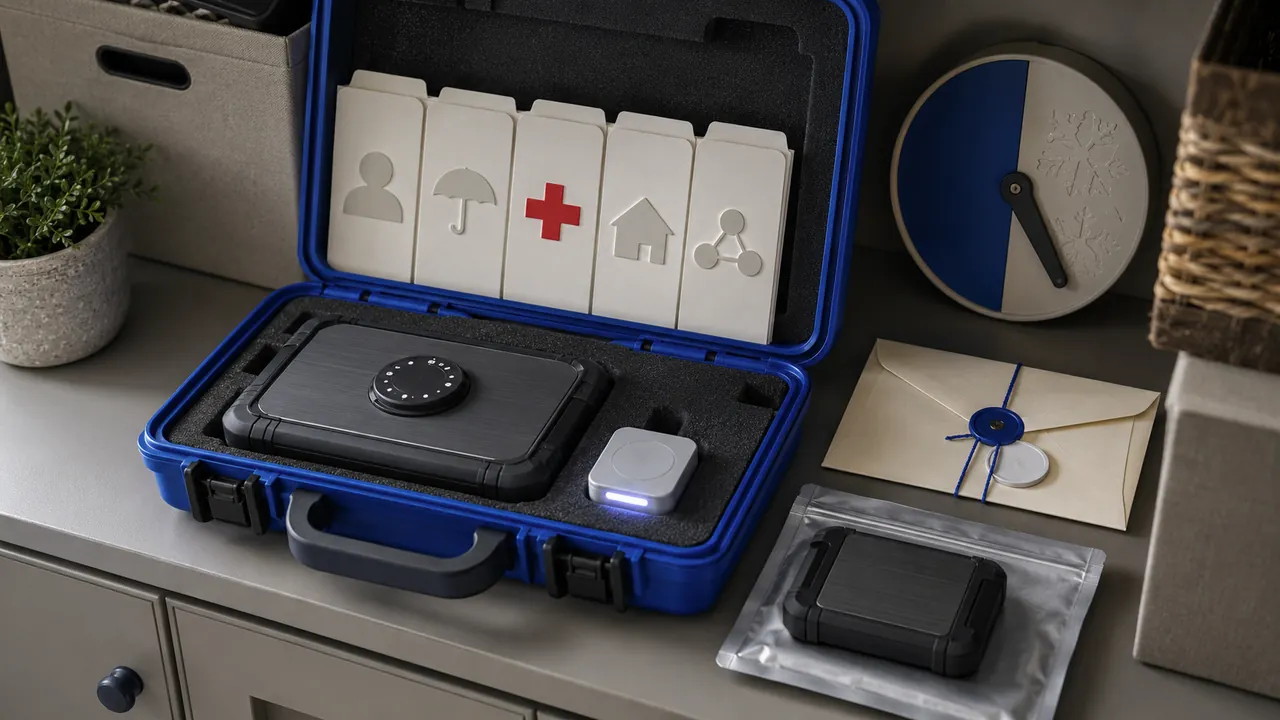
Store essential records, contacts and recovery instructions in an encrypted, backed-up package that a trusted person can use under pressure.

First rule out an outage. Then ask the carrier whether your SIM, device, or phone number changed, protect email and money accounts without SMS, and preserve the incident record.
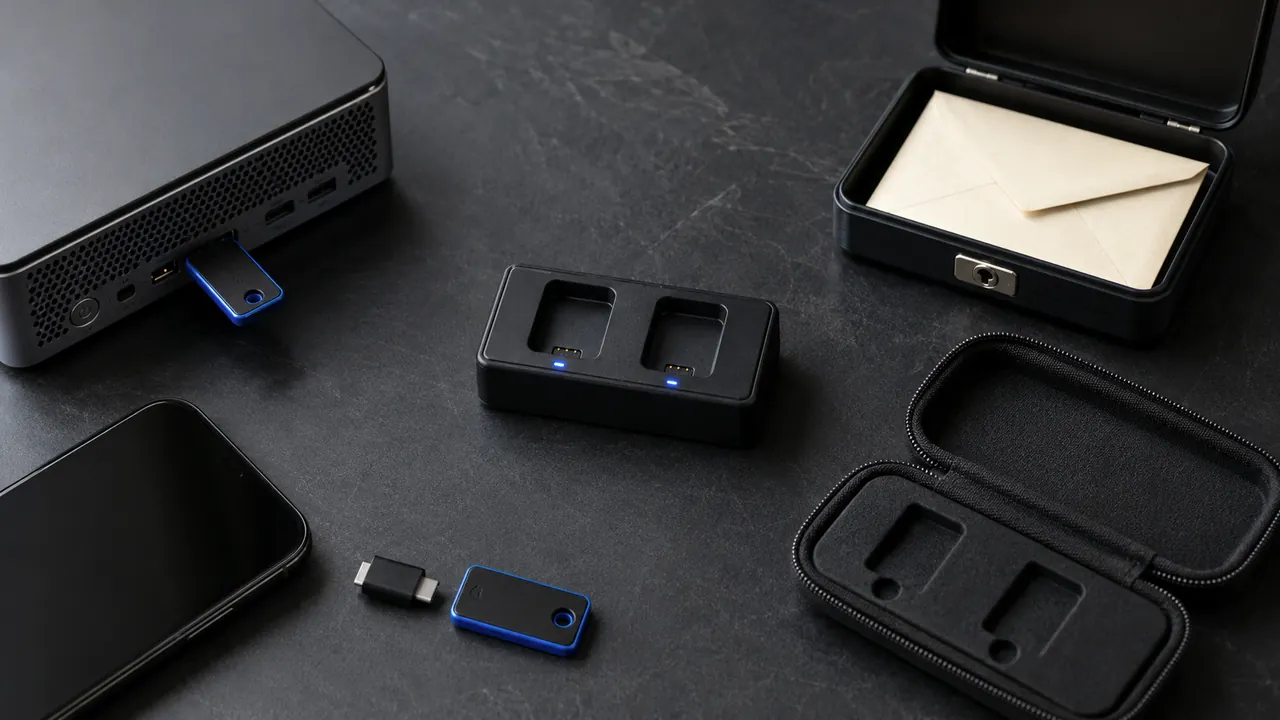
Security keys can resist common phishing, but everyday readiness requires two keys, supported accounts, and a recovery route.

A calm first-hour checklist that gets updates, recovery, privacy, and backups right before daily use begins.

Start with a unique master password, recovery material, and a small migration—not a rushed import of every account.

Prioritize new sign-ins, recovery changes, money movement, and new-device notices; route them somewhere you will see.

Use family roles, delegates, shared vaults, or separate logins; document ownership and recovery before access changes.

A practical pre-use check for data access, permissions, evidence, recovery, ownership and repeatable testing.