
Security & Truststory2 min
Are You Ready for a Hardware Security Key?
Security keys can resist common phishing, but everyday readiness requires two keys, supported accounts, and a recovery route.
Payment problems, online safety, browser privacy, AI tools, and everyday tech choices.
Search by idea, then narrow by desk, format, or date order.
30 results for "security"
Security keys can resist common phishing, but everyday readiness requires two keys, supported accounts, and a recovery route.

Prioritize new sign-ins, recovery changes, money movement, and new-device notices; route them somewhere you will see.

A safe install starts before you click Download: verify the publisher, the address, the file and the permissions the installer requests.

Open the account yourself, compare the device, time, browser, and activity, then use the provider's “not me” or security route if the event is not yours.

Use a passkey or security key where it fits, keep a tested recovery path, and treat codes and push prompts as useful fallbacks—not equal protection.

Make a short recovery record now, use only official provider routes, and know what to inspect after access returns.

Remove old OAuth grants and sign-in connections that no longer have a clear job.
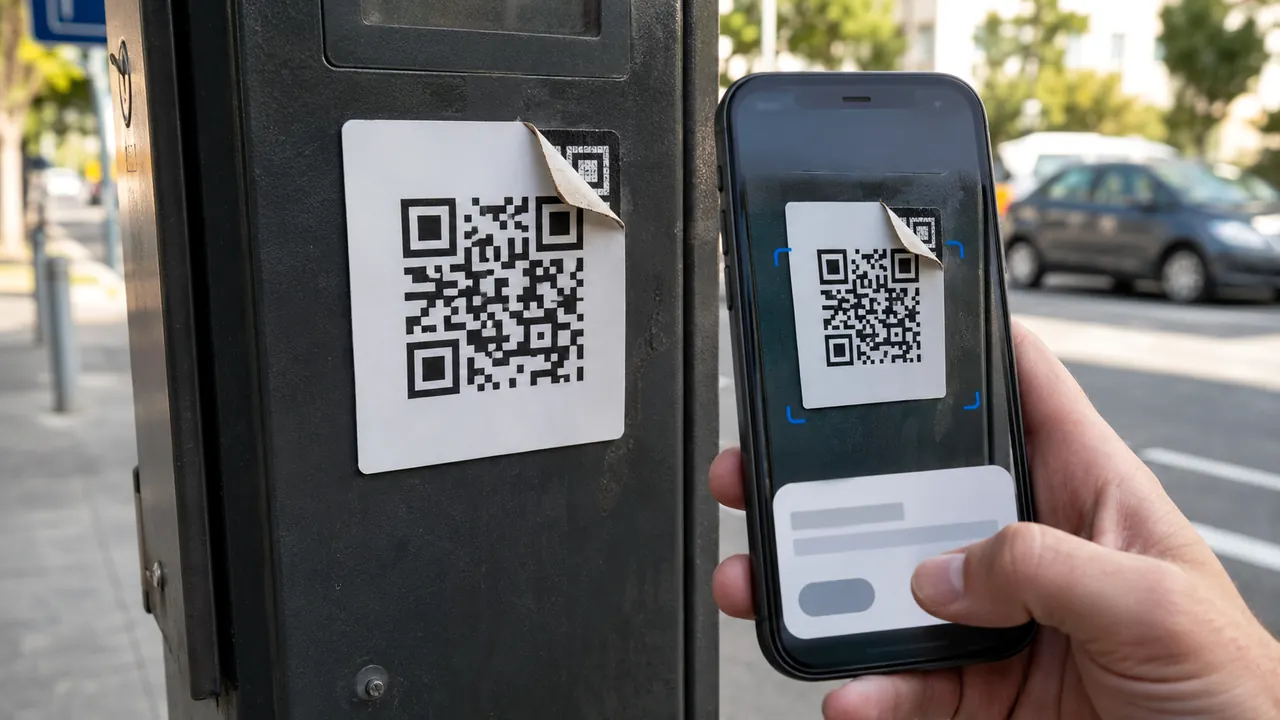
Treat a QR code as a concealed link: preview it, inspect its context, and use a known route for payments or logins.

Start with a unique master password, recovery material, and a small migration—not a rushed import of every account.

A recovery mailbox should be independent, monitored, strongly protected, and used for recovery—not newsletters and random signups.

Ignore the number in a warning, ad, or unsolicited message; open the app or type the official site yourself.

Update quickly when security is at stake, but use backups, release notes and a small delay window to protect important work.

Security fixes do not help a browser that has been waiting weeks for a restart. Check the real version, restart when required and retire unsupported systems.

Map the job, separate read from write, require approval for consequential actions, and know which control actually removes access.
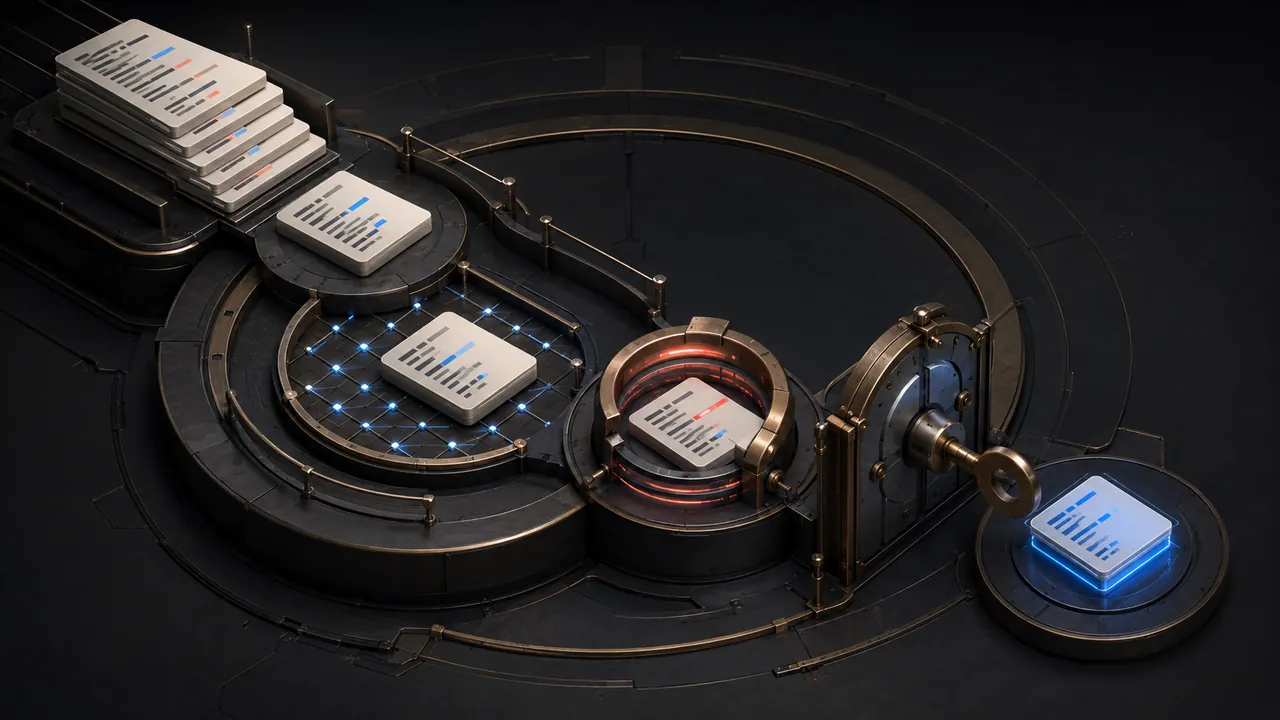
Generated code can contain insecure defaults and invented packages. Review the diff before running it.

A five-star rating cannot tell you whether an extension can read every page you visit. The permission screen can—and it deserves a minute before installation.

The browser can try HTTPS first and warn before loading an insecure connection. That protects the trip to a site, but it does not prove the site itself is honest.

A website notification can appear outside the tab and imitate a system warning. Remove the site's permission instead of clicking the alert or installing its suggested fix.

A malicious page can contain instructions aimed at the AI reading it. Limit permissions and confirm actions.

Do not approve a permission because an app asks. Match each request to a feature you are intentionally using, then choose the narrowest access.

Store essential records, contacts and recovery instructions in an encrypted, backed-up package that a trusted person can use under pressure.
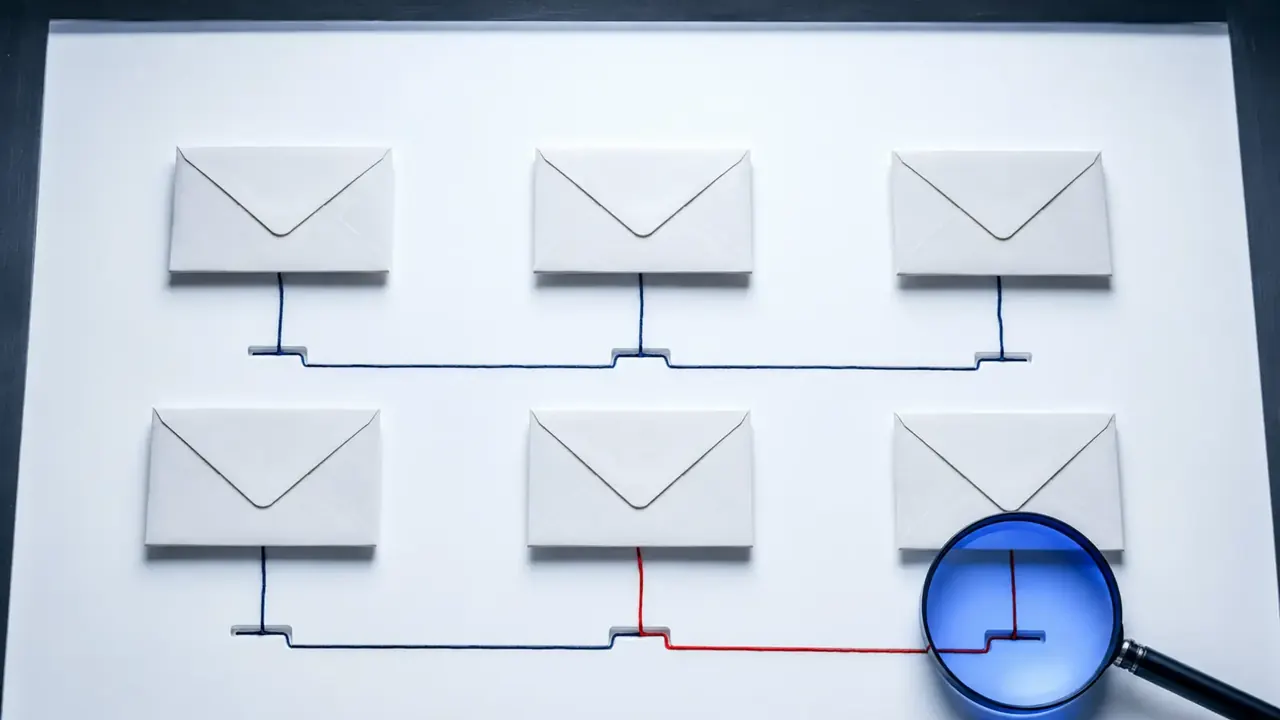
This source-backed quiz practices independent verification instead of guessing from logos, grammar or urgency.

The biometric or PIN unlocks an authenticator; the website receives cryptographic proof rather than your fingerprint.

Use the right recovery branch, remove hidden mailbox access, then protect the accounts that depend on this address for password resets.

First rule out an outage. Then ask the carrier whether your SIM, device, or phone number changed, protect email and money accounts without SMS, and preserve the incident record.

Back up, sign out, remove locks, erase correctly, and verify the device no longer appears in your account.

Recovery codes belong outside the account and outside the device they are meant to rescue.

Use family roles, delegates, shared vaults, or separate logins; document ownership and recovery before access changes.

Local inference can avoid sending prompts to a host. The app, plugins and device security still define privacy.

Look first for security, breaking changes, deprecations and migrations; the rest tells you whether an update affects your actual workflow.