Deleting a ChatGPT conversation may not delete the file you uploaded. When Library is available for your account or workspace, OpenAI says conversation uploads are saved there and managed separately from chats. Delete the chat for the conversation record, then check Library and delete the file there too.
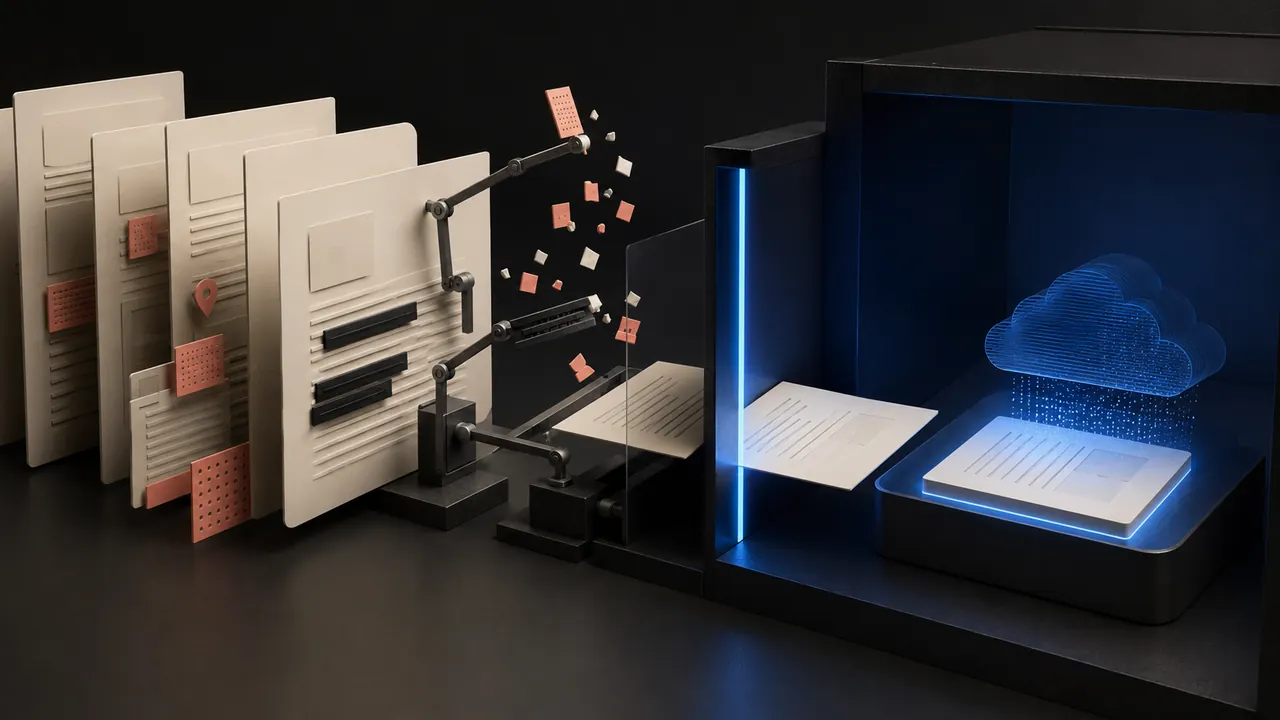
Before uploading, make a task-specific copy with only the pages, rows, and fields the answer needs. Do not treat a training opt-out, Temporary Chat, chat deletion, or closing the browser as interchangeable privacy controls. Each solves a different problem.
Choose the destination before you attach the file
| Upload location | What happens to the file | Cleanup route |
|---|---|---|
| Ordinary chat when Library is available | The uploaded or created file is saved to Library and can be reused across chats. The chat and Library file are managed separately. | Delete the chat, then open Library and delete the file. If Recently deleted appears, empty it or wait for permanent deletion. |
| Temporary Chat | The file is not saved to your account or Library. OpenAI says Temporary Chats stay out of history, memory, and training and are automatically deleted within 30 days. | Close the task knowing this is lower-retention, not zero-retention. Legal and security exceptions can still apply. |
| Project, including a shared project | The file is retained with the project until the project is deleted. | Remove the file if the interface allows it, or delete the project when its work and shared access are no longer needed. |
| Custom GPT knowledge | The knowledge file is retained until the custom GPT is deleted. | Remove the knowledge file or delete the GPT. Deleting a conversation with that GPT is not the same cleanup action. |
| Business, Enterprise, Edu, or Healthcare workspace | Library availability and retention can follow workspace policy. OpenAI says business-product inputs and outputs are not used for training by default. | Follow the workspace policy and administrator route; a personal-account toggle does not override organization retention or access rules. |
Library is still rolling out across accounts, regions, and managed workspaces. If you do not see it, do not guess that the file vanished with the chat. Check the product's current storage page and the workspace policy that applies to your account.
Run this check before upload
- Name the account and workspace. Confirm whether it is personal, work, school, or another organization's managed environment.
- Name the destination. Decide whether the task belongs in an ordinary chat, Temporary Chat, Project, or custom GPT. A one-time comparison rarely needs reusable knowledge.
- Make a smaller copy. Keep the unchanged original somewhere approved. Export only the relevant pages, sheets, columns, or paragraphs for the AI task.
- Remove hidden data. Check comments, revision history, tracked changes, speaker notes, hidden rows and sheets, formulas, document properties, filenames, and embedded objects.
- Set training controls before the conversation. On a personal workspace, turn off Settings → Data Controls → Improve the model for everyone when you do not want new conversations used for model improvement. The setting is forward-looking; it is not deletion.
- Check authority. Do not upload another person's private information, client records, credentials, regulated data, or confidential work merely because the interface accepts the file.
Redaction must remove the underlying value
A black rectangle drawn over live text can leave the text searchable, selectable, or recoverable. Delete the value from a working copy or use a redaction tool that removes the underlying content, then reopen the exported file and try to select, search, copy, and inspect it.
Spreadsheets need their own pass. Hidden columns, formulas, named ranges, pivot caches, comments, and extra tabs can reveal data that is not visible in the first view. When the task only needs totals or relationships, replace direct identifiers with stable labels and remove unrelated rows before upload.
Training and storage are separate decisions
OpenAI says content from personal services may be used to improve models depending on the account's settings. Turning off Improve the model for everyone applies to future conversations. It does not delete an existing chat, remove a Library file, erase a Project, or revoke a shared copy.
OpenAI says ChatGPT Business, Enterprise, Edu, Healthcare, and API inputs and outputs are not used for training by default unless the organization explicitly opts in. That training default does not make every file appropriate to upload. Workspace administrators can set retention and access rules, and your organization can impose stricter requirements than the product.
If you submit thumbs-up or thumbs-down feedback, read the disclosure before sending it. OpenAI says feedback can include the associated conversation even when ordinary training is disabled. Reproduce a problem with invented data when the original file is not necessary.
Temporary Chat is useful, but it is not zero retention
Temporary Chat is the clearest choice for a one-off task that does not need history, memory, or Library reuse. OpenAI says files uploaded there are not saved to Library, and Temporary Chats are not used for training. It also says those chats are automatically deleted within 30 days, with security or legal exceptions.
That makes Temporary Chat a lower-retention context, not an approved route for secrets or records that must never leave your system. If the task cannot tolerate service-side processing or a deletion window, do not upload the file.
Check what the model actually read
File privacy and answer quality meet at extraction. OpenAI says document handling varies by plan: some flows primarily extract digital text, while supported Enterprise PDF retrieval can interpret embedded visuals. Scans, diagrams, handwriting, faint text, and complex columns may be missed or misread.
- Ask for the detected page count, sheet names, headings, and any unreadable or omitted elements.
- Compare several quoted passages, totals, and dates with the working copy.
- Do not rely on a confident summary when the tool could not access a table, scan, image, or hidden sheet that changes the conclusion.
- Keep generated charts, transformed documents, and downloaded code under the same sensitivity classification as the source until reviewed.
Delete with a map, not one button
- Delete the conversation if you no longer need the visible chat record. Archiving only keeps it out of the main list; it is not a deletion request.
- Open Library when available and delete the uploaded and generated files connected to the task. Check Recently deleted if your Library shows it.
- For a Project or custom GPT, remove the file or delete the container that retains it. Check shared-project access before assuming the work is private.
- Delete unnecessary downloaded outputs, exports, shared links, tickets, emails, and copies in connected services.
- If the file exposed a password, token, recovery code, private link, or account number, rotate or revoke it. Deletion cannot make a copied credential safe again.
OpenAI says deleted chats and Library files are scheduled for permanent deletion within 30 days, subject to de-identification and legal or security exceptions. Record the account, workspace, upload location, deletion action, and date when the task requires an audit trail. Do not preserve the sensitive file merely to prove that you deleted it.
The safest sequence is simple: minimize the copy, choose where it will live, set the training control before use, verify what the model read, and delete the chat, Library file, Project or GPT, and downstream outputs separately. The upload button is only the beginning of the file's lifecycle.