
Practical Technologystory2 min
When Wi-Fi Works Everywhere Except One Device
Use a device-first diagnostic order instead of rebooting the entire house at random.
Payment problems, online safety, browser privacy, AI tools, and everyday tech choices.
Search by idea, then narrow by desk, format, or date order.
23 results for "Wi-Fi"
Use a device-first diagnostic order instead of rebooting the entire house at random.

Profiles create durable separation for accounts, history, extensions and settings. Private windows are temporary sessions, not a reliable work-personal boundary.

A file can remain in Library after its chat is deleted. Choose the right upload location, remove unnecessary data, set training controls first, and clean up every stored copy.

Start with the print queue and connection path; reinstalling drivers is a late step, not the opening move.

Pick one transfer path, verify the destination, then remove the old copy only after a checksum or spot check.

A durable file name carries date, subject, and version without depending on one app’s search index.

Keep the editable original, but also export important work to open, well-documented formats that many programs can read.

Reserve immediate interruptions for people and events that require action; batch everything else into summaries, quiet delivery or scheduled checks.

Remove the program normally first, then check startup entries, browser add-ons, cloud data and large leftovers without deleting mystery system files.

Save the confirmation, identify the transfer rail and status, then tell the bank exactly whether this was unauthorized, scam-induced, or misdirected.

Capacity measures what can fit, not whether every detail receives equal attention.

Modern browsers can put third-party cookies into separate site-specific jars, reducing cross-site tracking while preserving many embedded features.

A safe install starts before you click Download: verify the publisher, the address, the file and the permissions the installer requests.

Use a passkey or security key where it fits, keep a tested recovery path, and treat codes and push prompts as useful fallbacks—not equal protection.

Use Cash App's in-app support, official help pages, and published phone numbers. Avoid search-ad numbers, remote-access requests, and anyone asking for your PIN.

Many shared URLs contain campaign and click identifiers after the useful address. Strip known tracking parameters carefully, then verify the cleaned link still opens the same page.
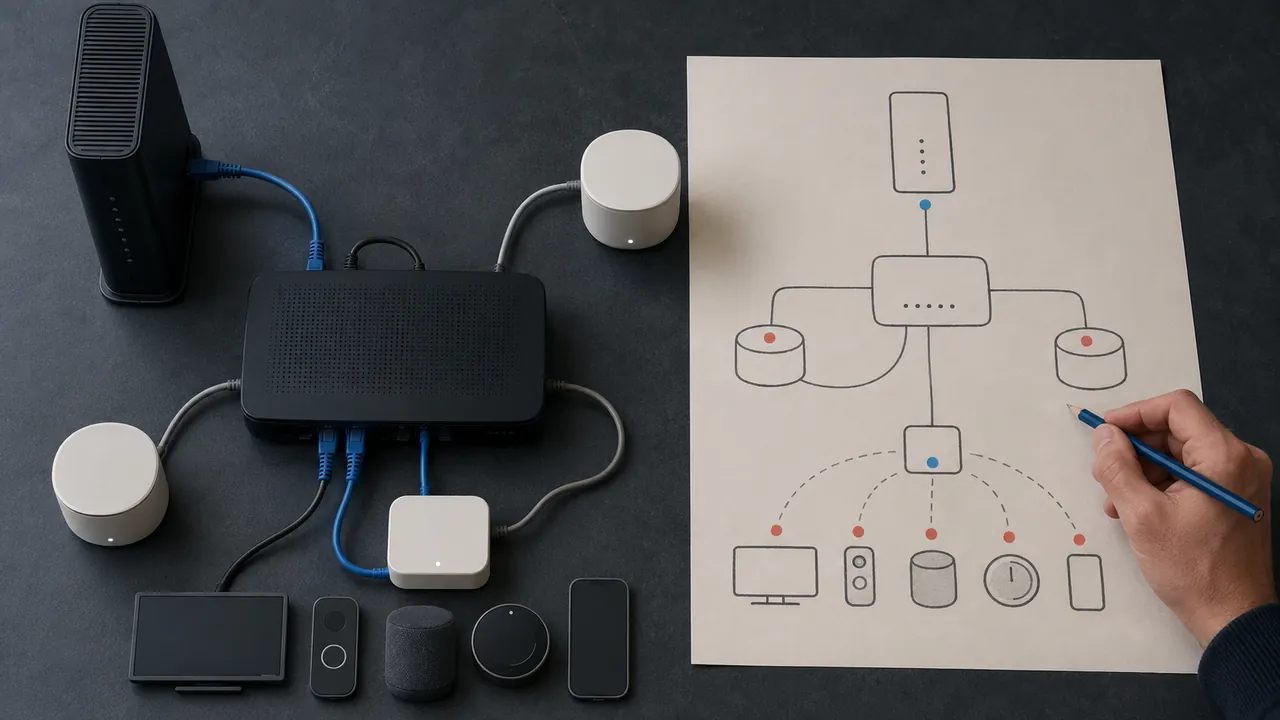
A one-page map of modem, router, mesh nodes, and important devices turns outages into answerable questions.

Look first for security, breaking changes, deprecations and migrations; the rest tells you whether an update affects your actual workflow.

Cache, cookies, history and synced data are different things. Start with the smallest reset that matches the symptom.

Preserve the error, isolate the cause and use repair tools first. Reinstallation can erase clues and settings without fixing the underlying problem.
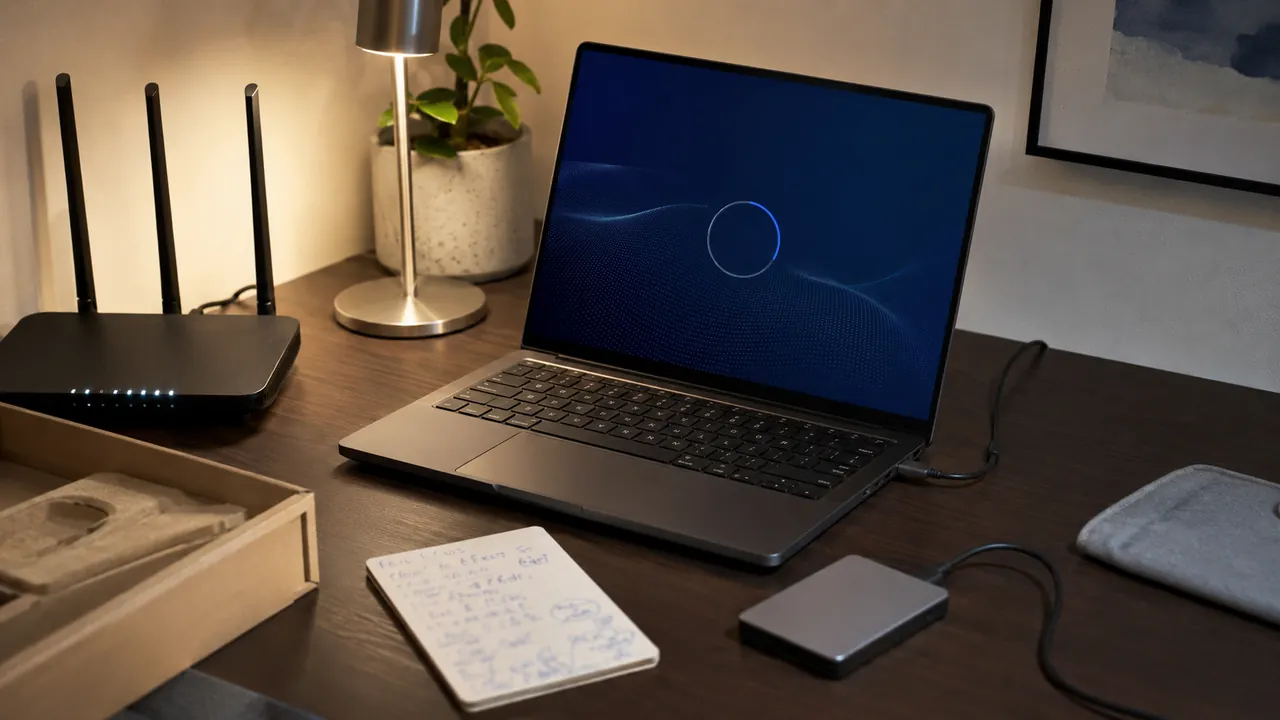
A calm first-hour checklist that gets updates, recovery, privacy, and backups right before daily use begins.

Prioritize new sign-ins, recovery changes, money movement, and new-device notices; route them somewhere you will see.
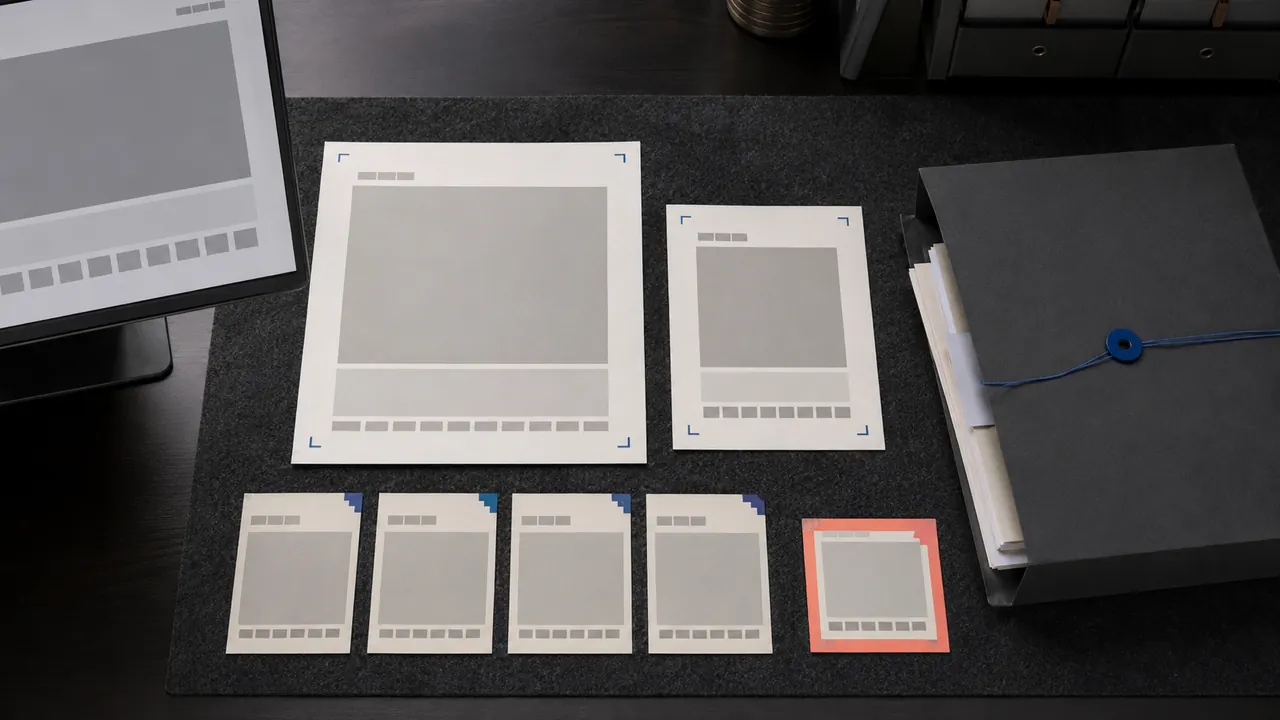
Capture context, time and identity without exposing secrets—and preserve original files plus the surrounding record.