Sun, Jul 12, 2026NY 8:00 PM EDTLA 5:00 PM PDTLON 1:00 AM GMT+1PAR 2:00 AM GMT+2DXB 4:00 AM GMT+4SIN 8:00 AM GMT+8TOK 9:00 AM GMT+9SYD 10:00 AM GMT+10UTC 12:00 AM UTCPayment alerts updated guide pathsScam watch official links firstConsumer alertsSupport-scam watchMoney help deskHow-to guidesSun, Jul 12, 2026NY 8:00 PM EDTLA 5:00 PM PDTLON 1:00 AM GMT+1PAR 2:00 AM GMT+2DXB 4:00 AM GMT+4SIN 8:00 AM GMT+8TOK 9:00 AM GMT+9SYD 10:00 AM GMT+10UTC 12:00 AM UTCPayment alerts updated guide pathsScam watch official links firstConsumer alertsSupport-scam watchMoney help deskHow-to guides
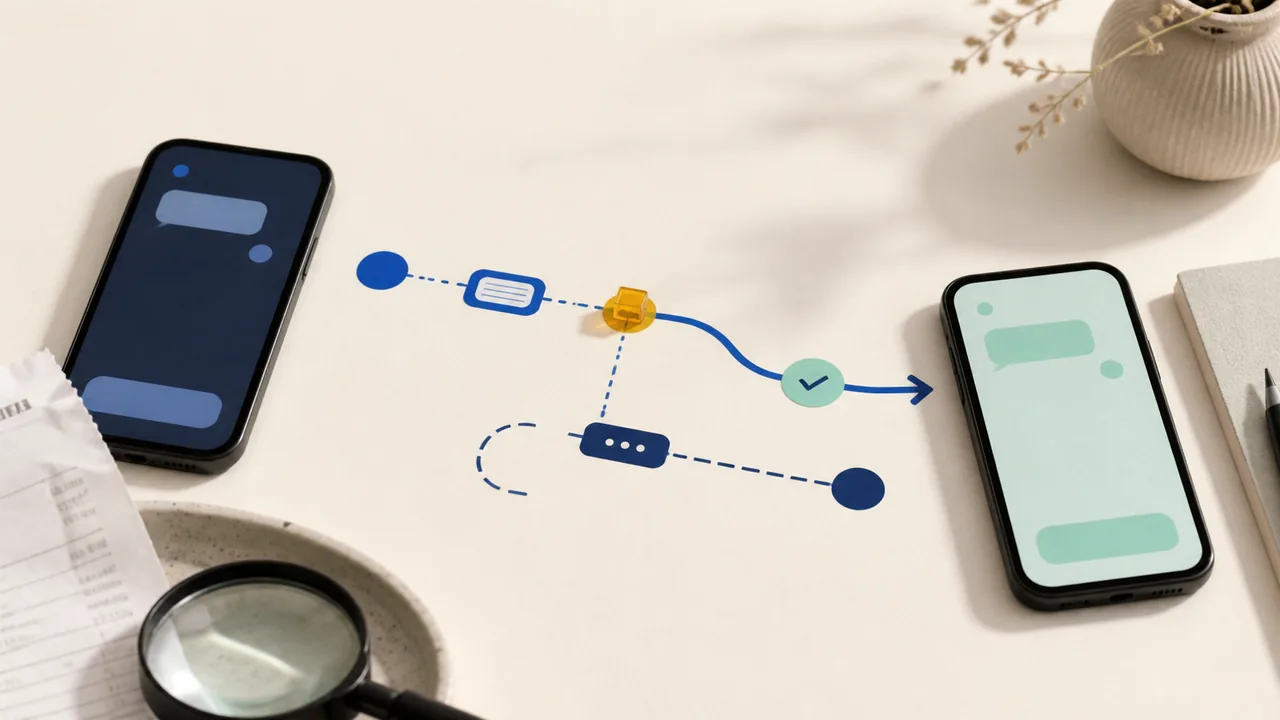
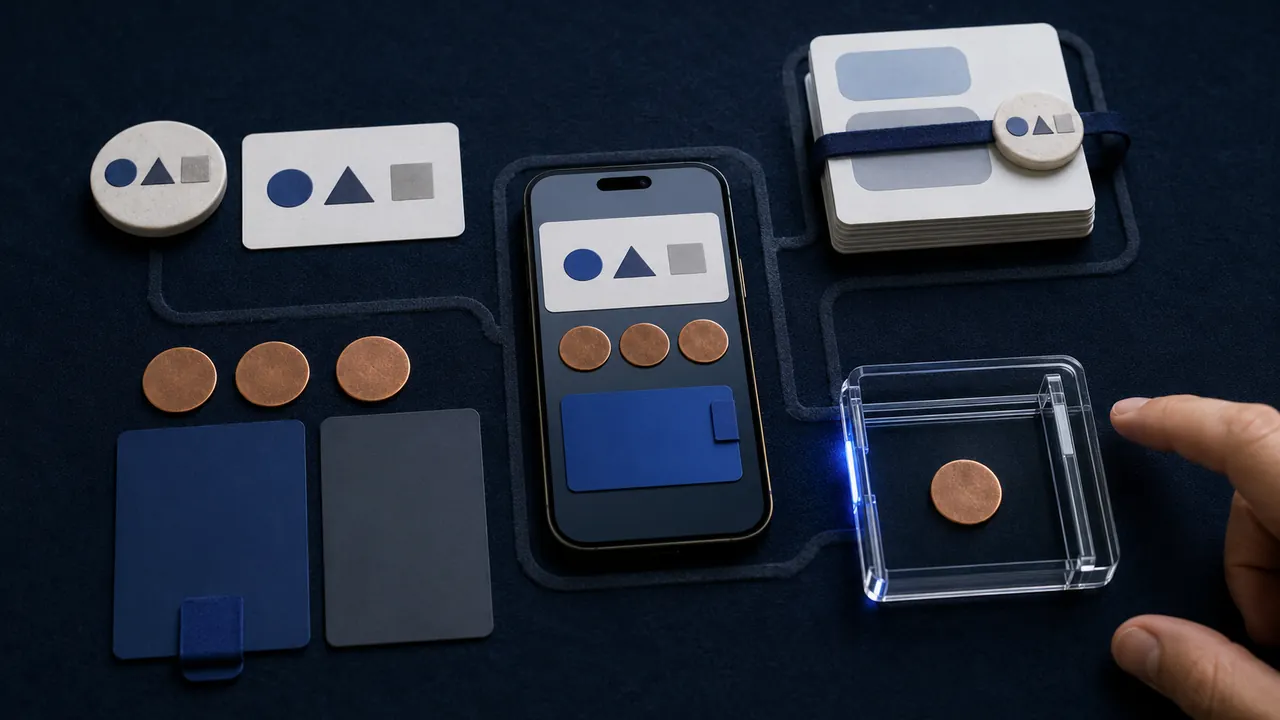
Open the Zelle payment in your bank or credit-union app, save its status and recipient details, then follow the branch for pending, completed, scam-induced, or unauthorized activity.
Open the Chime transaction, identify whether it is a card purchase, Pay Anyone payment, or bank transfer, then follow its pending, declined, completed, or unauthorized path.
Open the Apple Cash transaction, save the recipient and funding details, then follow the pending, completed, unrecognized, or scam path without sending more money.
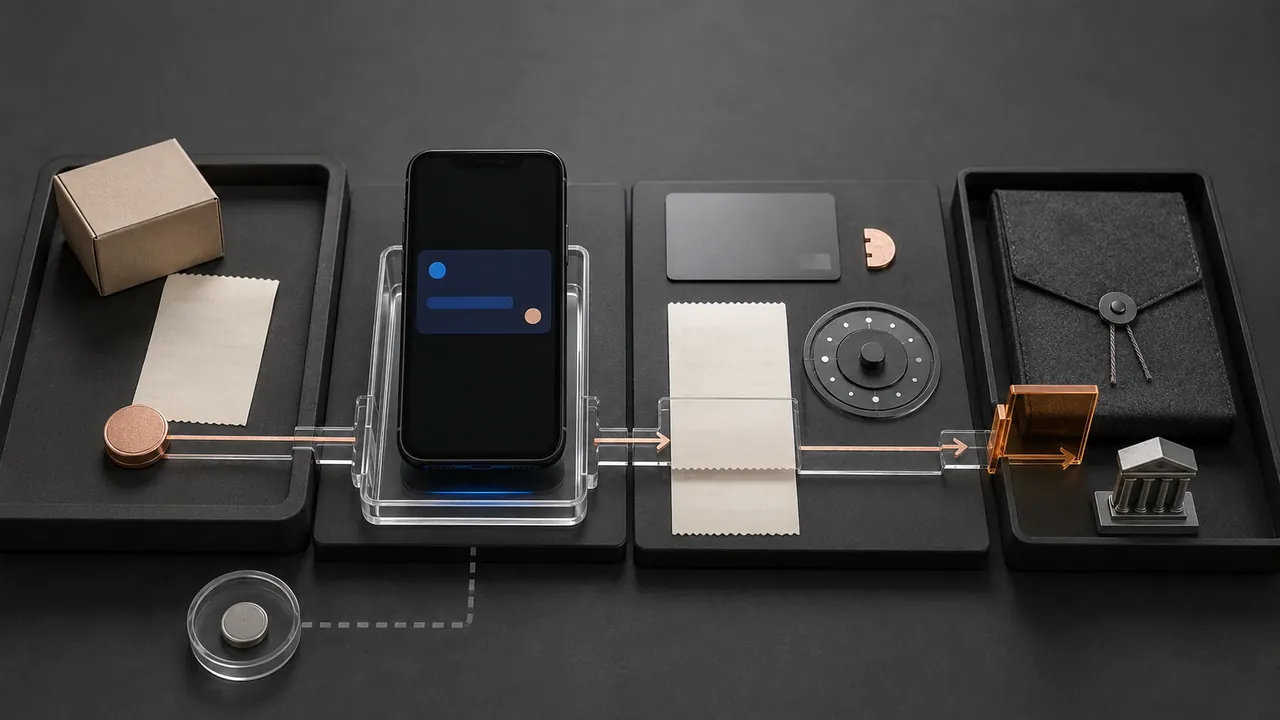
Check the original card statement, separate a pending charge from a posted one, and ask the merchant for the refund trace number before opening the wrong dispute.